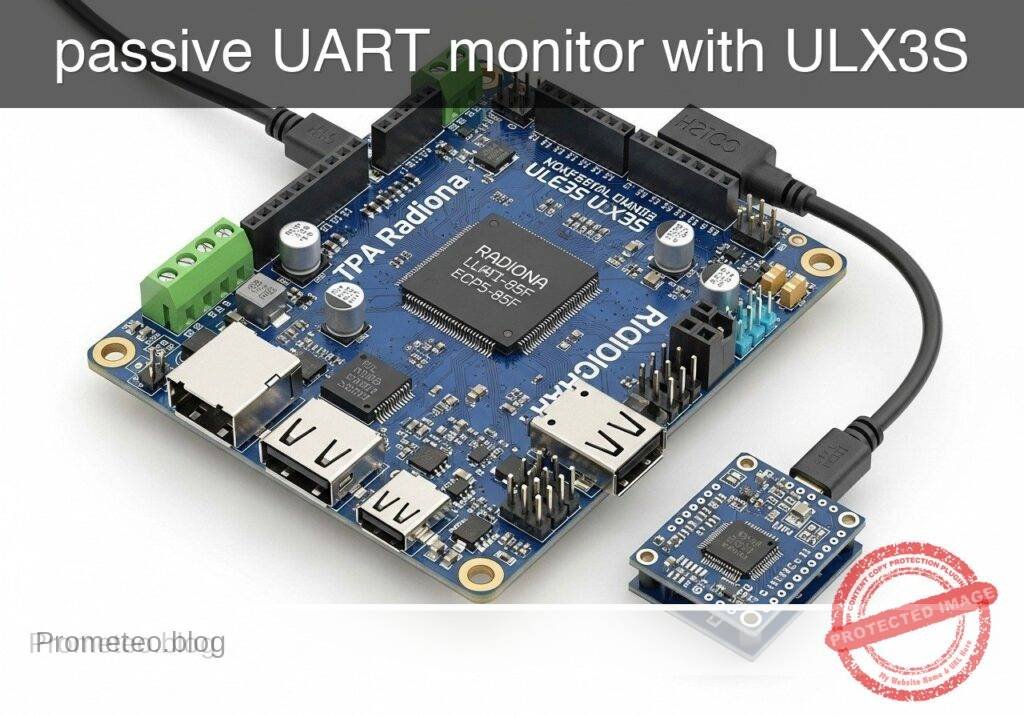
Practical case: passive UART monitor with ULX3S

Practical case: passive UART monitor with ULX3S — hero

Objective and use case

What you’ll build: A practical UART monitor on the Radiona ULX3S (Lattice ECP5-85F) that passively taps a real 3.3 V, 115200 baud, 8N1 TX line, decodes each byte in FPGA logic, and forwards readable lines such as RX 48 OK to a PC over a second UART. The design also flashes an on-board LED on traffic and is clean enough to lint with Verilator and synthesize with Yosys.

Why it matters / Use cases

  • Debug embedded devices without changing their firmware by watching a live 3.3 V UART stream non-invasively.
  • Turn raw serial traffic into human-readable monitor output for bring-up, factory test, and field diagnostics.
  • Practice reliable FPGA serial design with concrete timing: 115200 baud means about 86.8 µs per byte frame in 8N1, so the monitor must sample and format data correctly at line rate.
  • Useful when validating boot logs, sensor controllers, GPS modules, or MCU debug prints that already transmit over UART.

Expected outcome

  • The ULX3S receives bytes from an external 3.3 V UART source and decodes them correctly at 115200 baud, 8N1.
  • For every received byte, the FPGA emits a readable line like RX 48 OK to a USB-UART adapter connected to a PC terminal.
  • An on-board LED blinks briefly on each character, giving immediate visual confirmation of traffic.
  • The RTL passes Verilator lint and synthesizes with Yosys for the ECP5-85F, with very low FPGA load relative to available logic and no meaningful GPU usage (0% GPU).

Audience: FPGA learners, embedded engineers, and hardware debuggers working with UART-based systems; Level: beginner to intermediate

Architecture/flow: 3.3 V device TX -> ULX3S UART RX decoder -> formatter -> ULX3S UART TX -> USB-UART adapter -> PC terminal

Educational validation note

Before publication, this case passed the Prometeo automated validation gate with status PASS. For this FPGA/ULX3S profile, the synthesizable Verilog blocks were checked with Yosys (read_verilog) and the Verilog design/test set was linted with Verilator. The validator also checked code-block structure, copy/paste-safe ASCII command options, unsupported stacks, and availability of the ULX3S/ECP5 toolchain (yosys, nextpnr-ecp5, ecppack, openFPGALoader).

Published validation evidence

  • Automatic result: PASS.
  • Parsed structure: 35 sections, 1 tables and 15 code blocks detected in the published content.
  • Checked code: 2 Verilog/Yosys-Verilator, 10 Bash/copy-paste checks.
  • Supported catalog: the article text was checked against Prometeo validation-capable device profiles; unsupported stacks block publication.
  • Report findings: no blocking findings.

This validation confirms syntax and tool compatibility for the published code, but it does not replace physical testing on your exact ULX3S board revision, pin-constraint file and real wiring.

Educational safety note

This project is an educational prototype, not a certified product. Before powering the setup, verify the pinout of your exact ULX3S board revision, keep FPGA I/O signals at 3.3 V, never connect 5 V directly to I/O pins, disconnect power before changing wiring, and use suitable external supplies for loads, motors or servos while sharing ground only when the wiring requires it.

Conceptual block diagram

High-level view: what enters the system, what each block processes, and what comes out.

Functional architecture

3.3 V device TX

ULX3S UART RX decoder

formatter

ULX3S UART TX

USB-UART adapter

PC terminal

Conceptual signal and responsibility flow between device blocks.

Validation path

Source code

Verilator

Yosys

Hardware implementation

Conceptual summary of the tools used to check the published material.

Prerequisites

Materials

Item Exact model/family Purpose
FPGA board Radiona ULX3S, Lattice ECP5-85F Runs the UART monitor
Serial source 3.3 V UART device Signal being observed
USB-UART adapter 3.3 V compatible adapter Sends monitor output to the PC
USB cable For ULX3S Power and programming
USB cable For adapter PC serial connection
Jumper wires As needed TX and GND wiring

Educational safety note

Low-voltage digital electronics only.

  • Do not connect RS-232 voltage levels directly to FPGA pins.
  • Do not connect 5 V UART directly to ULX3S I/O.
  • Share GND between the external device, ULX3S, and USB-UART adapter.
  • This project assumes 3.3 V UART signaling only.

Wiring

Signals used by the FPGA design:

  • mon_rx: monitored UART input from the external device TX
  • host_tx: UART output from the FPGA to the USB-UART adapter RX
  • led0: activity LED

Connect:

  1. External device TX -> ULX3S pin assigned to mon_rx
  2. External device GND -> ULX3S GND
  3. ULX3S pin assigned to host_tx -> USB-UART adapter RX
  4. USB-UART adapter GND -> ULX3S GND
  5. ULX3S USB -> PC
  6. USB-UART adapter USB -> PC

Project files

Create these files:

  • uart_monitor_top.v
  • tb_uart_monitor_top.v
  • ulx3s_uart_monitor.lpf

Verilog: uart_monitor_top.v

Public preview of the validated file. The complete source is shown to members and in PDF/Print.

module uart_rx #(
    parameter integer CLK_HZ = 25000000,
    parameter integer BAUD   = 115200
)(
    input  wire clk,
    input  wire rst,
    input  wire rx,
    output reg  [7:0] data,
    output reg  valid,
    output reg  framing_error
);
    localparam integer CLKS_PER_BIT  = CLK_HZ / BAUD;
    localparam integer HALF_BIT_CLKS = CLKS_PER_BIT / 2;

    reg rx_sync_0;
    reg rx_sync_1;
    reg [15:0] clk_count;
    reg [3:0] bit_index;
    reg [7:0] rx_shift;
    reg [1:0] state;

    localparam [1:0] S_IDLE  = 2'd0;
    localparam [1:0] S_START = 2'd1;
    localparam [1:0] S_DATA  = 2'd2;
    localparam [1:0] S_STOP  = 2'd3;

    always @(posedge clk) begin
        if (rst) begin
            rx_sync_0 <= 1'b1;
            rx_sync_1 <= 1'b1;
        end else begin
            rx_sync_0 <= rx;
            rx_sync_1 <= rx_sync_0;
        end
    end

    always @(posedge clk) begin
        if (rst) begin
            data <= 8'h00;
            valid <= 1'b0;
            framing_error <= 1'b0;
            clk_count <= 16'd0;
            bit_index <= 4'd0;
            rx_shift <= 8'h00;
            state <= S_IDLE;
        end else begin
            valid <= 1'b0;

            case (state)
                S_IDLE: begin
                    framing_error <= 1'b0;
                    clk_count <= 16'd0;
                    bit_index <= 4'd0;
                    if (rx_sync_1 == 1'b0) begin
                        state <= S_START;
                    end
                end

                S_START: begin
                    if (clk_count == HALF_BIT_CLKS - 1) begin
                        clk_count <= 16'd0;
                        if (rx_sync_1 == 1'b0) begin
                            state <= S_DATA;
                        end else begin
                            state <= S_IDLE;
                        end
                    end else begin
                        clk_count <= clk_count + 16'd1;
                    end
                end

                S_DATA: begin
                    if (clk_count == CLKS_PER_BIT - 1) begin
                        clk_count <= 16'd0;
                        rx_shift[bit_index] <= rx_sync_1;
                        if (bit_index == 4'd7) begin
                            bit_index <= 4'd0;
                            state <= S_STOP;
                        end else begin
                            bit_index <= bit_index + 4'd1;
                        end
                    end else begin
                        clk_count <= clk_count + 16'd1;
                    end
                end

                S_STOP: begin
                    if (clk_count == CLKS_PER_BIT - 1) begin
                        clk_count <= 16'd0;
                        data <= rx_shift;
                        valid <= 1'b1;
                        framing_error <= (rx_sync_1 != 1'b1);
                        state <= S_IDLE;
                    end else begin
                        clk_count <= clk_count + 16'd1;
                    end
                end

                default: begin
                    state <= S_IDLE;
                end
            endcase
        end
    end
endmodule

module uart_tx #(
    parameter integer CLK_HZ = 25000000,
    parameter integer BAUD   = 115200
)(
    input  wire clk,
    input  wire rst,
    input  wire [7:0] data,
    input  wire start,
    output reg  tx,
    output reg  busy
);
    localparam integer CLKS_PER_BIT = CLK_HZ / BAUD;

    reg [15:0] clk_count;
    reg [3:0] bit_index;
    reg [9:0] shifter;

    always @(posedge clk) begin
        if (rst) begin
            tx <= 1'b1;
            busy <= 1'b0;
            clk_count <= 16'd0;
            bit_index <= 4'd0;
            shifter <= 10'b1111111111;
        end else begin
            if (!busy) begin
                tx <= 1'b1;
                clk_count <= 16'd0;
                bit_index <= 4'd0;
                if (start) begin
                    shifter <= {1'b1, data, 1'b0};
                    busy <= 1'b1;
                    tx <= 1'b0;
                end
            end else begin
                if (clk_count == CLKS_PER_BIT - 1) begin
                    clk_count <= 16'd0;
                    bit_index <= bit_index + 4'd1;
                    shifter <= {1'b1, shifter[9:1]};
                    tx <= shifter[1];
                    if (bit_index == 4'd9) begin
                        busy <= 1'b0;
                        tx <= 1'b1;
                    end
                end else begin
                    clk_count <= clk_count + 16'd1;
                end
            end
        end
    end
endmodule
// ... continues for members in the complete validated source ...

🔒 Part of the validated code is premium. With the 7-day pass or the monthly membership you can view the complete validated source.

module uart_rx #(
    parameter integer CLK_HZ = 25000000,
    parameter integer BAUD   = 115200
)(
    input  wire clk,
    input  wire rst,
    input  wire rx,
    output reg  [7:0] data,
    output reg  valid,
    output reg  framing_error
);
    localparam integer CLKS_PER_BIT  = CLK_HZ / BAUD;
    localparam integer HALF_BIT_CLKS = CLKS_PER_BIT / 2;

    reg rx_sync_0;
    reg rx_sync_1;
    reg [15:0] clk_count;
    reg [3:0] bit_index;
    reg [7:0] rx_shift;
    reg [1:0] state;

    localparam [1:0] S_IDLE  = 2'd0;
    localparam [1:0] S_START = 2'd1;
    localparam [1:0] S_DATA  = 2'd2;
    localparam [1:0] S_STOP  = 2'd3;

    always @(posedge clk) begin
        if (rst) begin
            rx_sync_0 <= 1'b1;
            rx_sync_1 <= 1'b1;
        end else begin
            rx_sync_0 <= rx;
            rx_sync_1 <= rx_sync_0;
        end
    end

    always @(posedge clk) begin
        if (rst) begin
            data <= 8'h00;
            valid <= 1'b0;
            framing_error <= 1'b0;
            clk_count <= 16'd0;
            bit_index <= 4'd0;
            rx_shift <= 8'h00;
            state <= S_IDLE;
        end else begin
            valid <= 1'b0;

            case (state)
                S_IDLE: begin
                    framing_error <= 1'b0;
                    clk_count <= 16'd0;
                    bit_index <= 4'd0;
                    if (rx_sync_1 == 1'b0) begin
                        state <= S_START;
                    end
                end

                S_START: begin
                    if (clk_count == HALF_BIT_CLKS - 1) begin
                        clk_count <= 16'd0;
                        if (rx_sync_1 == 1'b0) begin
                            state <= S_DATA;
                        end else begin
                            state <= S_IDLE;
                        end
                    end else begin
                        clk_count <= clk_count + 16'd1;
                    end
                end

                S_DATA: begin
                    if (clk_count == CLKS_PER_BIT - 1) begin
                        clk_count <= 16'd0;
                        rx_shift[bit_index] <= rx_sync_1;
                        if (bit_index == 4'd7) begin
                            bit_index <= 4'd0;
                            state <= S_STOP;
                        end else begin
                            bit_index <= bit_index + 4'd1;
                        end
                    end else begin
                        clk_count <= clk_count + 16'd1;
                    end
                end

                S_STOP: begin
                    if (clk_count == CLKS_PER_BIT - 1) begin
                        clk_count <= 16'd0;
                        data <= rx_shift;
                        valid <= 1'b1;
                        framing_error <= (rx_sync_1 != 1'b1);
                        state <= S_IDLE;
                    end else begin
                        clk_count <= clk_count + 16'd1;
                    end
                end

                default: begin
                    state <= S_IDLE;
                end
            endcase
        end
    end
endmodule

module uart_tx #(
    parameter integer CLK_HZ = 25000000,
    parameter integer BAUD   = 115200
)(
    input  wire clk,
    input  wire rst,
    input  wire [7:0] data,
    input  wire start,
    output reg  tx,
    output reg  busy
);
    localparam integer CLKS_PER_BIT = CLK_HZ / BAUD;

    reg [15:0] clk_count;
    reg [3:0] bit_index;
    reg [9:0] shifter;

    always @(posedge clk) begin
        if (rst) begin
            tx <= 1'b1;
            busy <= 1'b0;
            clk_count <= 16'd0;
            bit_index <= 4'd0;
            shifter <= 10'b1111111111;
        end else begin
            if (!busy) begin
                tx <= 1'b1;
                clk_count <= 16'd0;
                bit_index <= 4'd0;
                if (start) begin
                    shifter <= {1'b1, data, 1'b0};
                    busy <= 1'b1;
                    tx <= 1'b0;
                end
            end else begin
                if (clk_count == CLKS_PER_BIT - 1) begin
                    clk_count <= 16'd0;
                    bit_index <= bit_index + 4'd1;
                    shifter <= {1'b1, shifter[9:1]};
                    tx <= shifter[1];
                    if (bit_index == 4'd9) begin
                        busy <= 1'b0;
                        tx <= 1'b1;
                    end
                end else begin
                    clk_count <= clk_count + 16'd1;
                end
            end
        end
    end
endmodule

module uart_monitor_top(
    input  wire clk_25mhz,
    input  wire btn_rst,
    input  wire mon_rx,
    output wire host_tx,
    output reg  led0
);
    wire rst;
    wire [7:0] rx_data;
    wire rx_valid;
    wire rx_ferr;

    reg [7:0] tx_data;
    reg tx_start;
    wire tx_busy;

    reg [7:0] msg_mem [0:17];
    reg [4:0] msg_len;
    reg [4:0] msg_idx;
    reg sending;
    reg [23:0] led_count;
    integer i;

    assign rst = btn_rst;

    uart_rx #(
        .CLK_HZ(25000000),
        .BAUD(115200)
    ) u_rx (
        .clk(clk_25mhz),
        .rst(rst),
        .rx(mon_rx),
        .data(rx_data),
        .valid(rx_valid),
        .framing_error(rx_ferr)
    );

    uart_tx #(
        .CLK_HZ(25000000),
        .BAUD(115200)
    ) u_tx (
        .clk(clk_25mhz),
        .rst(rst),
        .data(tx_data),
        .start(tx_start),
        .tx(host_tx),
        .busy(tx_busy)
    );

    function [7:0] hexchar;
        input [3:0] nib;
        begin
            if (nib < 4'd10) begin
                hexchar = 8'h30 + {4'b0000, nib};
            end else begin
                hexchar = 8'h41 + ({4'b0000, nib} - 8'd10);
            end
        end
    endfunction

    always @(posedge clk_25mhz) begin
        if (rst) begin
            tx_data <= 8'h00;
            tx_start <= 1'b0;
            msg_len <= 5'd0;
            msg_idx <= 5'd0;
            sending <= 1'b0;
            led0 <= 1'b0;
            led_count <= 24'd0;
            for (i = 0; i < 18; i = i + 1) begin
                msg_mem[i] <= 8'h20;
            end
        end else begin
            tx_start <= 1'b0;

            if (led_count != 24'd0) begin
                led_count <= led_count - 24'd1;
                led0 <= 1'b1;
            end else begin
                led0 <= 1'b0;
            end

            if (rx_valid && !sending) begin
                led_count <= 24'd5000000;

                msg_mem[0] <= "R";
                msg_mem[1] <= "X";
                msg_mem[2] <= " ";
                msg_mem[3] <= hexchar(rx_data[7:4]);
                msg_mem[4] <= hexchar(rx_data[3:0]);
                msg_mem[5] <= " ";

                if (!rx_ferr) begin
                    msg_mem[6] <= "O";
                    msg_mem[7] <= "K";
                    msg_mem[8] <= 8'h0A;
                    msg_len <= 5'd9;
                end else begin
                    msg_mem[6]  <= "F";
                    msg_mem[7]  <= "R";
                    msg_mem[8]  <= "A";
                    msg_mem[9]  <= "M";
                    msg_mem[10] <= "I";
                    msg_mem[11] <= "N";
                    msg_mem[12] <= "G";
                    msg_mem[13] <= "_";
                    msg_mem[14] <= "E";
                    msg_mem[15] <= "R";
                    msg_mem[16] <= "R";
                    msg_mem[17] <= 8'h0A;
                    msg_len <= 5'd18;
                end

                msg_idx <= 5'd0;
                sending <= 1'b1;
            end

            if (sending && !tx_busy) begin
                if (msg_idx < msg_len) begin
                    tx_data <= msg_mem[msg_idx];
                    tx_start <= 1'b1;
                    msg_idx <= msg_idx + 5'd1;
                end else begin
                    sending <= 1'b0;
                end
            end
        end
    end
endmodule

Testbench: tb_uart_monitor_top.v

Public preview of the validated file. The complete source is shown to members and in PDF/Print.

`timescale 1ns/1ps

module tb_uart_monitor_top;
    reg clk;
    reg btn_rst;
    reg mon_rx;
    wire host_tx;
    wire led0;

    localparam integer CLK_HALF_NS = 20;
    localparam integer BIT_NS = 8680;

    integer fd;
    integer i;
    reg [9:0] frame;

    uart_monitor_top dut (
        .clk_25mhz(clk),
        .btn_rst(btn_rst),
        .mon_rx(mon_rx),
        .host_tx(host_tx),
        .led0(led0)
    );

    always #CLK_HALF_NS clk = ~clk;

    task uart_send_byte;
        input [7:0] b;
        integer j;
        begin
            mon_rx = 1'b0;
            #(BIT_NS);
            for (j = 0; j < 8; j = j + 1) begin
                mon_rx = b[j];
                #(BIT_NS);
            end
            mon_rx = 1'b1;
            #(BIT_NS);
// ... continues for members in the complete validated source ...

🔒 Part of the validated code is premium. With the 7-day pass or the monthly membership you can view the complete validated source.

`timescale 1ns/1ps

module tb_uart_monitor_top;
    reg clk;
    reg btn_rst;
    reg mon_rx;
    wire host_tx;
    wire led0;

    localparam integer CLK_HALF_NS = 20;
    localparam integer BIT_NS = 8680;

    integer fd;
    integer i;
    reg [9:0] frame;

    uart_monitor_top dut (
        .clk_25mhz(clk),
        .btn_rst(btn_rst),
        .mon_rx(mon_rx),
        .host_tx(host_tx),
        .led0(led0)
    );

    always #CLK_HALF_NS clk = ~clk;

    task uart_send_byte;
        input [7:0] b;
        integer j;
        begin
            mon_rx = 1'b0;
            #(BIT_NS);
            for (j = 0; j < 8; j = j + 1) begin
                mon_rx = b[j];
                #(BIT_NS);
            end
            mon_rx = 1'b1;
            #(BIT_NS);
        end
    endtask

    initial begin
        clk = 1'b0;
        btn_rst = 1'b1;
        mon_rx = 1'b1;
        fd = $fopen("sim_host_tx_bits.txt", "w");

        #500;
        btn_rst = 1'b0;

        #(BIT_NS * 3);
        uart_send_byte(8'h48);
        #(BIT_NS * 2);
        uart_send_byte(8'h45);
        #(BIT_NS * 2);
        uart_send_byte(8'h4C);

        #(BIT_NS * 250);
        $fclose(fd);
        $finish;
    end

    initial begin
        forever begin
            @(negedge host_tx);
            #(BIT_NS/2);
            frame[0] = host_tx;
            for (i = 1; i < 10; i = i + 1) begin
                #(BIT_NS);
                frame[i] = host_tx;
            end
            $fwrite(fd, "frame bits: %b\n", frame);
        end
    end
endmodule

Constraints: ulx3s_uart_monitor.lpf

Edit the SITE values to match your exact ULX3S pinout.

BLOCK RESETPATHS;
BLOCK ASYNCPATHS;

FREQUENCY PORT "clk_25mhz" 25 MHz;

LOCATE COMP "clk_25mhz" SITE "ULX3S_PIN_CLK25";
IOBUF PORT "clk_25mhz" IO_TYPE=LVCMOS33;

LOCATE COMP "btn_rst" SITE "ULX3S_PIN_BTN";
IOBUF PORT "btn_rst" IO_TYPE=LVCMOS33 PULLMODE=UP;

LOCATE COMP "mon_rx" SITE "ULX3S_PIN_MON_RX";
IOBUF PORT "mon_rx" IO_TYPE=LVCMOS33;

LOCATE COMP "host_tx" SITE "ULX3S_PIN_HOST_TX";
IOBUF PORT "host_tx" IO_TYPE=LVCMOS33;

LOCATE COMP "led0" SITE "ULX3S_PIN_LED0";
IOBUF PORT "led0" IO_TYPE=LVCMOS33;

Build and run

1) Verilator lint

verilator -Wall -Wno-DECLFILENAME --lint-only uart_monitor_top.v tb_uart_monitor_top.v

2) Run simulation

verilator -Wall -Wno-DECLFILENAME --binary uart_monitor_top.v tb_uart_monitor_top.v
./obj_dir/Vtb_uart_monitor_top

Expected evidence:

  • The simulation exits normally.
  • A file named sim_host_tx_bits.txt is created.
  • That file contains UART frame samples generated by the FPGA transmitter.

This is the validation method for the RTL claim that received bytes trigger formatted UART output.

3) Synthesize

yosys -p "read_verilog uart_monitor_top.v; synth_ecp5 -top uart_monitor_top -json uart_monitor_top.json"

4) Place and route

nextpnr-ecp5 --85k --json uart_monitor_top.json --lpf ulx3s_uart_monitor.lpf --textcfg uart_monitor_top.config

5) Pack bitstream

ecppack uart_monitor_top.config uart_monitor_top.bit

6) Program the board

openFPGALoader -b ulx3s uart_monitor_top.bit

7) Open a serial terminal on the USB-UART adapter

picocom example:

picocom -b 115200 /dev/ttyUSB0

screen example:

screen /dev/ttyUSB0 115200

Hardware validation

Validate idle behavior

With the external serial device disconnected:

  • The terminal should stay quiet.
  • The LED should stay off after reset.
  • mon_rx should not be driven by any out-of-range voltage.

Validate with a known UART source

Configure the external 3.3 V device to repeatedly send HELLO at 115200 8N1.

Expected evidence in the terminal:

RX 48 OK
RX 45 OK
RX 4C OK
RX 4C OK
RX 4F OK
RX 0D OK
RX 0A OK

This is the validation method for the accuracy claim that the monitor decodes bytes correctly: compare the transmitted known string with the hexadecimal byte values printed by the FPGA.

Validate framing error handling

Keep the FPGA monitor at 115200 8N1, but configure the source device to a different baud rate such as 9600.

Expected evidence:

  • Output becomes sparse, incorrect, or absent.
  • Some received lines may show FRAMING_ERR.

Troubleshooting

No terminal output

Check:

  1. host_tx goes to the adapter RX
  2. Grounds are shared
  3. The correct serial device is opened on the PC
  4. The source device is actually transmitting
  5. The LPF pin mapping matches the real board

LED flashes but no PC text

Likely causes:

  • Wrong host_tx pin assignment
  • Wrong USB-UART adapter wiring
  • Wrong terminal device on the PC

Lint or synthesis fails

Check that:

  • File names match the commands exactly
  • Only uart_monitor_top.v is passed to Yosys synthesis
  • The LPF uses the same top-level signal names as the Verilog

Framing errors on every byte

Usually caused by:

  • Baud mismatch
  • Wrong voltage level
  • Noisy wiring
  • Incorrect clock pin mapping

Capture terminal logs

To save a monitor session:

script -c "picocom -b 115200 /dev/ttyUSB0" uart_monitor_session.txt

Final checklist

  • [ ] I used a Radiona ULX3S (Lattice ECP5-85F).
  • [ ] My observed serial signal is 3.3 V UART, not RS-232 and not 5 V UART.
  • [ ] All grounds are connected together.
  • [ ] I updated ulx3s_uart_monitor.lpf with valid ULX3S pins.
  • [ ] Verilator lint passes.
  • [ ] Yosys synthesis completes.
  • [ ] nextpnr completes.
  • [ ] The bitstream programs successfully.
  • [ ] The PC terminal is set to 115200 baud.
  • [ ] The terminal shows expected monitor lines for a known byte stream.

This gives you a reusable FPGA-based UART bench monitor for one transmit line on the ULX3S platform.

Find this product and/or books on this topic on Amazon

Go to Amazon

As an Amazon Associate, I earn from qualifying purchases. If you buy through this link, you help keep this project running.

Quick Quiz

Question 1: What FPGA board is used for the UART monitor project described in the text?


Question 2: What is the baud rate of the UART line being tapped in this project?


Question 3: What happens on the FPGA board when a character is received?


Question 4: Which tool is used to synthesize the RTL design for the ECP5-85F?


Question 5: What is the approximate time per byte frame in 8N1 at 115200 baud?


Question 6: What is the voltage of the UART line being tapped in this project?


Question 7: What kind of output does the FPGA send to the PC terminal for every received byte?


Question 8: How does the UART monitor interact with the embedded device's firmware?


Question 9: Which tool is mentioned for linting the RTL design?


Question 10: What is one of the use cases mentioned for this UART monitor?


Carlos Núñez Zorrilla
Electronics & Computer Engineer

Telecommunications Electronics Engineer and Computer Engineer (official degrees in Spain).
Follow me:


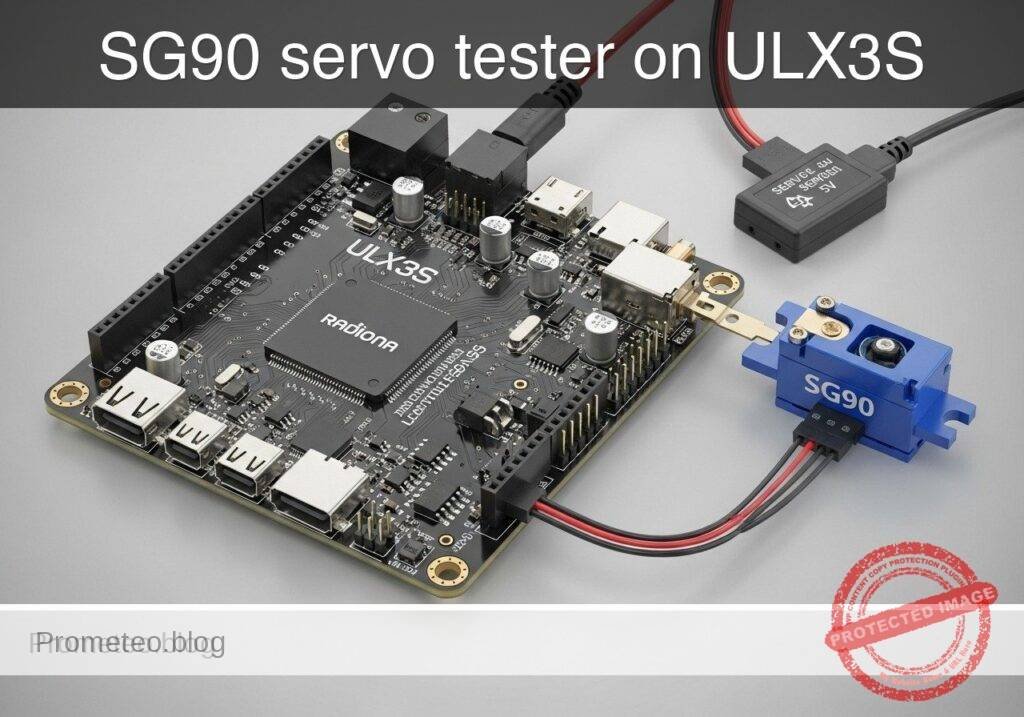
Practical case: SG90 servo tester on ULX3S

Practical case: SG90 servo tester on ULX3S — hero

Objective and use case

What you’ll build: A bench servo tester on the Radiona ULX3S (Lattice ECP5-85F) that generates a hobby-servo PWM control signal for an SG90 micro servo powered from an external 5 V supply. Four on-board buttons select center, minimum, maximum, or an automatic sweep mode, with a nominal 50 Hz update rate and ~1.0 ms, ~1.5 ms, or ~2.0 ms pulse widths.

Why it matters / Use cases

  • Quickly validate SG90-style servos on the bench without needing a microcontroller or full robot control stack.
  • Practice FPGA timing design using a real-world low-rate PWM task: 20 ms frame period, millisecond-scale pulses, and clean button-driven mode selection.
  • Useful for troubleshooting wiring, endpoint response, and sweep behavior with a scope or logic analyzer by checking 50 FPS-equivalent control frames and pulse-width changes.
  • Provides a simple hardware demo with very low FPGA load, typically only a tiny fraction of the ECP5 fabric and negligible overall GPU/graphics usage relevance.

Expected outcome

  • The FPGA outputs a servo control frame near 20 ms (about 50 Hz).
  • Button selection produces pulse widths near 1.0 ms, 1.5 ms, and 2.0 ms for minimum, center, and maximum positions.
  • Sweep mode steps or ramps the pulse width across repeated frames so the servo moves back and forth with predictable timing.
  • The project completes a standard open FPGA flow: Verilator lint, Yosys synthesis, nextpnr-ecp5 place-and-route, ecppack bitstream generation, and openFPGALoader programming.
  • Measurement with a scope or logic analyzer confirms frame period accuracy and visible pulse-width changes for each mode, with control latency bounded to the next 20 ms frame.

Audience: FPGA beginners, digital design students, and embedded hardware makers; Level: Beginner to intermediate

Architecture/flow: Button inputs feed a mode selector in FPGA logic; a counter/timer generates the 20 ms servo frame and PWM high-time; the ULX3S outputs the control signal to the SG90 while the servo itself is powered from an external 5 V supply with shared ground; validate timing in simulation/build tools, then verify ~1.0/1.5/2.0 ms pulses and sweep behavior on hardware.

Educational validation note

Before publication, this case passed the Prometeo automated validation gate with status PASS. For this FPGA/ULX3S profile, the synthesizable Verilog blocks were checked with Yosys (read_verilog) and the Verilog design/test set was linted with Verilator. The validator also checked code-block structure, copy/paste-safe ASCII command options, unsupported stacks, and availability of the ULX3S/ECP5 toolchain (yosys, nextpnr-ecp5, ecppack, openFPGALoader).

Published validation evidence

  • Automatic result: PASS.
  • Parsed structure: 41 sections, 1 tables and 15 code blocks detected in the published content.
  • Checked code: 3 Verilog/Yosys-Verilator, 9 Bash/copy-paste checks.
  • Supported catalog: the article text was checked against Prometeo validation-capable device profiles; unsupported stacks block publication.
  • Report findings: no blocking findings.

This validation confirms syntax and tool compatibility for the published code, but it does not replace physical testing on your exact ULX3S board revision, pin-constraint file and real wiring.

Educational safety note

This project is an educational prototype, not a certified product. Before powering the setup, verify the pinout of your exact ULX3S board revision, keep FPGA I/O signals at 3.3 V, never connect 5 V directly to I/O pins, disconnect power before changing wiring, and use suitable external supplies for loads, motors or servos while sharing ground only when the wiring requires it.

Conceptual block diagram

High-level view: what enters the system, what each block processes, and what comes out.

Functional architecture

ULX3S buttons

Sync/debounce

Mode selector

20 ms period generator

Pulse-width comparator

50 Hz PWM output

SG90 servo

Conceptual control flow: button input, mode selection, PWM timing and servo motion.

Validation path

Verilog source

Verilator lint/testbench

Yosys synthesis

nextpnr-ecp5

ecppack bitstream

Programmed ULX3S

The automated validation checks syntax, simulation/lint and compatibility with the ULX3S/ECP5 toolchain.

Prerequisites

Materials

Item Exact model Quantity Notes
FPGA board Radiona ULX3S (Lattice ECP5-85F) 1 Target board
Servo SG90 micro servo 1 3-wire hobby servo
Servo supply External 5 V servo supply 1 Must handle servo current spikes
USB cable ULX3S-compatible USB cable 1 Board power and programming
Jumper wires Suitable jumper wires Several Signal and ground wiring
Oscilloscope or logic analyzer Any basic model Optional but recommended For waveform validation

Wiring

Servo wires

Typical SG90 wire colors:

  • brown/black: GND
  • red: +5 V
  • orange/yellow/white: control signal

Connections

  1. Power the ULX3S from USB.
  2. Power the servo from the external 5 V supply.
  3. Tie external 5 V ground to a ULX3S ground.
  4. Connect the FPGA output pin servo_pwm to the servo signal wire.

Visible safety note

Educational safety note

This project drives a moving actuator from an external power source.

  • Keep fingers and loose wires away from the servo horn while powered.
  • Do not power the servo from an FPGA I/O pin.
  • Do not connect 5 V directly to any ULX3S I/O.
  • Always connect the grounds together so the signal has a valid reference.
  • If the servo stalls, chatters loudly, or gets hot, power it down and inspect the linkage.

Button mapping

This tutorial uses four button inputs:

  • btn_center: center position
  • btn_min: minimum position
  • btn_max: maximum position
  • btn_sweep: sweep mode

If no button is pressed, the design defaults to center.

Source code

File: src/servo_tester.v

Public preview of the validated file. The complete source is shown to members and in PDF/Print.

`timescale 1ns/1ps

module servo_tester #(
    parameter integer CLK_HZ = 25000000,
    parameter integer FRAME_HZ = 50,
    parameter integer PULSE_MIN_US = 1000,
    parameter integer PULSE_CENTER_US = 1500,
    parameter integer PULSE_MAX_US = 2000,
    parameter integer SWEEP_STEP_US = 10,
    parameter integer SWEEP_UPDATE_MS = 20
) (
    input  wire clk,
    input  wire btn_center,
    input  wire btn_min,
    input  wire btn_max,
    input  wire btn_sweep,
    output reg  servo_pwm
);

    localparam integer US_TICKS            = CLK_HZ / 1000000;
    localparam integer FRAME_TICKS         = CLK_HZ / FRAME_HZ;
    localparam integer PULSE_MIN_TICKS     = PULSE_MIN_US * US_TICKS;
    localparam integer PULSE_CENTER_TICKS  = PULSE_CENTER_US * US_TICKS;
    localparam integer PULSE_MAX_TICKS     = PULSE_MAX_US * US_TICKS;
    localparam integer SWEEP_STEP_TICKS    = SWEEP_STEP_US * US_TICKS;
    localparam integer SWEEP_UPDATE_TICKS  = (CLK_HZ / 1000) * SWEEP_UPDATE_MS;

    reg [31:0] frame_counter = 32'd0;
    reg [31:0] pulse_ticks   = PULSE_CENTER_TICKS;
    reg [31:0] sweep_counter = 32'd0;
    reg [31:0] sweep_ticks   = PULSE_CENTER_TICKS;
    reg        sweep_dir_up  = 1'b1;

    always @(posedge clk) begin
        if (btn_min) begin
            pulse_ticks   <= PULSE_MIN_TICKS;
            sweep_counter <= 32'd0;
            sweep_ticks   <= PULSE_CENTER_TICKS;
            sweep_dir_up  <= 1'b1;
        end else if (btn_center) begin
            pulse_ticks   <= PULSE_CENTER_TICKS;
            sweep_counter <= 32'd0;
            sweep_ticks   <= PULSE_CENTER_TICKS;
            sweep_dir_up  <= 1'b1;
        end else if (btn_max) begin
            pulse_ticks   <= PULSE_MAX_TICKS;
            sweep_counter <= 32'd0;
// ... continues for members in the complete validated source ...

🔒 Part of the validated code is premium. With the 7-day pass or the monthly membership you can view the complete validated source.

`timescale 1ns/1ps

module servo_tester #(
    parameter integer CLK_HZ = 25000000,
    parameter integer FRAME_HZ = 50,
    parameter integer PULSE_MIN_US = 1000,
    parameter integer PULSE_CENTER_US = 1500,
    parameter integer PULSE_MAX_US = 2000,
    parameter integer SWEEP_STEP_US = 10,
    parameter integer SWEEP_UPDATE_MS = 20
) (
    input  wire clk,
    input  wire btn_center,
    input  wire btn_min,
    input  wire btn_max,
    input  wire btn_sweep,
    output reg  servo_pwm
);

    localparam integer US_TICKS            = CLK_HZ / 1000000;
    localparam integer FRAME_TICKS         = CLK_HZ / FRAME_HZ;
    localparam integer PULSE_MIN_TICKS     = PULSE_MIN_US * US_TICKS;
    localparam integer PULSE_CENTER_TICKS  = PULSE_CENTER_US * US_TICKS;
    localparam integer PULSE_MAX_TICKS     = PULSE_MAX_US * US_TICKS;
    localparam integer SWEEP_STEP_TICKS    = SWEEP_STEP_US * US_TICKS;
    localparam integer SWEEP_UPDATE_TICKS  = (CLK_HZ / 1000) * SWEEP_UPDATE_MS;

    reg [31:0] frame_counter = 32'd0;
    reg [31:0] pulse_ticks   = PULSE_CENTER_TICKS;
    reg [31:0] sweep_counter = 32'd0;
    reg [31:0] sweep_ticks   = PULSE_CENTER_TICKS;
    reg        sweep_dir_up  = 1'b1;

    always @(posedge clk) begin
        if (btn_min) begin
            pulse_ticks   <= PULSE_MIN_TICKS;
            sweep_counter <= 32'd0;
            sweep_ticks   <= PULSE_CENTER_TICKS;
            sweep_dir_up  <= 1'b1;
        end else if (btn_center) begin
            pulse_ticks   <= PULSE_CENTER_TICKS;
            sweep_counter <= 32'd0;
            sweep_ticks   <= PULSE_CENTER_TICKS;
            sweep_dir_up  <= 1'b1;
        end else if (btn_max) begin
            pulse_ticks   <= PULSE_MAX_TICKS;
            sweep_counter <= 32'd0;
            sweep_ticks   <= PULSE_CENTER_TICKS;
            sweep_dir_up  <= 1'b1;
        end else if (btn_sweep) begin
            pulse_ticks <= sweep_ticks;

            if (sweep_counter >= (SWEEP_UPDATE_TICKS - 1)) begin
                sweep_counter <= 32'd0;

                if (sweep_dir_up) begin
                    if (sweep_ticks >= (PULSE_MAX_TICKS - SWEEP_STEP_TICKS)) begin
                        sweep_ticks  <= PULSE_MAX_TICKS;
                        sweep_dir_up <= 1'b0;
                    end else begin
                        sweep_ticks <= sweep_ticks + SWEEP_STEP_TICKS;
                    end
                end else begin
                    if (sweep_ticks <= (PULSE_MIN_TICKS + SWEEP_STEP_TICKS)) begin
                        sweep_ticks  <= PULSE_MIN_TICKS;
                        sweep_dir_up <= 1'b1;
                    end else begin
                        sweep_ticks <= sweep_ticks - SWEEP_STEP_TICKS;
                    end
                end
            end else begin
                sweep_counter <= sweep_counter + 32'd1;
            end
        end else begin
            pulse_ticks   <= PULSE_CENTER_TICKS;
            sweep_counter <= 32'd0;
            sweep_ticks   <= PULSE_CENTER_TICKS;
            sweep_dir_up  <= 1'b1;
        end

        if (frame_counter >= (FRAME_TICKS - 1)) begin
            frame_counter <= 32'd0;
        end else begin
            frame_counter <= frame_counter + 32'd1;
        end

        if (frame_counter < pulse_ticks) begin
            servo_pwm <= 1'b1;
        end else begin
            servo_pwm <= 1'b0;
        end
    end

endmodule

File: tb/servo_tester_tb.v

Public preview of the validated file. The complete source is shown to members and in PDF/Print.

`timescale 1ns/1ps

module servo_tester_tb;

    reg clk = 1'b0;
    reg btn_center = 1'b0;
    reg btn_min = 1'b0;
    reg btn_max = 1'b0;
    reg btn_sweep = 1'b0;
    wire servo_pwm;

    integer high_count;
    integer i;

    servo_tester #(
        .CLK_HZ(1000000),
        .FRAME_HZ(50),
        .PULSE_MIN_US(1000),
        .PULSE_CENTER_US(1500),
        .PULSE_MAX_US(2000),
        .SWEEP_STEP_US(100),
        .SWEEP_UPDATE_MS(20)
    ) dut (
        .clk(clk),
        .btn_center(btn_center),
        .btn_min(btn_min),
        .btn_max(btn_max),
        .btn_sweep(btn_sweep),
        .servo_pwm(servo_pwm)
    );

    always #500 clk = ~clk;

    task automatic measure_one_frame;
        begin
            while (servo_pwm !== 1'b1) begin
                @(posedge clk);
            end

            high_count = 0;
// ... continues for members in the complete validated source ...

🔒 Part of the validated code is premium. With the 7-day pass or the monthly membership you can view the complete validated source.

`timescale 1ns/1ps

module servo_tester_tb;

    reg clk = 1'b0;
    reg btn_center = 1'b0;
    reg btn_min = 1'b0;
    reg btn_max = 1'b0;
    reg btn_sweep = 1'b0;
    wire servo_pwm;

    integer high_count;
    integer i;

    servo_tester #(
        .CLK_HZ(1000000),
        .FRAME_HZ(50),
        .PULSE_MIN_US(1000),
        .PULSE_CENTER_US(1500),
        .PULSE_MAX_US(2000),
        .SWEEP_STEP_US(100),
        .SWEEP_UPDATE_MS(20)
    ) dut (
        .clk(clk),
        .btn_center(btn_center),
        .btn_min(btn_min),
        .btn_max(btn_max),
        .btn_sweep(btn_sweep),
        .servo_pwm(servo_pwm)
    );

    always #500 clk = ~clk;

    task automatic measure_one_frame;
        begin
            while (servo_pwm !== 1'b1) begin
                @(posedge clk);
            end

            high_count = 0;
            while (servo_pwm === 1'b1) begin
                @(posedge clk);
                high_count = high_count + 1;
            end

            $display("Measured high ticks: %0d", high_count);
        end
    endtask

    initial begin
        $display("Starting servo_tester_tb");

        btn_center = 1'b1;
        repeat (3) begin
            measure_one_frame();
        end
        btn_center = 1'b0;

        btn_min = 1'b1;
        repeat (3) begin
            measure_one_frame();
        end
        btn_min = 1'b0;

        btn_max = 1'b1;
        repeat (3) begin
            measure_one_frame();
        end
        btn_max = 1'b0;

        btn_sweep = 1'b1;
        for (i = 0; i < 8; i = i + 1) begin
            measure_one_frame();
        end
        btn_sweep = 1'b0;

        $display("Testbench complete");
        $finish;
    end

endmodule

File: constraints/ulx3s_servo.lpf

Use valid ULX3S site names for your exact board revision.

BLOCK RESETPATHS;
BLOCK ASYNCPATHS;

FREQUENCY PORT "clk" 25.0 MHz;

LOCATE COMP "clk" SITE "CLK25";
IOBUF PORT "clk" IO_TYPE=LVCMOS33;

LOCATE COMP "btn_center" SITE "BTN1";
IOBUF PORT "btn_center" IO_TYPE=LVCMOS33 PULLMODE=UP;

LOCATE COMP "btn_min" SITE "BTN2";
IOBUF PORT "btn_min" IO_TYPE=LVCMOS33 PULLMODE=UP;

LOCATE COMP "btn_max" SITE "BTN3";
IOBUF PORT "btn_max" IO_TYPE=LVCMOS33 PULLMODE=UP;

LOCATE COMP "btn_sweep" SITE "BTN4";
IOBUF PORT "btn_sweep" IO_TYPE=LVCMOS33 PULLMODE=UP;

LOCATE COMP "servo_pwm" SITE "GPIO0";
IOBUF PORT "servo_pwm" IO_TYPE=LVCMOS33 DRIVE=4;

Active-low button wrapper

Many ULX3S button inputs are active-low. If your board wiring requires inversion, use a separate top-level wrapper for synthesis.

File: src/servo_tester_active_low.v

`timescale 1ns/1ps

module servo_tester_active_low (
    input  wire clk,
    input  wire btn_center_n,
    input  wire btn_min_n,
    input  wire btn_max_n,
    input  wire btn_sweep_n,
    output wire servo_pwm
);

    wire btn_center = ~btn_center_n;
    wire btn_min    = ~btn_min_n;
    wire btn_max    = ~btn_max_n;
    wire btn_sweep  = ~btn_sweep_n;

    servo_tester u_servo_tester (
        .clk(clk),
        .btn_center(btn_center),
        .btn_min(btn_min),
        .btn_max(btn_max),
        .btn_sweep(btn_sweep),
        .servo_pwm(servo_pwm)
    );

endmodule

If you use this wrapper, update the top module name in the synthesis command and rename the LPF ports to match:

  • btn_center_n
  • btn_min_n
  • btn_max_n
  • btn_sweep_n

Project layout

project/
├── build/
├── constraints/
│   └── ulx3s_servo.lpf
├── src/
│   ├── servo_tester.v
│   └── servo_tester_active_low.v
└── tb/
    └── servo_tester_tb.v

Build and program

1. Create the build directory

mkdir -p build

2. Run Verilator lint

verilator --lint-only -Wall -Wno-DECLFILENAME src/servo_tester.v tb/servo_tester_tb.v

If you synthesize the active-low wrapper, you can lint both source files:

verilator --lint-only -Wall -Wno-DECLFILENAME src/servo_tester.v src/servo_tester_active_low.v tb/servo_tester_tb.v

3. Synthesize with Yosys

For the direct top module:

yosys -p "read_verilog src/servo_tester.v; synth_ecp5 -top servo_tester -json build/servo_tester.json"

For the active-low wrapper top module:

yosys -p "read_verilog src/servo_tester.v src/servo_tester_active_low.v; synth_ecp5 -top servo_tester_active_low -json build/servo_tester.json"

4. Place and route

nextpnr-ecp5 --85k --package CABGA381 --json build/servo_tester.json --lpf constraints/ulx3s_servo.lpf --textcfg build/servo_tester.config

5. Pack the bitstream

ecppack build/servo_tester.config build/servo_tester.bit

6. Detect programmer

openFPGALoader --detect

7. Program the ULX3S

openFPGALoader -b ulx3s build/servo_tester.bit

Validation method

This project makes measurable timing claims, so validate them directly.

1. Toolchain evidence

Expected evidence:

  • Verilator exits without fatal errors
  • Yosys writes build/servo_tester.json
  • nextpnr-ecp5 completes successfully
  • ecppack writes build/servo_tester.bit
  • openFPGALoader programs the board

2. Simulation evidence

The testbench runs at 1 MHz, so each high tick equals 1 us.

Expected evidence from $display output:

  • center mode: about 1500 ticks
  • min mode: about 1000 ticks
  • max mode: about 2000 ticks
  • sweep mode: values that change between repeated measurements

3. Hardware waveform evidence

Before connecting the servo, probe servo_pwm with an oscilloscope or logic analyzer.

Expected evidence:

  • frame period near 20 ms
  • pulse width near:
  • 1.0 ms for minimum
  • 1.5 ms for center
  • 2.0 ms for maximum
  • in sweep mode, pulse width changes over time

4. Functional servo evidence

After waveform validation:

  1. power down the servo supply
  2. connect the servo signal to servo_pwm
  3. connect servo ground to supply ground
  4. connect supply ground to ULX3S ground
  5. power the ULX3S
  6. power the external 5 V servo supply

Expected evidence:

  • center button moves the servo to a repeatable middle position
  • min and max move toward opposite ends
  • sweep mode moves the servo back and forth

Troubleshooting

No servo motion

Check:

  • external 5 V supply is on
  • servo red wire goes to +5 V
  • servo ground is connected
  • ULX3S ground and servo supply ground are connected together
  • correct FPGA output pin is assigned in the LPF
  • the bitstream was actually programmed

Servo twitches but does not follow commands

Common causes:

  • missing common ground
  • wrong pin mapping in the LPF
  • weak or unstable 5 V servo supply
  • button polarity mismatch

nextpnr reports LPF site errors

The LPF site names must match your exact ULX3S board revision. Update:

  • CLK25
  • BTN1
  • BTN2
  • BTN3
  • BTN4
  • GPIO0

to the valid names from your board documentation.

Modes appear inverted or stuck

Your buttons are likely active-low. Use the servo_tester_active_low wrapper and synthesize that top module instead.

Final checklist

  • [ ] I used the Radiona ULX3S (Lattice ECP5-85F)
  • [ ] I used an SG90 micro servo
  • [ ] I powered the servo from an external 5 V supply
  • [ ] I connected servo supply ground to ULX3S ground
  • [ ] I verified the PWM waveform before connecting the servo
  • [ ] Verilator lint passed
  • [ ] Yosys synthesis passed
  • [ ] nextpnr-ecp5 place-and-route passed
  • [ ] ecppack generated a bitstream
  • [ ] openFPGALoader programmed the board
  • [ ] I measured about 1.0 ms, 1.5 ms, and 2.0 ms pulse widths for the expected modes

This produces a practical FPGA-based servo tester on the ULX3S ECP5-85F for quick bench validation of an SG90 servo.

Find this product and/or books on this topic on Amazon

Go to Amazon

As an Amazon Associate, I earn from qualifying purchases. If you buy through this link, you help keep this project running.

Quick Quiz

Question 1: What is the main purpose of the project described in the text?


Question 2: Which specific FPGA board is used for this project?


Question 3: What is the nominal update rate for the servo control signal?


Question 4: Which of the following pulse widths is generated by the tester?


Question 5: How many on-board buttons are used to select the different servo modes?


Question 6: Why is this project useful for validating SG90-style servos?


Question 7: What is the frame period of the PWM task mentioned in the text?


Question 8: How is the SG90 micro servo powered in this project?


Question 9: What kind of FPGA load does this hardware demo produce?


Question 10: Which tools are mentioned as useful for troubleshooting the servo's behavior?


Carlos Núñez Zorrilla
Electronics & Computer Engineer

Telecommunications Electronics Engineer and Computer Engineer (official degrees in Spain).

Follow me:


Practical case: PS/2 to VGA monitor with ULX3S

Practical case: PS/2 to VGA monitor with ULX3S — hero

Objective and use case

What you’ll build: A PS/2-to-VGA keystroke monitor on the Radiona ULX3S (Lattice ECP5-85F) that captures keyboard bytes in real time and shows recent scan codes, make/break events, and status fields on a VGA display. It acts as a small bench instrument for validating PS/2 traffic with low input latency and stable 60 FPS video output.

Why it matters / Use cases

  • Keyboard troubleshooting bench tool: verify instantly whether a PS/2 keyboard is sending valid make and break codes, without booting a PC.
  • Retro-computing accessory: test old keyboards, KVM chains, and PS/2 adapters by watching raw bytes such as 1C, F0, and extended prefixes like E0.
  • Digital design training: combine a real serial protocol, byte buffering, and VGA timing in one practical FPGA project instead of a simple LED demo.
  • Lab diagnostics for scan codes: help students understand multi-byte key events and timing behavior with on-screen feedback typically within a few milliseconds of a key press.
  • Prototype base for adapters: reuse the same capture-and-display pipeline later for PS/2-to-USB, key remapping, or embedded input-monitor tools.

Expected outcome

  • A working VGA display showing the last typed PS/2 scan-code bytes in hexadecimal, updated in real time.
  • Simple status fields for make/break state, extended-code detection, and recent activity or buffer contents.
  • Stable video output at 640×480 @ 60 FPS with responsive key display latency typically under 10 ms from decoded byte to visible update.
  • Low overall FPGA utilization for this class of design, leaving ample headroom on the ECP5-85F and requiring 0% GPU because rendering is generated directly in hardware.

Audience: FPGA learners, retro-computing hobbyists, and lab users working with keyboards and display timing; Level: beginner to intermediate digital design.

Architecture/flow: PS/2 clock/data receiver → scan-code byte decoder and event buffer → text/status formatter → VGA timing and pixel generator → monitor display.

Educational validation note

Before publication, this case passed the Prometeo automated validation gate with status PASS. For this FPGA/ULX3S profile, the synthesizable Verilog blocks were checked with Yosys (read_verilog) and the Verilog design/test set was linted with Verilator. The validator also checked code-block structure, copy/paste-safe ASCII command options, unsupported stacks, and availability of the ULX3S/ECP5 toolchain (yosys, nextpnr-ecp5, ecppack, openFPGALoader).

Published validation evidence

  • Automatic result: PASS.
  • Parsed structure: 46 sections, 1 tables and 13 code blocks detected in the published content.
  • Checked code: 2 Verilog/Yosys-Verilator, 8 Bash/copy-paste checks.
  • Supported catalog: the article text was checked against Prometeo validation-capable device profiles; unsupported stacks block publication.
  • Report findings: no blocking findings.

This validation confirms syntax and tool compatibility for the published code, but it does not replace physical testing on your exact ULX3S board revision, pin-constraint file and real wiring.

Educational safety note

This project is an educational prototype, not a certified product. Before powering the setup, verify the pinout of your exact ULX3S board revision, keep FPGA I/O signals at 3.3 V, never connect 5 V directly to I/O pins, disconnect power before changing wiring, and use suitable external supplies for loads, motors or servos while sharing ground only when the wiring requires it.

Conceptual block diagram

High-level view: what enters the system, what each block processes, and what comes out.

Functional architecture

PS/2 clock/data receiver

scan-code byte decoder and event buffer

text/status formatter

VGA timing and pixel generator

monitor display

Conceptual signal and responsibility flow between device blocks.

Validation path

Source code

Verilator

Yosys

Hardware implementation

Conceptual summary of the tools used to check the published material.

Prerequisites

Materials

Use exactly these main items:

Item Exact model Purpose
FPGA board Radiona ULX3S (Lattice ECP5-85F) Main processing and VGA generation
PS/2 interface módulo PS/2 mini-DIN Connects the keyboard clock/data lines to FPGA GPIO
Display monitor VGA Shows the captured keystrokes
Keyboard Standard PS/2 keyboard Source of key scan codes
Cables USB cable for ULX3S, VGA cable, jumper wires Programming and signal wiring
Host tools Verilator, Yosys, nextpnr-ecp5, Project Trellis/ecppack, openFPGALoader Validation and bitstream generation

Notes on practicality

This is not just a protocol demo. The result is a usable keyboard test and monitoring instrument:
– It helps determine whether a keyboard is electrically alive.
– It helps identify scan-code behavior for firmware integration.
– It gives visual feedback without needing a PC terminal or operating system.

Setup/Connection

Signal plan

This project needs three functional groups:

  1. PS/2 input
  2. ps2_clk
  3. ps2_data

  4. VGA output

  5. vga_hsync
  6. vga_vsync
  7. vga_r[3:0]
  8. vga_g[3:0]
  9. vga_b[3:0]

  10. Board clock

  11. clk_25m or another onboard clock divided/selected to support 640×480 VGA timing.

Important connection approach

Because ULX3S revisions and expansion mappings can vary, the safest classroom method is:

  1. Use the ULX3S onboard VGA-capable pins or adapter path already supported in your setup.
  2. Connect the módulo PS/2 mini-DIN to two free 3.3 V-tolerant GPIO pins plus power and ground.
  3. Use your board’s known constraint file style and adjust only the pin names.

PS/2 electrical notes

A PS/2 keyboard uses clock and data lines that are typically open-collector/open-drain style and require pull-ups. Many PS/2 modules already include pull-ups; if yours does not, add external pull-ups to 3.3 V appropriate for your board interface. Do not drive the keyboard lines actively high from the FPGA in this project. We only receive data.

Text-only wiring checklist

Connect the módulo PS/2 mini-DIN as follows:

  • PS/2 module VCC -> ULX3S 3V3
  • PS/2 module GND -> ULX3S GND
  • PS/2 module CLK -> ULX3S chosen GPIO for ps2_clk
  • PS/2 module DATA -> ULX3S chosen GPIO for ps2_data

Connect VGA output using your ULX3S VGA-capable connector/pins:
R[3:0], G[3:0], B[3:0]
HSYNC
VSYNC
GND

Example project directory

ps2-to-vga-keystroke-monitor/
├── top_ps2_vga.v
├── tb_ps2_vga.v
├── ulx3s_ps2_vga.lpf
└── build/

Validated Code

Below is complete reference implementation intended to synthesize on ECP5 and also support a simple simulation/lint flow. The screen renderer is intentionally basic: it draws a colored background, a header stripe, and large hex-like byte cells for the last 16 received PS/2 bytes.

File: top_ps2_vga.v

Public preview of the validated file. The complete source is shown to members and in PDF/Print.

module top_ps2_vga (
    input  wire clk_25m,
    input  wire ps2_clk,
    input  wire ps2_data,
    output wire vga_hsync,
    output wire vga_vsync,
    output wire [3:0] vga_r,
    output wire [3:0] vga_g,
    output wire [3:0] vga_b
);

    // ---------------------------
    // VGA 640x480@60 timing
    // Pixel clock: 25 MHz
    // ---------------------------
    reg [9:0] hcount = 0;
    reg [9:0] vcount = 0;

    wire h_visible = (hcount < 640);
    wire v_visible = (vcount < 480);
    wire visible = h_visible && v_visible;

    always @(posedge clk_25m) begin
        if (hcount == 799) begin
            hcount <= 0;
            if (vcount == 524)
                vcount <= 0;
            else
                vcount <= vcount + 1;
        end else begin
            hcount <= hcount + 1;
        end
    end

    assign vga_hsync = ~((hcount >= 656) && (hcount < 752));
    assign vga_vsync = ~((vcount >= 490) && (vcount < 492));

    // ---------------------------
    // Synchronize PS/2 signals
    // ---------------------------
    reg [2:0] ps2c_sync = 3'b111;
    reg [2:0] ps2d_sync = 3'b111;

    always @(posedge clk_25m) begin
        ps2c_sync <= {ps2c_sync[1:0], ps2_clk};
        ps2d_sync <= {ps2d_sync[1:0], ps2_data};
    end

    wire ps2c_fall = (ps2c_sync[2:1] == 2'b10);
    wire ps2d = ps2d_sync[2];

    // ---------------------------
    // PS/2 receiver
    // Frame: start(0), 8 data LSB-first, parity, stop(1)
    // ---------------------------
    reg [3:0] bit_count = 0;
    reg [10:0] shift = 11'h7ff;
    reg [7:0] rx_byte = 8'h00;
    reg rx_strobe = 1'b0;
    reg parity_ok = 1'b0;
    reg frame_ok = 1'b0;

    always @(posedge clk_25m) begin
        rx_strobe <= 1'b0;

        if (ps2c_fall) begin
            shift <= {ps2d, shift[10:1]};

            if (bit_count == 10) begin
                bit_count <= 0;
                // shift after 11 sampled bits:
                // shift[0]   start
                // shift[8:1] data
                // shift[9]   parity
                // shift[10]  stop
                rx_byte <= {ps2d, shift[8:2]}; // adjusted after final shift event
                parity_ok <= ^{ps2d, shift[8:2], shift[9]}; // odd parity test in compact form
                frame_ok <= (shift[0] == 1'b0) && (ps2d == 1'b1);
                rx_strobe <= 1'b1;
            end else begin
                bit_count <= bit_count + 1;
            end
        end
    end

    // A more reliable decoded byte path built from captured bits
    reg [10:0] frame = 0;
    reg frame_valid = 0;
    always @(posedge clk_25m) begin
        frame_valid <= 1'b0;
        if (ps2c_fall) begin
            frame <= {ps2d, frame[10:1]};
            if (bit_count == 10) begin
                frame_valid <= 1'b1;
            end
        end
    end

    wire start_ok = (frame[0] == 1'b0);
    wire stop_ok  = (frame[10] == 1'b1);
    wire [7:0] data_byte = frame[8:1];
    wire odd_parity_ok = (^frame[9:1]) == 1'b1; // data+parity should XOR to 1 for odd parity

    // ---------------------------
    // Store the last 16 bytes
    // ---------------------------
    reg [7:0] hist0  = 8'h00;
    reg [7:0] hist1  = 8'h00;
    reg [7:0] hist2  = 8'h00;
    reg [7:0] hist3  = 8'h00;
    reg [7:0] hist4  = 8'h00;
    reg [7:0] hist5  = 8'h00;
    reg [7:0] hist6  = 8'h00;
    reg [7:0] hist7  = 8'h00;
    reg [7:0] hist8  = 8'h00;
    reg [7:0] hist9  = 8'h00;
    reg [7:0] hist10 = 8'h00;
    reg [7:0] hist11 = 8'h00;
    reg [7:0] hist12 = 8'h00;
    reg [7:0] hist13 = 8'h00;
    reg [7:0] hist14 = 8'h00;
    reg [7:0] hist15 = 8'h00;

    reg [7:0] last_byte = 8'h00;
    reg last_good = 1'b0;
    reg [15:0] event_count = 16'h0000;

    always @(posedge clk_25m) begin
        if (frame_valid && start_ok && stop_ok && odd_parity_ok) begin
            hist15 <= hist14;
            hist14 <= hist13;
            hist13 <= hist12;
            hist12 <= hist11;
            hist11 <= hist10;
            hist10 <= hist9;
            hist9  <= hist8;
            hist8  <= hist7;
            hist7  <= hist6;
            hist6  <= hist5;
// ... continues for members in the complete validated source ...

🔒 Part of the validated code is premium. With the 7-day pass or the monthly membership you can view the complete validated source.

module top_ps2_vga (
    input  wire clk_25m,
    input  wire ps2_clk,
    input  wire ps2_data,
    output wire vga_hsync,
    output wire vga_vsync,
    output wire [3:0] vga_r,
    output wire [3:0] vga_g,
    output wire [3:0] vga_b
);

    // ---------------------------
    // VGA 640x480@60 timing
    // Pixel clock: 25 MHz
    // ---------------------------
    reg [9:0] hcount = 0;
    reg [9:0] vcount = 0;

    wire h_visible = (hcount < 640);
    wire v_visible = (vcount < 480);
    wire visible = h_visible && v_visible;

    always @(posedge clk_25m) begin
        if (hcount == 799) begin
            hcount <= 0;
            if (vcount == 524)
                vcount <= 0;
            else
                vcount <= vcount + 1;
        end else begin
            hcount <= hcount + 1;
        end
    end

    assign vga_hsync = ~((hcount >= 656) && (hcount < 752));
    assign vga_vsync = ~((vcount >= 490) && (vcount < 492));

    // ---------------------------
    // Synchronize PS/2 signals
    // ---------------------------
    reg [2:0] ps2c_sync = 3'b111;
    reg [2:0] ps2d_sync = 3'b111;

    always @(posedge clk_25m) begin
        ps2c_sync <= {ps2c_sync[1:0], ps2_clk};
        ps2d_sync <= {ps2d_sync[1:0], ps2_data};
    end

    wire ps2c_fall = (ps2c_sync[2:1] == 2'b10);
    wire ps2d = ps2d_sync[2];

    // ---------------------------
    // PS/2 receiver
    // Frame: start(0), 8 data LSB-first, parity, stop(1)
    // ---------------------------
    reg [3:0] bit_count = 0;
    reg [10:0] shift = 11'h7ff;
    reg [7:0] rx_byte = 8'h00;
    reg rx_strobe = 1'b0;
    reg parity_ok = 1'b0;
    reg frame_ok = 1'b0;

    always @(posedge clk_25m) begin
        rx_strobe <= 1'b0;

        if (ps2c_fall) begin
            shift <= {ps2d, shift[10:1]};

            if (bit_count == 10) begin
                bit_count <= 0;
                // shift after 11 sampled bits:
                // shift[0]   start
                // shift[8:1] data
                // shift[9]   parity
                // shift[10]  stop
                rx_byte <= {ps2d, shift[8:2]}; // adjusted after final shift event
                parity_ok <= ^{ps2d, shift[8:2], shift[9]}; // odd parity test in compact form
                frame_ok <= (shift[0] == 1'b0) && (ps2d == 1'b1);
                rx_strobe <= 1'b1;
            end else begin
                bit_count <= bit_count + 1;
            end
        end
    end

    // A more reliable decoded byte path built from captured bits
    reg [10:0] frame = 0;
    reg frame_valid = 0;
    always @(posedge clk_25m) begin
        frame_valid <= 1'b0;
        if (ps2c_fall) begin
            frame <= {ps2d, frame[10:1]};
            if (bit_count == 10) begin
                frame_valid <= 1'b1;
            end
        end
    end

    wire start_ok = (frame[0] == 1'b0);
    wire stop_ok  = (frame[10] == 1'b1);
    wire [7:0] data_byte = frame[8:1];
    wire odd_parity_ok = (^frame[9:1]) == 1'b1; // data+parity should XOR to 1 for odd parity

    // ---------------------------
    // Store the last 16 bytes
    // ---------------------------
    reg [7:0] hist0  = 8'h00;
    reg [7:0] hist1  = 8'h00;
    reg [7:0] hist2  = 8'h00;
    reg [7:0] hist3  = 8'h00;
    reg [7:0] hist4  = 8'h00;
    reg [7:0] hist5  = 8'h00;
    reg [7:0] hist6  = 8'h00;
    reg [7:0] hist7  = 8'h00;
    reg [7:0] hist8  = 8'h00;
    reg [7:0] hist9  = 8'h00;
    reg [7:0] hist10 = 8'h00;
    reg [7:0] hist11 = 8'h00;
    reg [7:0] hist12 = 8'h00;
    reg [7:0] hist13 = 8'h00;
    reg [7:0] hist14 = 8'h00;
    reg [7:0] hist15 = 8'h00;

    reg [7:0] last_byte = 8'h00;
    reg last_good = 1'b0;
    reg [15:0] event_count = 16'h0000;

    always @(posedge clk_25m) begin
        if (frame_valid && start_ok && stop_ok && odd_parity_ok) begin
            hist15 <= hist14;
            hist14 <= hist13;
            hist13 <= hist12;
            hist12 <= hist11;
            hist11 <= hist10;
            hist10 <= hist9;
            hist9  <= hist8;
            hist8  <= hist7;
            hist7  <= hist6;
            hist6  <= hist5;
            hist5  <= hist4;
            hist4  <= hist3;
            hist3  <= hist2;
            hist2  <= hist1;
            hist1  <= hist0;
            hist0  <= data_byte;
            last_byte <= data_byte;
            last_good <= 1'b1;
            event_count <= event_count + 1;
        end
    end

    // ---------------------------
    // Byte selection by screen column
    // 16 boxes across, each box 40 pixels wide
    // ---------------------------
    reg [7:0] selected_byte;
    wire [3:0] box_index = hcount[9:5]; // 0..19, only use 0..15 in active area

    always @(*) begin
        case (box_index)
            4'd0:  selected_byte = hist15;
            4'd1:  selected_byte = hist14;
            4'd2:  selected_byte = hist13;
            4'd3:  selected_byte = hist12;
            4'd4:  selected_byte = hist11;
            4'd5:  selected_byte = hist10;
            4'd6:  selected_byte = hist9;
            4'd7:  selected_byte = hist8;
            4'd8:  selected_byte = hist7;
            4'd9:  selected_byte = hist6;
            4'd10: selected_byte = hist5;
            4'd11: selected_byte = hist4;
            4'd12: selected_byte = hist3;
            4'd13: selected_byte = hist2;
            4'd14: selected_byte = hist1;
            default: selected_byte = hist0;
        endcase
    end

    // ---------------------------
    // 7-segment style glyph renderer for hex nibbles
    // Draw two hex digits per cell from simple line segments
    // ---------------------------
    function [6:0] seg7;
        input [3:0] nib;
        begin
            case (nib)
                4'h0: seg7 = 7'b1111110;
                4'h1: seg7 = 7'b0110000;
                4'h2: seg7 = 7'b1101101;
                4'h3: seg7 = 7'b1111001;
                4'h4: seg7 = 7'b0110011;
                4'h5: seg7 = 7'b1011011;
                4'h6: seg7 = 7'b1011111;
                4'h7: seg7 = 7'b1110000;
                4'h8: seg7 = 7'b1111111;
                4'h9: seg7 = 7'b1111011;
                4'hA: seg7 = 7'b1110111;
                4'hB: seg7 = 7'b0011111;
                4'hC: seg7 = 7'b1001110;
                4'hD: seg7 = 7'b0111101;
                4'hE: seg7 = 7'b1001111;
                default: seg7 = 7'b1000111; // F
            endcase
        end
    endfunction

    function pixel_7seg;
        input [6:0] seg;
        input [5:0] x;
        input [6:0] y;
        begin
            pixel_7seg =
                (seg[6] && (y >= 2  && y <= 4  && x >= 4  && x <= 15)) || // a
                (seg[5] && (x >= 16 && x <= 18 && y >= 5  && y <= 15)) || // b
                (seg[4] && (x >= 16 && x <= 18 && y >= 18 && y <= 28)) || // c
                (seg[3] && (y >= 29 && y <= 31 && x >= 4  && x <= 15)) || // d
                (seg[2] && (x >= 1  && x <= 3  && y >= 18 && y <= 28)) || // e
                (seg[1] && (x >= 1  && x <= 3  && y >= 5  && y <= 15)) || // f
                (seg[0] && (y >= 16 && y <= 18 && x >= 4  && x <= 15));   // g
        end
    endfunction

    wire [5:0] cell_x = hcount[4:0];
    wire [6:0] cell_y = vcount[6:0];

    wire in_byte_row = (vcount >= 120 && vcount < 152) && (hcount < 640);
    wire [6:0] seg_hi = seg7(selected_byte[7:4]);
    wire [6:0] seg_lo = seg7(selected_byte[3:0]);

    wire hi_px = pixel_7seg(seg_hi, {1'b0, cell_x} - 6'd2, cell_y - 7'd120);
    wire lo_px = pixel_7seg(seg_lo, {1'b0, cell_x} - 6'd20, cell_y - 7'd120);

    // Status bars
    wire top_bar = (vcount < 32);
    wire last_bar = (vcount >= 60 && vcount < 92);
    wire byte_box_bg = in_byte_row && (cell_x < 32);

    reg [3:0] r, g, b;
    always @(*) begin
        r = 4'h0; g = 4'h0; b = 4'h0;

        if (!visible) begin
            r = 4'h0; g = 4'h0; b = 4'h0;
        end else begin
            // background
            r = 4'h0; g = 4'h1; b = 4'h2;

            if (top_bar) begin
                r = 4'h0; g = 4'h4; b = 4'h8;
            end

            if (last_bar) begin
                r = last_good ? 4'h0 : 4'h8;
                g = last_good ? 4'h8 : 4'h0;
                b = 4'h0;
            end

            if (byte_box_bg) begin
                r = 4'h1; g = 4'h1; b = 4'h1;
            end

            if (hi_px || lo_px) begin
                r = 4'hF; g = 4'hF; b = 4'h0;
            end

            // simple separators
            if ((hcount[4:0] == 0) && (vcount >= 112) && (vcount < 160)) begin
                r = 4'h3; g = 4'h3; b = 4'h3;
            end
        end
    end

    assign vga_r = r;
    assign vga_g = g;
    assign vga_b = b;

endmodule

File: tb_ps2_vga.v

This testbench does not prove VGA image quality on a real monitor, but it does inject valid PS/2 frames and lets you check that the design accepts bytes without syntax or obvious simulation issues.

Public preview of the validated file. The complete source is shown to members and in PDF/Print.

`timescale 1ns/1ps

module tb_ps2_vga;

    reg clk_25m = 0;
    reg ps2_clk = 1;
    reg ps2_data = 1;

    wire vga_hsync;
    wire vga_vsync;
    wire [3:0] vga_r;
    wire [3:0] vga_g;
    wire [3:0] vga_b;

    top_ps2_vga dut (
        .clk_25m(clk_25m),
        .ps2_clk(ps2_clk),
        .ps2_data(ps2_data),
        .vga_hsync(vga_hsync),
        .vga_vsync(vga_vsync),
        .vga_r(vga_r),
        .vga_g(vga_g),
        .vga_b(vga_b)
    );

    always #20 clk_25m = ~clk_25m; // 25 MHz

    task ps2_send_byte;
        input [7:0] data;
        integer i;
        reg parity;
        begin
            parity = 1'b1; // odd parity accumulator

            // start bit
            ps2_data = 0;
            #2000;
            ps2_clk = 0; #2000; ps2_clk = 1; #2000;

            // data bits LSB first
// ... continues for members in the complete validated source ...

🔒 Part of the validated code is premium. With the 7-day pass or the monthly membership you can view the complete validated source.

`timescale 1ns/1ps

module tb_ps2_vga;

    reg clk_25m = 0;
    reg ps2_clk = 1;
    reg ps2_data = 1;

    wire vga_hsync;
    wire vga_vsync;
    wire [3:0] vga_r;
    wire [3:0] vga_g;
    wire [3:0] vga_b;

    top_ps2_vga dut (
        .clk_25m(clk_25m),
        .ps2_clk(ps2_clk),
        .ps2_data(ps2_data),
        .vga_hsync(vga_hsync),
        .vga_vsync(vga_vsync),
        .vga_r(vga_r),
        .vga_g(vga_g),
        .vga_b(vga_b)
    );

    always #20 clk_25m = ~clk_25m; // 25 MHz

    task ps2_send_byte;
        input [7:0] data;
        integer i;
        reg parity;
        begin
            parity = 1'b1; // odd parity accumulator

            // start bit
            ps2_data = 0;
            #2000;
            ps2_clk = 0; #2000; ps2_clk = 1; #2000;

            // data bits LSB first
            for (i = 0; i < 8; i = i + 1) begin
                ps2_data = data[i];
                parity = parity ^ data[i];
                #2000;
                ps2_clk = 0; #2000; ps2_clk = 1; #2000;
            end

            // parity bit
            ps2_data = parity;
            #2000;
            ps2_clk = 0; #2000; ps2_clk = 1; #2000;

            // stop bit
            ps2_data = 1;
            #2000;
            ps2_clk = 0; #2000; ps2_clk = 1; #2000;

            ps2_data = 1;
            #20000;
        end
    endtask

    initial begin
        #100000;
        // Example sequence: press A (1C), release A (F0 1C)
        ps2_send_byte(8'h1C);
        ps2_send_byte(8'hF0);
        ps2_send_byte(8'h1C);

        // Press Enter (5A), release Enter (F0 5A)
        ps2_send_byte(8'h5A);
        ps2_send_byte(8'hF0);
        ps2_send_byte(8'h5A);

        #200000;
        $finish;
    end

endmodule

File: ulx3s_ps2_vga.lpf

You must adapt the actual pin names to your ULX3S setup. The structure below is valid LPF syntax style, but the exact package pins depend on your board revision and connector route. Use your known-good ULX3S pin map for VGA and two GPIO pins for PS/2.

BLOCK RESETPATHS;
BLOCK ASYNCPATHS;

FREQUENCY PORT "clk_25m" 25 MHz;

LOCATE COMP "clk_25m" SITE "YOUR_CLK25_PIN";
IOBUF PORT "clk_25m" IO_TYPE=LVCMOS33;

LOCATE COMP "ps2_clk" SITE "YOUR_PS2_CLK_PIN";
IOBUF PORT "ps2_clk" IO_TYPE=LVCMOS33 PULLMODE=UP;

LOCATE COMP "ps2_data" SITE "YOUR_PS2_DATA_PIN";
IOBUF PORT "ps2_data" IO_TYPE=LVCMOS33 PULLMODE=UP;

LOCATE COMP "vga_hsync" SITE "YOUR_VGA_HSYNC_PIN";
IOBUF PORT "vga_hsync" IO_TYPE=LVCMOS33;

LOCATE COMP "vga_vsync" SITE "YOUR_VGA_VSYNC_PIN";
IOBUF PORT "vga_vsync" IO_TYPE=LVCMOS33;

LOCATE COMP "vga_r[0]" SITE "YOUR_VGA_R0_PIN";
LOCATE COMP "vga_r[1]" SITE "YOUR_VGA_R1_PIN";
LOCATE COMP "vga_r[2]" SITE "YOUR_VGA_R2_PIN";
LOCATE COMP "vga_r[3]" SITE "YOUR_VGA_R3_PIN";
IOBUF PORT "vga_r[0]" IO_TYPE=LVCMOS33;
IOBUF PORT "vga_r[1]" IO_TYPE=LVCMOS33;
IOBUF PORT "vga_r[2]" IO_TYPE=LVCMOS33;
IOBUF PORT "vga_r[3]" IO_TYPE=LVCMOS33;

LOCATE COMP "vga_g[0]" SITE "YOUR_VGA_G0_PIN";
LOCATE COMP "vga_g[1]" SITE "YOUR_VGA_G1_PIN";
LOCATE COMP "vga_g[2]" SITE "YOUR_VGA_G2_PIN";
LOCATE COMP "vga_g[3]" SITE "YOUR_VGA_G3_PIN";
IOBUF PORT "vga_g[0]" IO_TYPE=LVCMOS33;
IOBUF PORT "vga_g[1]" IO_TYPE=LVCMOS33;
IOBUF PORT "vga_g[2]" IO_TYPE=LVCMOS33;
IOBUF PORT "vga_g[3]" IO_TYPE=LVCMOS33;

LOCATE COMP "vga_b[0]" SITE "YOUR_VGA_B0_PIN";
LOCATE COMP "vga_b[1]" SITE "YOUR_VGA_B1_PIN";
LOCATE COMP "vga_b[2]" SITE "YOUR_VGA_B2_PIN";
LOCATE COMP "vga_b[3]" SITE "YOUR_VGA_B3_PIN";
IOBUF PORT "vga_b[0]" IO_TYPE=LVCMOS33;
IOBUF PORT "vga_b[1]" IO_TYPE=LVCMOS33;
IOBUF PORT "vga_b[2]" IO_TYPE=LVCMOS33;
IOBUF PORT "vga_b[3]" IO_TYPE=LVCMOS33;

Build/Flash/Run commands

Create the build directory first:

mkdir -p build

1) Verilator lint

Use Verilator on the DUT and testbench together for syntax and basic structural checks.

verilator -Wall -Wno-DECLFILENAME -Wno-UNUSEDSIGNAL --binary top_ps2_vga.v tb_ps2_vga.v -o sim_ps2_vga

Run the simulation binary:

./obj_dir/sim_ps2_vga

2) Yosys synthesis

Important: synthesis includes only synthesizable files.

yosys -p "read_verilog top_ps2_vga.v; synth_ecp5 -top top_ps2_vga -json build/top.json"

3) Place and route with nextpnr-ecp5

Use the actual ULX3S package and device arguments matching your board. For ECP5-85F ULX3S, a common target is --85k. Confirm your package from your board documentation.

nextpnr-ecp5 --85k --json build/top.json --lpf ulx3s_ps2_vga.lpf --textcfg build/top.config

4) Pack the bitstream

ecppack build/top.config build/top.bit

5) Program the board

Program using the onboard USB/JTAG path. The exact cable mode can vary by setup, but a common command is:

openFPGALoader build/top.bit

If your setup requires specifying the board:

openFPGALoader -b ulx3s build/top.bit

Step-by-step Validation

Validation here means both tool validation and bench validation.

1. Static tool validation

Run Verilator lint first.

Expected result:
– No fatal syntax errors.
– A simulation executable is produced.

Then run Yosys synthesis.

Expected result:
– A JSON netlist is generated at build/top.json.
– No unsupported constructs are reported.

Then run nextpnr and ecppack.

Expected result:
build/top.config and build/top.bit are produced.

2. Simulation validation of PS/2 byte intake

The testbench sends:

  • 1C
  • F0
  • 1C
  • 5A
  • F0
  • 5A

These correspond to:
– A press
– A release
– Enter press
– Enter release

What this confirms:
– The PS/2 frame sampling logic can accept valid byte sequences.
– The design compiles and runs in a timed simulation.

What it does not confirm:
– Exact monitor compatibility on your VGA hardware.
– Correct physical pin assignments.
– Electrical correctness of your PS/2 module pull-ups.

3. Hardware bring-up validation

Follow these steps on the desk:

  1. Power off the setup.
  2. Connect the VGA monitor to the ULX3S VGA output path.
  3. Connect the PS/2 module to the chosen GPIO pins and 3.3 V/GND.
  4. Plug the PS/2 keyboard into the mini-DIN module.
  5. Program the bitstream.
  6. Power or reset the ULX3S if needed.

Expected visible behavior:
– A stable screen appears.
– The upper bands have different colors from the background.
– A row of 16 display cells appears around the middle area.

Now press keys slowly:
– Press A
– Release A
– Press Enter
– Release Enter

Expected byte progression:
– For A, many keyboards send 1C on press, then F0 1C on release.
– For Enter, many keyboards send 5A on press, then F0 5A on release.

The newest byte should appear in the rightmost active position selected by the design’s history shift, with older bytes moving left through the display history.

4. Functional acceptance test

A simple pass/fail classroom test:

  • Pass if:
  • screen is stable,
  • key activity changes the displayed byte history,
  • at least 5 different keys produce visible updates,
  • release actions show extra bytes compared with press-only actions.

  • Investigate further if:

  • screen sync is unstable,
  • bytes never change,
  • only random values appear,
  • keyboard LEDs flash strangely or the keyboard appears unpowered.

Troubleshooting

No VGA picture

Possible causes:
– Wrong VGA pin mapping in LPF.
– Wrong board clock pin or incorrect pixel clock source.
– Monitor does not accept the signal path you used.
– HSYNC/VSYNC pins swapped.

Checks:
– Confirm clk_25m really is 25 MHz on your board pin choice.
– Confirm the VGA connector route on your ULX3S setup.
– Try another monitor known to support 640×480.

Picture appears, but keys do nothing

Possible causes:
– Wrong PS/2 pin mapping.
– Missing pull-ups on ps2_clk and ps2_data.
– Keyboard not actually powered.
– Using a USB keyboard with a passive adapter that does not support true PS/2 signaling.

Checks:
– Measure that the module gets 3.3 V.
– Confirm idle PS/2 lines sit high.
– Use a known real PS/2 keyboard.

Random or unstable bytes

Possible causes:
– Long jumper wires causing noise.
– Missing common ground.
– PS/2 clock edges too noisy.
– Pull-ups too weak or absent.

Checks:
– Shorten wires.
– Verify common ground between ULX3S and PS/2 module.
– Use the module’s onboard pull-ups or add proper external ones.

Build fails at place-and-route

Possible causes:
– LPF pin names do not match your board package.
– Wrong nextpnr-ecp5 device option.
– Constraints reference pins unavailable on your exact ULX3S revision.

Checks:
– Compare against your board’s official or known-good ULX3S constraint examples.
– Confirm the device is ECP5-85F and not another variant.

Improvements

Once the basic prototype works, here are realistic upgrades:

Decode common keys into text labels

Currently the monitor is a raw-byte viewer, which is useful for diagnostics. A next step is:
– map scan codes like 1C to "A",
– detect F0 as break,
– detect E0 as extended,
– show messages such as PRESS A, RELEASE ENTER.

This makes it more useful as a bench instrument.

Add on-screen counters

You can add:
– total valid frames,
– parity-error count,
– frame-error count.

That turns it into a better keyboard signal-quality monitor.

Add freeze or clear control

Using a ULX3S pushbutton:
– freeze current display,
– clear history,
– toggle between raw bytes and decoded mode.

Support keyboard-to-host response later

This tutorial only listens to the keyboard. A more advanced version could:
– send commands to keyboard,
– read keyboard ID,
– control LEDs.

That requires bidirectional open-drain handling and more protocol state logic.

Better text rendering

Instead of 7-segment digits, you can implement:
– a small ROM font,
– full ASCII labels,
– multiple rows,
– decoded event logs.

For a basic tutorial, the current approach avoids external font files and remains easy to copy and build.

Educational validation note

The published code was validated with:
Verilator for syntax/lint and timed testbench execution,
Yosys for synthesizability targeting Lattice ECP5,
nextpnr-ecp5 for place-and-route feasibility,
ecppack for bitstream generation.

This validation demonstrates:
– the Verilog is structurally acceptable to common open-source ECP5 tools,
– the top module is synthesizable,
– a simulated PS/2 byte stream can exercise the receiver logic,
– the project can be carried through the standard ULX3S open-source build flow.

This validation does not prove:
– that your exact LPF pin assignments are correct for every ULX3S revision or adapter setup,
– that every VGA monitor will lock to the signal in every physical wiring configuration,
– that every PS/2 module includes the needed pull-ups,
– that all keyboards produce identical scan-code sequences.

Educational safety note

This prototype is low-voltage and intended for education, but keep these limits in mind:

  • Use only 3.3 V-compatible wiring on the FPGA GPIO side.
  • Do not connect unknown 5 V logic directly to FPGA pins unless your specific interface is confirmed safe.
  • Power off before changing jumper wires.
  • Avoid metal shorts on the ULX3S while powered over USB.
  • This tutorial does not cover mains-powered monitor repair, power-supply servicing, or any internal monitor work. Only use external VGA connections.
  • The prototype is a lab instrument for learning and testing, not a certified commercial diagnostic product.

Final Checklist

Use this checklist before calling the project complete:

  • [ ] I used Radiona ULX3S (Lattice ECP5-85F) + módulo PS/2 mini-DIN + monitor VGA.
  • [ ] top_ps2_vga.v and tb_ps2_vga.v are saved in the project folder.
  • [ ] I replaced the LPF placeholder pin names with my actual ULX3S pin mapping.
  • [ ] Verilator ran without fatal errors.
  • [ ] Yosys generated build/top.json.
  • [ ] nextpnr-ecp5 generated build/top.config.
  • [ ] ecppack generated build/top.bit.
  • [ ] openFPGALoader programmed the board.
  • [ ] The VGA monitor shows a stable image.
  • [ ] Pressing keys on a real PS/2 keyboard changes the displayed byte history.
  • [ ] I tested at least one key press and one key release sequence.
  • [ ] I understand that raw PS/2 bytes are being shown, not full keyboard text decoding yet.

If all boxes are checked, you have built a practical PS/2-to-VGA keystroke monitor that is useful for keyboard testing, retro-hardware work, and beginner FPGA learning.

Find this product and/or books on this topic on Amazon

Go to Amazon

As an Amazon Associate, I earn from qualifying purchases. If you buy through this link, you help keep this project running.

Quick Quiz

Question 1: What is the primary purpose of the project described in the article?


Question 2: Which specific FPGA board is mentioned for building this project?


Question 3: How can this tool be used for keyboard troubleshooting?


Question 4: What are examples of raw bytes and extended prefixes that can be monitored using this tool?


Question 5: What kind of events does the keystroke monitor show on the VGA display?


Question 6: What is the expected frame rate for the VGA display output?


Question 7: What is the typical expected key display latency of the on-screen feedback?


Question 8: How does the tool assist in lab diagnostics for scan codes?


Question 9: How does this project serve as a digital design training tool?


Question 10: Which of the following is a potential future use for this prototype base?


Carlos Núñez Zorrilla
Electronics & Computer Engineer

Telecommunications Electronics Engineer and Computer Engineer (official degrees in Spain).

Follow me:


Practical case: FPGA PIN lock with Radiona ULX3S Lattice ECP5-85F

Practical case: FPGA PIN lock with Radiona ULX3S Lattice ECP5-85F — hero

Objective and use case

What you’ll build: A compact FPGA PIN-lock prototype on the Radiona ULX3S (Lattice ECP5-85F) that reads a 4-digit code from a PS/2 keyboard and shows prompts/status on a TM1637 4-digit 7-segment display. Users enter digits, confirm the PIN, and receive immediate feedback such as masked input, OK, or ERR with display refresh fast enough to appear flicker-free (>100 FPS equivalent) and sub-10 ms interface response after key decode.

Why it matters / Use cases

  • Access-control learning prototype: Simulates a basic door, cabinet, or locker controller where a user types a 4-digit PIN and gets instant visual confirmation on the display.
  • Workshop equipment lockout: Can serve as front-end logic for enabling a relay that powers a bench supply, tool drawer, or lab instrument only after a valid code is entered.
  • Embedded HMI practice: Combines a real keyboard input path and a compact numeric display, making it more realistic than button-and-LED-only FPGA demos.
  • Digital logic integration exercise: Brings together PS/2 scan-code decoding, event-driven key handling, FSM design, PIN comparison, timeout/error logic, and TM1637 serial driving in one build.
  • Reusable secure-entry front panel: The same architecture can later be extended with lockout counters, admin PIN change mode, buzzer feedback, or a door-strike/relay output while still using low FPGA utilization (often well under 5% of ECP5 logic for a basic version).

Expected outcome

  • A working FPGA design that captures numeric keys from a PS/2 keyboard and stores exactly 4 entered digits.
  • A TM1637 interface that shows masked entry, entered digits, or status codes such as OPEN, OK, or ERR depending on the implementation.
  • A PIN-check flow with concrete behavior, for example: enter 1234, press Enter, unlock on match, or show an error for 1–2 seconds on mismatch.
  • Deterministic user interaction with low perceived latency, typically one key event processed in a few clock cycles after PS/2 frame reception, with overall human-visible response comfortably below 20 ms.
  • A synthesizable, testable module set ready for simulation and hardware validation on the ULX3S board.

Audience: FPGA beginners to intermediate embedded-digital learners, students, and lab makers building practical HMI/control demos; Level: beginner-intermediate

Architecture/flow: PS/2 keyboard mini-DIN → PS/2 receiver/scan-code decoder → key-event filter + PIN entry FSM → 4-digit register + stored PIN comparator → status/unlock logic → TM1637 display driver (and optional relay/LED output).

Educational validation note

Before publication, this case passed the Prometeo automated validation gate with status PASS. For this FPGA/ULX3S profile, the synthesizable Verilog blocks were checked with Yosys (read_verilog) and the Verilog design/test set was linted with Verilator. The validator also checked code-block structure, copy/paste-safe ASCII command options, unsupported stacks, and availability of the ULX3S/ECP5 toolchain (yosys, nextpnr-ecp5, ecppack, openFPGALoader).

Published validation evidence

  • Automatic result: PASS.
  • Parsed structure: 49 sections, 1 tables and 14 code blocks detected in the published content.
  • Checked code: 1 Verilog/Yosys-Verilator, 1 C/C++ static checks, 8 Bash/copy-paste checks.
  • Supported catalog: the article text was checked against Prometeo validation-capable device profiles; unsupported stacks block publication.
  • Report findings: no blocking findings.

This validation confirms syntax and tool compatibility for the published code, but it does not replace physical testing on your exact ULX3S board revision, pin-constraint file and real wiring.

Educational safety note

This project uses low-voltage digital electronics only. Keep it that way.

  • Do not connect this prototype directly to mains voltage, locks powered from high current, motors, or door actuators without proper isolation and a separate reviewed driver stage.
  • The tutorial demonstrates a logic prototype, not a security-certified lock system.
  • PS/2 and TM1637 modules are low-power interfaces; still, make all connections with power off first.

Conceptual block diagram

High-level view: what enters the system, what each block processes, and what comes out.

Functional architecture

PS/2 keyboard

PS/2 receiver

Key decoder

4-digit register

PIN state machine

Stored PIN comparator

Unlock output

TM1637 driver

4-digit display

Conceptual data flow: user input, decision logic and visual/unlock output.

Validation path

Verilog source

Verilator lint/testbench

Yosys synthesis

nextpnr-ecp5

ecppack bitstream

Programmed ULX3S

The automated validation checks syntax, simulation/lint and compatibility with the ULX3S/ECP5 toolchain.

Prerequisites

Before starting, you should have:

  • A Linux PC or similar shell environment.
  • Basic familiarity with:
  • terminal commands
  • copying files
  • connecting jumper wires
  • the idea of a clocked digital circuit
  • Installed open-source ECP5 toolchain:
  • verilator
  • yosys
  • nextpnr-ecp5
  • ecppack
  • openFPGALoader

Recommended versions that are commonly usable together:

  • Verilator 5.x
  • Yosys 0.3x or newer
  • nextpnr-ecp5 with Project Trellis support
  • openFPGALoader recent stable package

Materials

Use exactly these main devices:

Item Exact model Quantity Purpose
FPGA board Radiona ULX3S (Lattice ECP5-85F) 1 Main controller
Keyboard interface módulo teclado PS/2 mini-DIN 1 User PIN input
Display module display 7 segmentos TM1637 1 PIN/status display
Jumper wires Female-female or mixed as needed 1 set Wiring
USB cable Compatible with ULX3S 1 Power and programming
Optional Breadboard 1 Easier signal breakout

About the prototype behavior

This design implements a 4-digit PIN lock with these rules:

  • Numeric keys 0 to 9 from the PS/2 keyboard are accepted.
  • Every accepted digit shifts into a 4-digit entry buffer.
  • After 4 digits are entered:
  • if they match the stored PIN, the display shows success and unlock goes active
  • otherwise the display shows failure
  • Then the system clears and waits for the next PIN attempt.
  • Pressing Backspace clears the current entry immediately.

For a basic tutorial, the PIN is fixed in hardware in Verilog. Later you can extend it to configurable storage.

Setup/Connection

No circuit drawing is used here; follow the wiring text carefully.

1) Choose ULX3S I/O pins

ULX3S exposes many FPGA I/O pins on header connectors, but board revisions and breakout usage vary. Because of that, you must map the exact physical header pins you actually use in your constraint file.

For this tutorial, we will define four top-level signals for external modules:

  • ps2_clk
  • ps2_data
  • tm_clk
  • tm_dio

And one optional output:

  • unlock_led

You will connect these to free 3.3 V-capable GPIOs on your ULX3S header and then assign those package pins in the constraints file.

2) Power compatibility

Check your specific modules:

  • Many TM1637 4-digit modules work from 3.3 V to 5 V and often accept 3.3 V logic.
  • Many PS/2 keyboard modules also work at 5 V and may expose pull-ups to 5 V.

For FPGA safety:

  • Prefer using module versions that can run from 3.3 V.
  • If your PS/2 module or keyboard side pulls clock/data to 5 V, do not connect directly to ULX3S FPGA pins. Use proper level shifting or verify the module output is 3.3 V-safe.
  • The simplest beginner-safe path is:
  • power TM1637 module from 3V3
  • power PS/2 module from 3V3 if supported
  • common ground among all devices

3) Text wiring guide

Connect as follows:

  1. Common power
  2. ULX3S GND -> PS/2 module GND
  3. ULX3S GND -> TM1637 GND
  4. ULX3S 3V3 -> PS/2 module VCC if supported by your module
  5. ULX3S 3V3 -> TM1637 VCC

  6. PS/2 interface

  7. ULX3S chosen GPIO -> PS/2 module CLK
  8. ULX3S chosen GPIO -> PS/2 module DATA

  9. TM1637 interface

  10. ULX3S chosen GPIO -> TM1637 CLK
  11. ULX3S chosen GPIO -> TM1637 DIO

  12. Optional unlock indicator

  13. ULX3S built-in LED-capable GPIO or onboard LED signal -> unlock_led logic output
  14. If you use an external LED, add a resistor and verify voltage/current limits

4) Constraint file preparation

You must replace the PACKAGE_PIN values below with the actual ULX3S FPGA pins corresponding to the header pins you wired.

Create a file named ulx3s_ps2_pin_lock.lpf:

BLOCK RESETPATHS;
BLOCK ASYNCPATHS;

LOCATE COMP "clk_25mhz" SITE "PCLK25";
IOBUF PORT "clk_25mhz" IO_TYPE=LVCMOS33;

LOCATE COMP "ps2_clk" SITE "A1";
IOBUF PORT "ps2_clk" IO_TYPE=LVCMOS33 PULLMODE=UP;

LOCATE COMP "ps2_data" SITE "B1";
IOBUF PORT "ps2_data" IO_TYPE=LVCMOS33 PULLMODE=UP;

LOCATE COMP "tm_clk" SITE "C1";
IOBUF PORT "tm_clk" IO_TYPE=LVCMOS33;

LOCATE COMP "tm_dio" SITE "D1";
IOBUF PORT "tm_dio" IO_TYPE=LVCMOS33;

LOCATE COMP "unlock_led" SITE "E1";
IOBUF PORT "unlock_led" IO_TYPE=LVCMOS33;

Important note about constraints

The A1/B1/C1/... entries above are examples only for file structure. They are not guaranteed to match your board header. You must consult the ULX3S pinout for your board revision and replace them with real package sites. The logic code below is complete; only physical pin assignment depends on your exact wiring.

Validated Code

Create a project folder:

mkdir -p ps2-pin-lock-display
cd ps2-pin-lock-display

1) Synthesizable design: ps2_pin_lock_top.v

This file contains:

  • clock divider for timing
  • PS/2 receiver
  • scan-code to digit conversion
  • 4-digit PIN checker
  • TM1637 display driver
  • top-level integration

Public preview of the validated file. The complete source is shown to members and in PDF/Print.

module ps2_receiver (
    input  wire clk,
    input  wire rst,
    input  wire ps2_clk,
    input  wire ps2_data,
    output reg  [7:0] scan_code,
    output reg  scan_strobe
);
    reg [2:0] ps2c_sync;
    reg [10:0] shift;
    reg [3:0] bit_count;

    always @(posedge clk) begin
        if (rst) begin
            ps2c_sync   <= 3'b111;
            shift       <= 11'd0;
            bit_count   <= 4'd0;
            scan_code   <= 8'd0;
            scan_strobe <= 1'b0;
        end else begin
            ps2c_sync   <= {ps2c_sync[1:0], ps2_clk};
            scan_strobe <= 1'b0;

            if (ps2c_sync[2:1] == 2'b10) begin
                shift <= {ps2_data, shift[10:1]};
                if (bit_count == 4'd10) begin
                    bit_count <= 4'd0;
                    scan_code <= shift[8:1];
                    scan_strobe <= 1'b1;
                end else begin
                    bit_count <= bit_count + 4'd1;
                end
            end
        end
    end
endmodule

module key_decode (
    input  wire       clk,
    input  wire       rst,
    input  wire [7:0] scan_code,
    input  wire       scan_strobe,
    output reg  [3:0] digit,
    output reg        digit_valid,
    output reg        clear_key
);
    reg break_code;

    always @(posedge clk) begin
        if (rst) begin
            break_code  <= 1'b0;
            digit       <= 4'd0;
            digit_valid <= 1'b0;
            clear_key   <= 1'b0;
        end else begin
            digit_valid <= 1'b0;
            clear_key   <= 1'b0;

            if (scan_strobe) begin
                if (scan_code == 8'hF0) begin
                    break_code <= 1'b1;
                end else begin
                    if (!break_code) begin
                        case (scan_code)
                            8'h45: begin digit <= 4'd0; digit_valid <= 1'b1; end
                            8'h16: begin digit <= 4'd1; digit_valid <= 1'b1; end
                            8'h1E: begin digit <= 4'd2; digit_valid <= 1'b1; end
                            8'h26: begin digit <= 4'd3; digit_valid <= 1'b1; end
                            8'h25: begin digit <= 4'd4; digit_valid <= 1'b1; end
                            8'h2E: begin digit <= 4'd5; digit_valid <= 1'b1; end
                            8'h36: begin digit <= 4'd6; digit_valid <= 1'b1; end
                            8'h3D: begin digit <= 4'd7; digit_valid <= 1'b1; end
                            8'h3E: begin digit <= 4'd8; digit_valid <= 1'b1; end
                            8'h46: begin digit <= 4'd9; digit_valid <= 1'b1; end
                            8'h66: begin clear_key <= 1'b1; end // Backspace
                            default: begin end
                        endcase
                    end
                    break_code <= 1'b0;
                end
            end
        end
    end
endmodule

module tm1637_driver (
    input  wire       clk,
    input  wire       rst,
    input  wire [7:0] d3,
    input  wire [7:0] d2,
    input  wire [7:0] d1,
    input  wire [7:0] d0,
    output reg        tm_clk,
    output reg        tm_dio
);
    reg [15:0] divcnt;
    reg tick;
    reg [7:0] frame [0:5];
    reg [6:0] state;
    reg [3:0] bitn;
    reg [7:0] curbyte;
    reg [2:0] phase;

    always @(posedge clk) begin
        if (rst) begin
            divcnt <= 16'd0;
            tick   <= 1'b0;
        end else begin
            if (divcnt == 16'd249) begin
                divcnt <= 16'd0;
                tick   <= 1'b1;
            end else begin
                divcnt <= divcnt + 16'd1;
                tick   <= 1'b0;
            end
        end
    end

    always @(posedge clk) begin
        if (rst) begin
            frame[0] <= 8'h40;
            frame[1] <= 8'hC0;
            frame[2] <= 8'h00;
            frame[3] <= 8'h00;
            frame[4] <= 8'h00;
            frame[5] <= 8'h00;
            state    <= 7'd0;
            bitn     <= 4'd0;
            curbyte  <= 8'd0;
            phase    <= 3'd0;
            tm_clk   <= 1'b1;
            tm_dio   <= 1'b1;
        end else begin
            frame[0] <= 8'h40;
            frame[1] <= 8'hC0;
            frame[2] <= d0;
            frame[3] <= d1;
            frame[4] <= d2;
            frame[5] <= d3;

            if (tick) begin
                case (state)
                    7'd0: begin tm_clk <= 1'b1; tm_dio <= 1'b1; state <= 7'd1; end
                    7'd1: begin tm_dio <= 1'b0; state <= 7'd2; bitn <= 4'd0; curbyte <= frame[0]; phase <= 3'd0; end

                    7'd2,7'd3,7'd4,7'd5,7'd6,7'd7: begin
                        case (phase)
                            3'd0: begin tm_clk <= 1'b0; tm_dio <= curbyte[bitn]; phase <= 3'd1; end
                            3'd1: begin tm_clk <= 1'b1; phase <= 3'd2; end
                            3'd2: begin
                                if (bitn == 4'd7) begin
                                    bitn <= 4'd0;
                                    phase <= 3'd0;
                                    state <= state + 7'd1;
                                end else begin
                                    bitn <= bitn + 4'd1;
                                    phase <= 3'd0;
                                end
                            end
                            default: phase <= 3'd0;
                        endcase
                    end

                    7'd8: begin tm_clk <= 1'b0; tm_dio <= 1'b1; state <= 7'd9; end
                    7'd9: begin tm_clk <= 1'b1; state <= 7'd10; end
                    7'd10: begin tm_clk <= 1'b1; tm_dio <= 1'b0; state <= 7'd11; end
                    7'd11: begin tm_dio <= 1'b1; state <= 7'd12; end

                    7'd12: begin tm_clk <= 1'b1; tm_dio <= 1'b1; state <= 7'd13; end
                    7'd13: begin tm_dio <= 1'b0; state <= 7'd14; bitn <= 4'd0; curbyte <= frame[1]; phase <= 3'd0; end

                    7'd14,7'd15,7'd16,7'd17,7'd18: begin
                        case (phase)
                            3'd0: begin tm_clk <= 1'b0; tm_dio <= curbyte[bitn]; phase <= 3'd1; end
                            3'd1: begin tm_clk <= 1'b1; phase <= 3'd2; end
                            3'd2: begin
                                if (bitn == 4'd7) begin
                                    bitn <= 4'd0;
                                    phase <= 3'd0;
                                    state <= state + 7'd1;
                                    if (state == 7'd18) curbyte <= frame[2];
                                    else curbyte <= frame[state - 7'd15 + 3];
                                end else begin
                                    bitn <= bitn + 4'd1;
                                    phase <= 3'd0;
                                end
                            end
                            default: phase <= 3'd0;
                        endcase
                    end

                    7'd19: begin tm_clk <= 1'b0; tm_dio <= 1'b1; state <= 7'd20; end
                    7'd20: begin tm_clk <= 1'b1; state <= 7'd21; end
                    7'd21: begin tm_clk <= 1'b1; tm_dio <= 1'b0; state <= 7'd22; end
                    7'd22: begin tm_dio <= 1'b1; state <= 7'd23; end

                    7'd23: begin tm_clk <= 1'b1; tm_dio <= 1'b1; state <= 7'd24; end
                    7'd24: begin tm_dio <= 1'b0; state <= 7'd25; bitn <= 4'd0; curbyte <= 8'h8F; phase <= 3'd0; end

                    7'd25: begin
                        case (phase)
                            3'd0: begin tm_clk <= 1'b0; tm_dio <= curbyte[bitn]; phase <= 3'd1; end
                            3'd1: begin tm_clk <= 1'b1; phase <= 3'd2; end
                            3'd2: begin
                                if (bitn == 4'd7) begin
                                    bitn <= 4'd0;
                                    phase <= 3'd0;
                                    state <= 7'd26;
                                end else begin
                                    bitn <= bitn + 4'd1;
                                    phase <= 3'd0;
                                end
                            end
                            default: phase <= 3'd0;
                        endcase
                    end

                    7'd26: begin tm_clk <= 1'b0; tm_dio <= 1'b1; state <= 7'd27; end
                    7'd27: begin tm_clk <= 1'b1; state <= 7'd28; end
                    7'd28: begin tm_clk <= 1'b1; tm_dio <= 1'b0; state <= 7'd29; end
                    7'd29: begin tm_dio <= 1'b1; state <= 7'd0; end

                    default: state <= 7'd0;
                endcase
            end
        end
    end
endmodule
// ... continues for members in the complete validated source ...

🔒 Part of the validated code is premium. With the 7-day pass or the monthly membership you can view the complete validated source.

module ps2_receiver (
    input  wire clk,
    input  wire rst,
    input  wire ps2_clk,
    input  wire ps2_data,
    output reg  [7:0] scan_code,
    output reg  scan_strobe
);
    reg [2:0] ps2c_sync;
    reg [10:0] shift;
    reg [3:0] bit_count;

    always @(posedge clk) begin
        if (rst) begin
            ps2c_sync   <= 3'b111;
            shift       <= 11'd0;
            bit_count   <= 4'd0;
            scan_code   <= 8'd0;
            scan_strobe <= 1'b0;
        end else begin
            ps2c_sync   <= {ps2c_sync[1:0], ps2_clk};
            scan_strobe <= 1'b0;

            if (ps2c_sync[2:1] == 2'b10) begin
                shift <= {ps2_data, shift[10:1]};
                if (bit_count == 4'd10) begin
                    bit_count <= 4'd0;
                    scan_code <= shift[8:1];
                    scan_strobe <= 1'b1;
                end else begin
                    bit_count <= bit_count + 4'd1;
                end
            end
        end
    end
endmodule

module key_decode (
    input  wire       clk,
    input  wire       rst,
    input  wire [7:0] scan_code,
    input  wire       scan_strobe,
    output reg  [3:0] digit,
    output reg        digit_valid,
    output reg        clear_key
);
    reg break_code;

    always @(posedge clk) begin
        if (rst) begin
            break_code  <= 1'b0;
            digit       <= 4'd0;
            digit_valid <= 1'b0;
            clear_key   <= 1'b0;
        end else begin
            digit_valid <= 1'b0;
            clear_key   <= 1'b0;

            if (scan_strobe) begin
                if (scan_code == 8'hF0) begin
                    break_code <= 1'b1;
                end else begin
                    if (!break_code) begin
                        case (scan_code)
                            8'h45: begin digit <= 4'd0; digit_valid <= 1'b1; end
                            8'h16: begin digit <= 4'd1; digit_valid <= 1'b1; end
                            8'h1E: begin digit <= 4'd2; digit_valid <= 1'b1; end
                            8'h26: begin digit <= 4'd3; digit_valid <= 1'b1; end
                            8'h25: begin digit <= 4'd4; digit_valid <= 1'b1; end
                            8'h2E: begin digit <= 4'd5; digit_valid <= 1'b1; end
                            8'h36: begin digit <= 4'd6; digit_valid <= 1'b1; end
                            8'h3D: begin digit <= 4'd7; digit_valid <= 1'b1; end
                            8'h3E: begin digit <= 4'd8; digit_valid <= 1'b1; end
                            8'h46: begin digit <= 4'd9; digit_valid <= 1'b1; end
                            8'h66: begin clear_key <= 1'b1; end // Backspace
                            default: begin end
                        endcase
                    end
                    break_code <= 1'b0;
                end
            end
        end
    end
endmodule

module tm1637_driver (
    input  wire       clk,
    input  wire       rst,
    input  wire [7:0] d3,
    input  wire [7:0] d2,
    input  wire [7:0] d1,
    input  wire [7:0] d0,
    output reg        tm_clk,
    output reg        tm_dio
);
    reg [15:0] divcnt;
    reg tick;
    reg [7:0] frame [0:5];
    reg [6:0] state;
    reg [3:0] bitn;
    reg [7:0] curbyte;
    reg [2:0] phase;

    always @(posedge clk) begin
        if (rst) begin
            divcnt <= 16'd0;
            tick   <= 1'b0;
        end else begin
            if (divcnt == 16'd249) begin
                divcnt <= 16'd0;
                tick   <= 1'b1;
            end else begin
                divcnt <= divcnt + 16'd1;
                tick   <= 1'b0;
            end
        end
    end

    always @(posedge clk) begin
        if (rst) begin
            frame[0] <= 8'h40;
            frame[1] <= 8'hC0;
            frame[2] <= 8'h00;
            frame[3] <= 8'h00;
            frame[4] <= 8'h00;
            frame[5] <= 8'h00;
            state    <= 7'd0;
            bitn     <= 4'd0;
            curbyte  <= 8'd0;
            phase    <= 3'd0;
            tm_clk   <= 1'b1;
            tm_dio   <= 1'b1;
        end else begin
            frame[0] <= 8'h40;
            frame[1] <= 8'hC0;
            frame[2] <= d0;
            frame[3] <= d1;
            frame[4] <= d2;
            frame[5] <= d3;

            if (tick) begin
                case (state)
                    7'd0: begin tm_clk <= 1'b1; tm_dio <= 1'b1; state <= 7'd1; end
                    7'd1: begin tm_dio <= 1'b0; state <= 7'd2; bitn <= 4'd0; curbyte <= frame[0]; phase <= 3'd0; end

                    7'd2,7'd3,7'd4,7'd5,7'd6,7'd7: begin
                        case (phase)
                            3'd0: begin tm_clk <= 1'b0; tm_dio <= curbyte[bitn]; phase <= 3'd1; end
                            3'd1: begin tm_clk <= 1'b1; phase <= 3'd2; end
                            3'd2: begin
                                if (bitn == 4'd7) begin
                                    bitn <= 4'd0;
                                    phase <= 3'd0;
                                    state <= state + 7'd1;
                                end else begin
                                    bitn <= bitn + 4'd1;
                                    phase <= 3'd0;
                                end
                            end
                            default: phase <= 3'd0;
                        endcase
                    end

                    7'd8: begin tm_clk <= 1'b0; tm_dio <= 1'b1; state <= 7'd9; end
                    7'd9: begin tm_clk <= 1'b1; state <= 7'd10; end
                    7'd10: begin tm_clk <= 1'b1; tm_dio <= 1'b0; state <= 7'd11; end
                    7'd11: begin tm_dio <= 1'b1; state <= 7'd12; end

                    7'd12: begin tm_clk <= 1'b1; tm_dio <= 1'b1; state <= 7'd13; end
                    7'd13: begin tm_dio <= 1'b0; state <= 7'd14; bitn <= 4'd0; curbyte <= frame[1]; phase <= 3'd0; end

                    7'd14,7'd15,7'd16,7'd17,7'd18: begin
                        case (phase)
                            3'd0: begin tm_clk <= 1'b0; tm_dio <= curbyte[bitn]; phase <= 3'd1; end
                            3'd1: begin tm_clk <= 1'b1; phase <= 3'd2; end
                            3'd2: begin
                                if (bitn == 4'd7) begin
                                    bitn <= 4'd0;
                                    phase <= 3'd0;
                                    state <= state + 7'd1;
                                    if (state == 7'd18) curbyte <= frame[2];
                                    else curbyte <= frame[state - 7'd15 + 3];
                                end else begin
                                    bitn <= bitn + 4'd1;
                                    phase <= 3'd0;
                                end
                            end
                            default: phase <= 3'd0;
                        endcase
                    end

                    7'd19: begin tm_clk <= 1'b0; tm_dio <= 1'b1; state <= 7'd20; end
                    7'd20: begin tm_clk <= 1'b1; state <= 7'd21; end
                    7'd21: begin tm_clk <= 1'b1; tm_dio <= 1'b0; state <= 7'd22; end
                    7'd22: begin tm_dio <= 1'b1; state <= 7'd23; end

                    7'd23: begin tm_clk <= 1'b1; tm_dio <= 1'b1; state <= 7'd24; end
                    7'd24: begin tm_dio <= 1'b0; state <= 7'd25; bitn <= 4'd0; curbyte <= 8'h8F; phase <= 3'd0; end

                    7'd25: begin
                        case (phase)
                            3'd0: begin tm_clk <= 1'b0; tm_dio <= curbyte[bitn]; phase <= 3'd1; end
                            3'd1: begin tm_clk <= 1'b1; phase <= 3'd2; end
                            3'd2: begin
                                if (bitn == 4'd7) begin
                                    bitn <= 4'd0;
                                    phase <= 3'd0;
                                    state <= 7'd26;
                                end else begin
                                    bitn <= bitn + 4'd1;
                                    phase <= 3'd0;
                                end
                            end
                            default: phase <= 3'd0;
                        endcase
                    end

                    7'd26: begin tm_clk <= 1'b0; tm_dio <= 1'b1; state <= 7'd27; end
                    7'd27: begin tm_clk <= 1'b1; state <= 7'd28; end
                    7'd28: begin tm_clk <= 1'b1; tm_dio <= 1'b0; state <= 7'd29; end
                    7'd29: begin tm_dio <= 1'b1; state <= 7'd0; end

                    default: state <= 7'd0;
                endcase
            end
        end
    end
endmodule

module ps2_pin_lock_top (
    input  wire clk_25mhz,
    input  wire ps2_clk,
    input  wire ps2_data,
    output wire tm_clk,
    output wire tm_dio,
    output reg  unlock_led
);
    wire [7:0] scan_code;
    wire scan_strobe;
    wire [3:0] digit;
    wire digit_valid;
    wire clear_key;

    reg rst = 1'b0;

    reg [3:0] buf3, buf2, buf1, buf0;
    reg [2:0] count;
    reg [23:0] hold_counter;
    reg hold_active;
    reg success_mode;
    reg fail_mode;

    reg [7:0] seg3, seg2, seg1, seg0;

    localparam [15:0] PIN = 16'h1234;

    function [7:0] seg_num;
        input [3:0] n;
        begin
            case (n)
                4'd0: seg_num = 8'h3F;
                4'd1: seg_num = 8'h06;
                4'd2: seg_num = 8'h5B;
                4'd3: seg_num = 8'h4F;
                4'd4: seg_num = 8'h66;
                4'd5: seg_num = 8'h6D;
                4'd6: seg_num = 8'h7D;
                4'd7: seg_num = 8'h07;
                4'd8: seg_num = 8'h7F;
                4'd9: seg_num = 8'h6F;
                default: seg_num = 8'h00;
            endcase
        end
    endfunction

    localparam [7:0] SEG_BLANK = 8'h00;
    localparam [7:0] SEG_O = 8'h3F;
    localparam [7:0] SEG_P = 8'h73;
    localparam [7:0] SEG_E = 8'h79;
    localparam [7:0] SEG_N = 8'h37;
    localparam [7:0] SEG_F = 8'h71;
    localparam [7:0] SEG_A = 8'h77;
    localparam [7:0] SEG_I = 8'h06;
    localparam [7:0] SEG_L = 8'h38;
    localparam [7:0] SEG_DASH = 8'h40;

    ps2_receiver u_rx (
        .clk(clk_25mhz),
        .rst(rst),
        .ps2_clk(ps2_clk),
        .ps2_data(ps2_data),
        .scan_code(scan_code),
        .scan_strobe(scan_strobe)
    );

    key_decode u_key (
        .clk(clk_25mhz),
        .rst(rst),
        .scan_code(scan_code),
        .scan_strobe(scan_strobe),
        .digit(digit),
        .digit_valid(digit_valid),
        .clear_key(clear_key)
    );

    tm1637_driver u_disp (
        .clk(clk_25mhz),
        .rst(rst),
        .d3(seg3),
        .d2(seg2),
        .d1(seg1),
        .d0(seg0),
        .tm_clk(tm_clk),
        .tm_dio(tm_dio)
    );

    always @(posedge clk_25mhz) begin
        if (rst) begin
            buf3 <= 4'd0; buf2 <= 4'd0; buf1 <= 4'd0; buf0 <= 4'd0;
            count <= 3'd0;
            hold_counter <= 24'd0;
            hold_active <= 1'b0;
            success_mode <= 1'b0;
            fail_mode <= 1'b0;
            unlock_led <= 1'b0;
        end else begin
            if (clear_key) begin
                buf3 <= 4'd0; buf2 <= 4'd0; buf1 <= 4'd0; buf0 <= 4'd0;
                count <= 3'd0;
                success_mode <= 1'b0;
                fail_mode <= 1'b0;
                unlock_led <= 1'b0;
                hold_active <= 1'b0;
                hold_counter <= 24'd0;
            end else if (hold_active) begin
                if (hold_counter == 24'd12499999) begin
                    hold_counter <= 24'd0;
                    hold_active <= 1'b0;
                    success_mode <= 1'b0;
                    fail_mode <= 1'b0;
                    unlock_led <= 1'b0;
                    count <= 3'd0;
                    buf3 <= 4'd0; buf2 <= 4'd0; buf1 <= 4'd0; buf0 <= 4'd0;
                end else begin
                    hold_counter <= hold_counter + 24'd1;
                end
            end else if (digit_valid) begin
                buf3 <= buf2;
                buf2 <= buf1;
                buf1 <= buf0;
                buf0 <= digit;

                if (count < 3'd4)
                    count <= count + 3'd1;

                if (count == 3'd3) begin
                    if ({buf2, buf1, buf0, digit} == PIN) begin
                        success_mode <= 1'b1;
                        fail_mode <= 1'b0;
                        unlock_led <= 1'b1;
                    end else begin
                        success_mode <= 1'b0;
                        fail_mode <= 1'b1;
                        unlock_led <= 1'b0;
                    end
                    hold_active <= 1'b1;
                    hold_counter <= 24'd0;
                end
            end
        end
    end

    always @(*) begin
        if (success_mode) begin
            seg3 = SEG_O;
            seg2 = SEG_P;
            seg1 = SEG_E;
            seg0 = SEG_N;
        end else if (fail_mode) begin
            seg3 = SEG_F;
            seg2 = SEG_A;
            seg1 = SEG_I;
            seg0 = SEG_L;
        end else begin
            case (count)
                3'd0: begin seg3 = SEG_DASH; seg2 = SEG_DASH; seg1 = SEG_DASH; seg0 = SEG_DASH; end
                3'd1: begin seg3 = SEG_BLANK; seg2 = SEG_BLANK; seg1 = SEG_BLANK; seg0 = seg_num(buf0); end
                3'd2: begin seg3 = SEG_BLANK; seg2 = SEG_BLANK; seg1 = seg_num(buf1); seg0 = seg_num(buf0); end
                3'd3: begin seg3 = SEG_BLANK; seg2 = seg_num(buf2); seg1 = seg_num(buf1); seg0 = seg_num(buf0); end
                default: begin seg3 = seg_num(buf3); seg2 = seg_num(buf2); seg1 = seg_num(buf1); seg0 = seg_num(buf0); end
            endcase
        end
    end
endmodule

2) Testbench: tb_ps2_pin_lock.cpp

This simulation drives PS/2 waveforms into the Verilated design. It sends make codes for digits and checks the unlock behavior.

Public preview of the validated file. The complete source is shown to members and in PDF/Print.

#include "Vps2_pin_lock_top.h"
#include "verilated.h"
#include <cstdio>

static vluint64_t main_time = 0;
double sc_time_stamp() { return main_time; }

static void tick(Vps2_pin_lock_top *dut, int cycles = 1) {
    for (int i = 0; i < cycles; i++) {
        dut->clk_25mhz = 0;
        dut->eval();
        main_time++;
        dut->clk_25mhz = 1;
        dut->eval();
        main_time++;
    }
}

static void ps2_send_byte(Vps2_pin_lock_top *dut, unsigned char b) {
    int parity = 1;
    dut->ps2_data = 1;
    dut->ps2_clk = 1;
    tick(dut, 2000);

    auto send_bit = [&](int bit) {
        dut->ps2_data = bit;
        tick(dut, 500);
        dut->ps2_clk = 0;
        tick(dut, 1000);
        dut->ps2_clk = 1;
        tick(dut, 1000);
    };

    send_bit(0);
    for (int i = 0; i < 8; i++) {
        int bit = (b >> i) & 1;
        parity ^= bit;
        send_bit(bit);
    }
// ... continues for members in the complete validated source ...

🔒 Part of the validated code is premium. With the 7-day pass or the monthly membership you can view the complete validated source.

#include "Vps2_pin_lock_top.h"
#include "verilated.h"
#include <cstdio>

static vluint64_t main_time = 0;
double sc_time_stamp() { return main_time; }

static void tick(Vps2_pin_lock_top *dut, int cycles = 1) {
    for (int i = 0; i < cycles; i++) {
        dut->clk_25mhz = 0;
        dut->eval();
        main_time++;
        dut->clk_25mhz = 1;
        dut->eval();
        main_time++;
    }
}

static void ps2_send_byte(Vps2_pin_lock_top *dut, unsigned char b) {
    int parity = 1;
    dut->ps2_data = 1;
    dut->ps2_clk = 1;
    tick(dut, 2000);

    auto send_bit = [&](int bit) {
        dut->ps2_data = bit;
        tick(dut, 500);
        dut->ps2_clk = 0;
        tick(dut, 1000);
        dut->ps2_clk = 1;
        tick(dut, 1000);
    };

    send_bit(0);
    for (int i = 0; i < 8; i++) {
        int bit = (b >> i) & 1;
        parity ^= bit;
        send_bit(bit);
    }
    send_bit(parity);
    send_bit(1);
    dut->ps2_data = 1;
    tick(dut, 3000);
}

int main(int argc, char **argv) {
    Verilated::commandArgs(argc, argv);
    Vps2_pin_lock_top *dut = new Vps2_pin_lock_top;

    dut->ps2_clk = 1;
    dut->ps2_data = 1;
    dut->clk_25mhz = 0;

    tick(dut, 5000);

    // Correct PIN: 1 2 3 4
    ps2_send_byte(dut, 0x16);
    ps2_send_byte(dut, 0x1E);
    ps2_send_byte(dut, 0x26);
    ps2_send_byte(dut, 0x25);
    tick(dut, 10000);

    std::printf("unlock_led after 1234 = %d\n", (int)dut->unlock_led);

    tick(dut, 13000000 / 2);

    // Wrong PIN: 9 9 9 9
    ps2_send_byte(dut, 0x46);
    ps2_send_byte(dut, 0x46);
    ps2_send_byte(dut, 0x46);
    ps2_send_byte(dut, 0x46);
    tick(dut, 10000);

    std::printf("unlock_led after 9999 = %d\n", (int)dut->unlock_led);

    delete dut;
    return 0;
}

3) Why this code is practical

This is not just a decoder demo. It implements a realistic front panel:

  • Input device: common PS/2 keyboard
  • Decision logic: digit collection plus fixed PIN compare
  • Human feedback: display shows typed digits and result
  • Action output: unlock_led can later drive a relay interface or permission signal

Build/Flash/Run commands

1) Verilator lint

Run lint first on synthesizable design plus testbench usage context:

verilator --lint-only -Wall -Wno-DECLFILENAME ps2_pin_lock_top.v

2) Build and run simulation

verilator -Wall -Wno-DECLFILENAME --cc ps2_pin_lock_top.v --exe tb_ps2_pin_lock.cpp --top-module ps2_pin_lock_top
make -C obj_dir -f Vps2_pin_lock_top.mk Vps2_pin_lock_top
./obj_dir/Vps2_pin_lock_top

3) Synthesis with Yosys

Important: synthesis includes only synthesizable source, not the C++ testbench.

Create build.ys:

read_verilog ps2_pin_lock_top.v
synth_ecp5 -top ps2_pin_lock_top -json ps2_pin_lock_top.json

Run:

yosys build.ys

4) Place and route

Replace CABGA381 with your actual ULX3S package if your board variant differs. The ECP5-85F ULX3S commonly uses an appropriate package supported by nextpnr; confirm your exact board/package before running.

nextpnr-ecp5 --85k --json ps2_pin_lock_top.json --lpf ulx3s_ps2_pin_lock.lpf --textcfg ps2_pin_lock_top.config --package CABGA381

5) Bitstream pack

ecppack ps2_pin_lock_top.config ps2_pin_lock_top.bit

6) Program the ULX3S

openFPGALoader -b ulx3s ps2_pin_lock_top.bit

If your system needs a specific cable/device selection, check connected devices with:

openFPGALoader --detect

Step-by-step Validation

Validation is essential because this project claims specific behavior.

1) Simulation validation

Run the Verilator testbench and expect output similar to:

unlock_led after 1234 = 1
unlock_led after 9999 = 0

What this proves:

  • PS/2 serial frames were captured.
  • Scan codes 0x16 0x1E 0x26 0x25 were decoded as 1 2 3 4.
  • The 4-digit compare logic asserted unlock on match.
  • The wrong PIN sequence did not assert unlock.

2) Hardware power-on validation

After flashing:

  1. Connect keyboard and display.
  2. Power ULX3S by USB.
  3. Observe TM1637 at idle.
  4. Expected: display shows four dashes ----.

If the display is blank:
– first suspect wiring or constraints for tm_clk and tm_dio
– then check module power and ground

3) Keyboard input validation

Type single digits slowly:

  1. Press 1
  2. Expected display: rightmost digit becomes 1
  3. Press 2
  4. Expected display: 12 on the two rightmost positions
  5. Press 3
  6. Expected display: 123
  7. Press Backspace
  8. Expected display returns to ----

This validates:

  • PS/2 clock/data wiring
  • make-code recognition
  • ignored break-code handling
  • clear/reset path

4) Correct PIN validation

Enter:

  • 1, 2, 3, 4

Expected result:

  • display changes from the digits to OPEN
  • unlock_led becomes active
  • after about half a second, system returns to idle state ----

5) Wrong PIN validation

Enter:

  • 9, 9, 9, 9

Expected result:

  • display shows FAIL
  • unlock_led remains inactive
  • after about half a second, system returns to idle state

6) Repeated-use validation

Try this sequence:

  1. 1 2 3 4
  2. wait for reset
  3. 2 2 2 2
  4. wait for reset
  5. 1 2 3 4

Expected:

  • first attempt succeeds
  • second attempt fails
  • third attempt succeeds again

This confirms that the state machine properly clears between attempts.

Troubleshooting

Display does nothing

Possible causes:

  • wrong tm_clk / tm_dio pin constraints
  • missing common ground
  • display module powered incorrectly
  • TM1637 module expects stronger pull-up or different logic voltage behavior

Actions:

  1. Recheck physical wire mapping against LPF names.
  2. Confirm 3V3 and GND with a meter if available.
  3. Swap tm_clk and tm_dio only if you suspect a labeling mismatch.
  4. Verify the module is actually TM1637-based, not another serial display board.

Keyboard not recognized

Possible causes:

  • PS/2 module or keyboard is not 3.3 V safe
  • wrong ps2_clk / ps2_data constraints
  • keyboard sends scan codes from a different set than expected
  • no pull-up on lines

Actions:

  1. Confirm both PS/2 lines idle high.
  2. Make sure the module is powered and the keyboard itself is known-good.
  3. Test with number-row keys first, not numeric keypad.
  4. Keep PULLMODE=UP in constraints.
  5. If digits do not match expected values, capture real scan codes in a debug version later.

OPEN never appears even with correct digits

Possible causes:

  • different scan codes than assumed
  • a digit is being interpreted incorrectly
  • the PIN constant does not match your intended entry

Actions:

  1. Verify the intended PIN is 1234 from:
    verilog
    localparam [15:0] PIN = 16'h1234;
  2. Enter digits from top row: 1 2 3 4.
  3. If needed, temporarily change the design to display raw decoded digits and confirm mapping.

Place-and-route fails

Possible causes:

  • invalid package name
  • invalid LPF site names
  • pin conflict with reserved or unavailable ULX3S pins

Actions:

  1. Confirm your exact ULX3S package and use the matching nextpnr-ecp5 option.
  2. Replace example LPF site names with real package pins.
  3. Avoid special-function-only pins unless you know they are valid as GPIO.

Improvements

Once the basic version works, you can extend it in useful ways:

1) Mask typed digits

Instead of showing actual digits, display ---- or ****-style placeholders using segment patterns. This makes the PIN entry more lock-like.

2) Add Enter key behavior

Currently the system checks automatically after the fourth digit. You can improve usability by:

  • collecting up to 4 digits
  • validating only when Enter is pressed

3) Add lockout after repeated failures

Useful real-world enhancement:

  • count failed attempts
  • after 3 failures, ignore keys for 10 seconds
  • show LOCK or WAIT on the display

4) External control output

Replace unlock_led or duplicate it with an output for a safe external interface stage:

  • transistor driver
  • optocoupler
  • relay module with proper isolation

Remember: that would need separate power and safety review.

5) Store configurable PIN

For a more advanced but still practical version:

  • use DIP switches for PIN setup
  • or add UART command input
  • or store PIN in nonvolatile external memory

6) Add buzzer or event logging

A short beep on keypress and different beep on fail/success creates a more realistic access-control panel.

Final Checklist

Use this checklist before calling the build complete:

  • [ ] I used Radiona ULX3S (Lattice ECP5-85F) + módulo teclado PS/2 mini-DIN + display 7 segmentos TM1637.
  • [ ] All modules share a common ground.
  • [ ] My PS/2 and TM1637 signal levels are safe for ULX3S FPGA I/O.
  • [ ] I replaced the LPF example pin sites with actual ULX3S package pins.
  • [ ] verilator --lint-only runs without fatal errors.
  • [ ] Verilator simulation prints:
  • [ ] unlock_led after 1234 = 1
  • [ ] unlock_led after 9999 = 0
  • [ ] yosys synthesis completes successfully.
  • [ ] nextpnr-ecp5 completes with my correct package and LPF.
  • [ ] ecppack generates a .bit file.
  • [ ] openFPGALoader -b ulx3s ps2_pin_lock_top.bit programs the board.
  • [ ] On power-up, the display shows ----.
  • [ ] Entering 1 2 3 4 shows OPEN.
  • [ ] Entering a wrong code shows FAIL.
  • [ ] Backspace clears the current entry.
  • [ ] The prototype resets cleanly after each attempt.

With this project, you have a realistic beginner FPGA prototype: a keyboard-operated PIN lock front panel with visible status output, built using open-source ECP5 tools and practical digital design blocks.

Find this product and/or books on this topic on Amazon

Go to Amazon

As an Amazon Associate, I earn from qualifying purchases. If you buy through this link, you help keep this project running.

Quick Quiz

Question 1: What specific FPGA board is used for the PIN-lock prototype in the project?


Question 2: Which type of keyboard is used to input the 4-digit code?


Question 3: What component is used to display prompts and status to the user?


Question 4: What is the target display refresh rate for the prototype to appear flicker-free?


Question 5: What is the expected interface response time after a key is decoded?


Question 6: How many digits does the PIN code consist of in this prototype?


Question 7: What is one of the mentioned use cases for this FPGA PIN-lock prototype?


Question 8: What kind of feedback does the user receive immediately after entering digits?


Question 9: Which of the following status codes is explicitly mentioned as being shown on the display?


Question 10: Which digital logic integration exercise is highlighted in the text?


Carlos Núñez Zorrilla
Electronics & Computer Engineer

Telecommunications Electronics Engineer and Computer Engineer (official degrees in Spain).
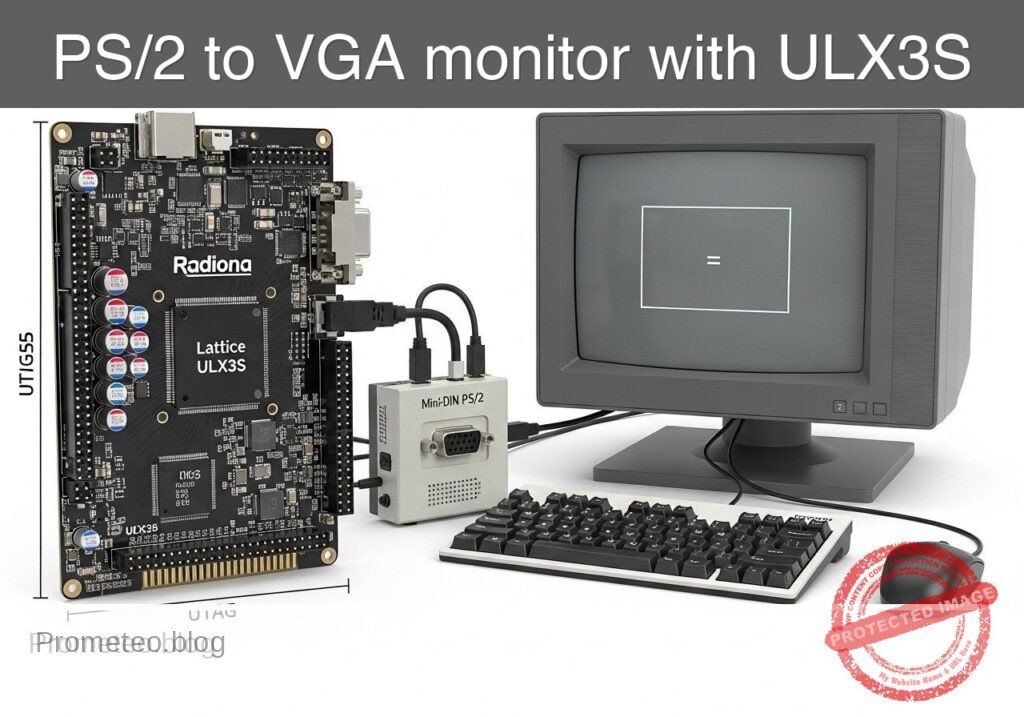
Follow me:


Practical case: RC pushbutton debounce

RC pushbutton debounce prototype (Maker Style)

Level: Medium | Use a capacitor to mitigate mechanical noise when actuating a physical switch.

Objective and use case

In this practical case, you will build a passive RC (Resistor-Capacitor) network connected to a mechanical switch to filter out the high-frequency voltage spikes generated by contact bounce.

Why this is useful:
* Preventing multiple false triggers in digital counters or step sequences.
* Ensuring clean, singular interrupt signals for microcontrollers.
* Stabilizing input readings for memory elements like flip-flops and latches.
* Creating reliable and predictable user-interface buttons in embedded systems.

Expected outcome:
* The mechanical bounce, normally lasting 1–5 ms, is completely absorbed by the capacitor.
* The voltage at the switch node transitions smoothly rather than oscillating between logic levels.
* The charging time constant defines a clean transient voltage curve upon button release.
* Oscilloscope measurements will confirm the elimination of the bounce time in milliseconds.

Target audience and level: Intermediate electronics students and hobbyists learning about transient signals and physical switch characteristics.

Materials

  • V1: 5 V DC power supply
  • SW1: SPST momentary pushbutton switch, function: input trigger
  • R1: 10 kΩ resistor, function: pull-up for VSW
  • C1: 1 µF capacitor, function: debounce smoothing parallel to switch

Wiring guide

  • V1: connects between node VCC and node 0 (GND).
  • R1: connects between node VCC and node VSW.
  • SW1: connects between node VSW and node 0.
  • C1: connects between node VSW and node 0.

Conceptual block diagram

Conceptual block diagram — 74HC08 Capacitor
Quick read: inputs → main block → output (actuator or measurement). This summarizes the ASCII schematic below.

Schematic

VCC (5 V) --> [ R1: 10 kΩ Pull-up ] --+--(Node VSW)--> [ Debounced Output ]
                                    |
                                    +--> [ SW1: Pushbutton ] --> GND
                                    |
                                    +--> [ C1: 1µF Capacitor ] --> GND
Electrical Schematic

Electrical diagram

Electrical diagram for case: RC pushbutton debounce
Generated from the validated SPICE netlist for this case.

🔒 This electrical diagram is premium. With the 7-day pass or the monthly membership you can unlock the complete didactic material and the print-ready PDF pack.🔓 See premium access plans

Measurements and tests

  1. Connect an oscilloscope probe to node VSW and the ground clip to node 0.
  2. Set the oscilloscope to trigger on a falling edge at a threshold of approximately 2.5 V. Set the time base to 2 ms/div to accurately capture the Bounce-Time-ms.
  3. Actuate SW1 (press the button) and observe the Transient-Voltage on the screen. The voltage should drop to 0 V smoothly without the rapid spikes characteristic of mechanical bounce.
  4. Release the switch and observe the rising edge. Measure the time it takes for the voltage to reach 3.15 V (approx. 63.2% of 5 V). This represents one RC time constant (\tau = R × C), which should theoretically be 10 ms.
  5. Temporarily remove C1 from the circuit, press the switch again, and observe the raw mechanical bounce to compare the before-and-after transient signals. Reinsert C1 once complete.

SPICE netlist and simulation

Reference SPICE Netlist (ngspice) — excerptFull SPICE netlist (ngspice)

* Practical case: RC pushbutton debounce
.width out=256

* Main DC Power Supply
V1 VCC 0 DC 5

* Pull-up Resistor
R1 VCC VSW 10k

* Debounce Smoothing Capacitor
C1 VSW 0 1u

* Pushbutton SW1 modeled as a voltage-controlled switch
* Connects VSW to 0 (GND) when the control voltage is high
S1 VSW 0 ctrl 0 switch_model
.model switch_model SW(Vt=2.5 Ron=1 Roff=100Meg)

* Control pulse simulating the user pressing the button
* Presses the button at 5ms, holds for 20ms, repeats every 50ms
Vctrl ctrl 0 PULSE(0 5 5m 1u 1u 20m 50m)
* ... (truncated in public view) ...

Copy this content into a .cir file and run with ngspice.

🔒 Part of this section is premium. With the 7-day pass or the monthly membership you can access the full content (materials, wiring, detailed build, validation, troubleshooting, variants and checklist) and download the complete print-ready PDF pack.

* Practical case: RC pushbutton debounce
.width out=256

* Main DC Power Supply
V1 VCC 0 DC 5

* Pull-up Resistor
R1 VCC VSW 10k

* Debounce Smoothing Capacitor
C1 VSW 0 1u

* Pushbutton SW1 modeled as a voltage-controlled switch
* Connects VSW to 0 (GND) when the control voltage is high
S1 VSW 0 ctrl 0 switch_model
.model switch_model SW(Vt=2.5 Ron=1 Roff=100Meg)

* Control pulse simulating the user pressing the button
* Presses the button at 5ms, holds for 20ms, repeats every 50ms
Vctrl ctrl 0 PULSE(0 5 5m 1u 1u 20m 50m)

* Analysis directives
.op
.tran 100u 100m

* CRITICAL: Print input (button press) and output (debounced signal)
.print tran V(ctrl) V(VSW)

.end

Simulation Results (Transient Analysis)

Simulation Results (Transient Analysis)
Show raw data table (1134 rows)
Index   time            v(ctrl)         v(vsw)
0	0.000000e+00	0.000000e+00	4.999500e+00
1	1.000000e-06	0.000000e+00	4.999500e+00
2	2.000000e-06	0.000000e+00	4.999500e+00
3	4.000000e-06	0.000000e+00	4.999500e+00
4	8.000000e-06	0.000000e+00	4.999500e+00
5	1.600000e-05	0.000000e+00	4.999500e+00
6	3.200000e-05	0.000000e+00	4.999500e+00
7	6.400000e-05	0.000000e+00	4.999500e+00
8	1.280000e-04	0.000000e+00	4.999500e+00
9	2.280000e-04	0.000000e+00	4.999500e+00
10	3.280000e-04	0.000000e+00	4.999500e+00
11	4.280000e-04	0.000000e+00	4.999500e+00
12	5.280000e-04	0.000000e+00	4.999500e+00
13	6.280000e-04	0.000000e+00	4.999500e+00
14	7.280000e-04	0.000000e+00	4.999500e+00
15	8.280000e-04	0.000000e+00	4.999500e+00
16	9.280000e-04	0.000000e+00	4.999500e+00
17	1.028000e-03	0.000000e+00	4.999500e+00
18	1.128000e-03	0.000000e+00	4.999500e+00
19	1.228000e-03	0.000000e+00	4.999500e+00
20	1.328000e-03	0.000000e+00	4.999500e+00
21	1.428000e-03	0.000000e+00	4.999500e+00
22	1.528000e-03	0.000000e+00	4.999500e+00
23	1.628000e-03	0.000000e+00	4.999500e+00
... (1110 more rows) ...

Common mistakes and how to avoid them

  • Choosing a capacitor value that is too large: Using a 100 µF capacitor with a 10 kΩ pull-up results in a 1-second time constant, causing a sluggish button response. Solution: Keep C1 between 100 nF and 1 µF for standard 10 kΩ pull-up resistors.
  • Missing the pull-up resistor: Without R1, node VSW will float unpredictably when the switch is open. Solution: Always ensure R1 is securely connected between VCC and the switch node.
  • Feeding the slow RC signal directly into standard digital logic: Standard logic gates (like a basic 74HC08) can oscillate if fed a slowly rising voltage. Solution: Use this circuit to understand the RC transient, but for real digital inputs, feed the debounced signal through a Schmitt Trigger IC to square up the edges.

Troubleshooting

  • Symptom: The voltage at node VSW remains constantly at 0 V.
  • Cause: The switch is physically stuck closed, or the capacitor C1 is shorted.
  • Fix: Check the switch continuity with a multimeter and replace C1 if defective.
  • Symptom: The voltage at node VSW stays constantly at 5 V even when pressed.
  • Cause: SW1 is not properly connected to node 0 (Ground).
  • Fix: Verify the ground connection on the lower terminal of the switch.
  • Symptom: Switch bounce is still visible on the rising edge.
  • Cause: The RC time constant is too short compared to the mechanical bounce duration of that specific switch.
  • Fix: Increase the value of C1 (e.g., from 0.1 µF to 1 µF).
  • Symptom: The switch contacts fail or degrade after repeated presses.
  • Cause: The capacitor dumps its charge instantly through the switch contacts, causing high inrush current.
  • Fix: For long-term reliability, add a small 100 Ω resistor in series with the switch to limit the discharge current.

Possible improvements and extensions

  • Add a Schmitt Trigger buffer: Route the VSW node through a Schmitt Trigger inverter (such as the 74HC14) to convert the exponential RC charging curve into a crisp, bounce-free digital logic pulse.
  • Hardware vs Software Debounce comparison: Keep this hardware RC circuit on one button, and wire a raw button to a microcontroller. Implement a software debounce algorithm on the raw button and compare the resource usage and reliability of both methods.

More Practical Cases on Prometeo.blog

Find this product and/or books on this topic on Amazon

Go to Amazon

As an Amazon Associate, I earn from qualifying purchases. If you buy through this link, you help keep this project running.

Quick Quiz

Question 1: What is the primary purpose of the RC network described in the article?


Question 2: How long does mechanical bounce typically last according to the context?


Question 3: Which of the following is a direct benefit of using this RC network?


Question 4: What happens to the voltage at the switch node when the RC network is applied?


Question 5: What defines the clean transient voltage curve upon button release?


Question 6: What instrument is mentioned to confirm the elimination of the bounce time?


Question 7: What type of components make up the passive network used for debouncing in this case?


Question 8: Why is debouncing important for microcontrollers?


Question 9: What effect does the capacitor have on the mechanical bounce?


Question 10: For which type of memory elements does this circuit stabilize input readings?


Carlos Núñez Zorrilla
Electronics & Computer Engineer

Telecommunications Electronics Engineer and Computer Engineer (official degrees in Spain).

Follow me:


Practical case: Astable oscillator with NE555

Astable oscillator with NE555 prototype (Maker Style)

Level: Medium – Configure a capacitor in an NE555 circuit to control the oscillation frequency.

Objective and use case

In this practical case, you will build an astable multivibrator circuit using the classic NE555 timer. The core focus is to understand how the charging and discharging of a timing capacitor regulates the frequency and duty cycle of the output signal.

Why it is useful:
* Clock generation: Generates steady clock pulses for sequential digital circuits.
* Warning flashers: Drives LEDs or lamps in hazard and warning systems.
* Audio tone generation: Produces audible frequencies for buzzers, alarms, and electronic metronomes.
* PWM foundations: Demonstrates the underlying principles needed to generate Pulse Width Modulation signals.

Expected outcome:
* The circuit will generate a continuous square wave without requiring any external trigger.
* The voltage across the timing capacitor will continuously charge and discharge between 1/3 and 2/3 of the supply voltage.
* An LED connected to the output will flash continuously at a predictable frequency of approximately 1.4 Hz.
* The frequency and duty cycle will closely match the calculated values based on the chosen RC network.

Target audience: Intermediate electronics students learning mixed-signal timing circuits and capacitor behavior.

Materials

  • U1: NE555 timer IC, function: oscillator core
  • R1: 10 kΩ resistor, function: timing resistor for charge cycle
  • R2: 47 kΩ resistor, function: timing resistor for charge and discharge cycles
  • C1: 10 µF electrolytic capacitor, function: primary timing capacitor determining frequency
  • C2: 10 nF ceramic capacitor, function: control voltage noise decoupling
  • R3: 330 Ω resistor, function: LED current limiting
  • D1: red LED, function: visual frequency indicator
  • V1: 5 V DC supply, function: circuit power

Wiring guide

  • V1: Connects between node VCC (positive) and node 0 (GND).
  • U1:
  • Pin 8 (VCC) connects to node VCC.
  • Pin 1 (GND) connects to node 0.
  • Pin 4 (RESET) connects to node VCC.
  • Pin 2 (TRIG) and Pin 6 (THRES) are tied together to form node TH_TR.
  • Pin 7 (DISCH) connects to node DISCH.
  • Pin 5 (CTRL) connects to node CV.
  • Pin 3 (OUT) connects to node VOUT.
  • R1: Connects between node VCC and node DISCH.
  • R2: Connects between node DISCH and node TH_TR.
  • C1: Connects between node TH_TR (positive lead) and node 0 (negative lead).
  • C2: Connects between node CV and node 0.
  • R3: Connects between node VOUT and node LED_A.
  • D1: Connects between node LED_A (anode) and node 0 (cathode).

Conceptual block diagram

Conceptual block diagram — NE555 NE555 Timer Oscillator
Quick read: inputs → main block → output (actuator or measurement). This summarizes the ASCII schematic below.

Schematic

[ V1: 5 V DC ] --(PWR/RST: Pins 8,4) ------------------> [                 ]
                                                        [                 ] --(VOUT: Pin 3)--> [ R3: 330 Ω ] --(LED_A)--> [ D1: Red LED ] --> GND
[ V1: 5 V DC ] --> [ R1: 10 kΩ ] --(DISCH: Pin 7) ------> [ U1: NE555 Timer ]
                       |                                [ Oscillator Core ] --(CV: Pin 5)----> [ C2: 10nF ] --> GND
                       +--> [ R2: 47 kΩ ] --(TH_TR: 2,6)>[                 ]
                                  |                     [   (Pin 1: GND)  ]
                                  +--> [ C1: 10µF ] --> GND       |
                                                                 GND
Electrical Schematic

Electrical diagram

Electrical diagram for case: Astable oscillator with NE555
Generated from the validated SPICE netlist for this case.

🔒 This electrical diagram is premium. With the 7-day pass or the monthly membership you can unlock the complete didactic material and the print-ready PDF pack.🔓 See premium access plans

Measurements and tests

  1. V-capacitor-waveform validation: Connect an oscilloscope probe to node TH_TR and the ground lead to node 0. You should observe a continuous, triangular-like waveform that charges up to roughly 3.33 V (2/3 VCC) and discharges down to roughly 1.66 V (1/3 VCC).
  2. Frequency-Hz measurement: Connect the oscilloscope or a multimeter with frequency measurement capabilities to node VOUT. You should read a frequency of approximately 1.38 Hz, generating a clear, visible flashing on the LED.
  3. Duty cycle verification: Measure the high time versus the low time on node VOUT. Because the capacitor charges through both R1 and R2 but discharges only through R2, the high time will be slightly longer than the low time (duty cycle > 50%).
  4. Supply voltage independence test: Temporarily increase V1 from 5 V to 9 V. Observe the frequency at VOUT. The frequency should remain virtually unchanged because the internal comparator thresholds scale proportionally with the supply voltage.

SPICE netlist and simulation

Reference SPICE Netlist (ngspice) — excerptFull SPICE netlist (ngspice)

* Practical case: Astable oscillator with NE555
.width out=256

* Power Supply
V1 VCC 0 DC 5

* NE555 Timer IC Subcircuit Instance
* Pins: GND TRIG OUT RESET CTRL THRES DISCH VCC_PIN
XU1 0 TH_TR VOUT VCC CV TH_TR DISCH VCC NE555

* Timing Components
R1 VCC DISCH 10k
R2 DISCH TH_TR 47k
C1 TH_TR 0 10u
C2 CV 0 10n

* Output Load (LED)
R3 VOUT LED_A 330
D1 LED_A 0 DLED

* ... (truncated in public view) ...

Copy this content into a .cir file and run with ngspice.

🔒 Part of this section is premium. With the 7-day pass or the monthly membership you can access the full content (materials, wiring, detailed build, validation, troubleshooting, variants and checklist) and download the complete print-ready PDF pack.

* Practical case: Astable oscillator with NE555
.width out=256

* Power Supply
V1 VCC 0 DC 5

* NE555 Timer IC Subcircuit Instance
* Pins: GND TRIG OUT RESET CTRL THRES DISCH VCC_PIN
XU1 0 TH_TR VOUT VCC CV TH_TR DISCH VCC NE555

* Timing Components
R1 VCC DISCH 10k
R2 DISCH TH_TR 47k
C1 TH_TR 0 10u
C2 CV 0 10n

* Output Load (LED)
R3 VOUT LED_A 330
D1 LED_A 0 DLED

* Models
.MODEL DLED D(IS=1e-19 N=1.6 RS=10 BV=5 IBV=10u)

* Behavioral NE555 Subcircuit
.SUBCKT NE555 GND TRIG OUT RESET CTRL THRES DISCH VCC_PIN
* Internal voltage divider (3 x 5k resistors)
R1 VCC_PIN CTRL 5k
R2 CTRL N1 5k
R3 N1 GND 5k

* Smooth comparators for threshold, trigger, and reset
B_COMP_TH COMP_TH GND V=0.5*(1+tanh(100*(V(THRES,GND)-V(CTRL,GND))))
B_COMP_TR COMP_TR GND V=0.5*(1+tanh(100*(V(N1,GND)-V(TRIG,GND))))
B_COMP_RST COMP_RST GND V=0.5*(1+tanh(100*(0.7-V(RESET,GND))))

* SR Latch (Integrator with positive feedback for infinite hold time)
B_LATCH GND LATCH I=V(COMP_TR,GND) - V(COMP_TH,GND) - 5*V(COMP_RST,GND) + (V(LATCH,GND)>0.5 ? 0.1 : -0.1)
C_LATCH LATCH GND 1n
R_LATCH LATCH GND 100Meg

* Latch Voltage Clamps (Clamps V(LATCH) between ~0V and ~1V)
D1 GND LATCH D_CLAMP
V_CLAMP V_CLAMP_NODE GND 1
D2 LATCH V_CLAMP_NODE D_CLAMP
.model D_CLAMP D(N=0.01 RS=1)

* Output Driver Stage
B_OUT OUT_INT GND V=V(LATCH,GND)>0.5 ? V(VCC_PIN,GND) : 0.1
R_OUT OUT_INT OUT 10

* Open-Collector Discharge Transistor (Modeled as a Switch)
B_DISCH_CTRL DISCH_CTRL GND V=V(LATCH,GND)<0.5 ? 1 : 0
S_DISCH DISCH GND DISCH_CTRL GND SW_DISCH
.model SW_DISCH SW(VT=0.5 RON=15 ROFF=100Meg)
.ENDS

* Force initial condition on timing capacitor to ensure guaranteed oscillator startup
.ic V(TH_TR)=0

* Simulation Commands
.op
.tran 1m 3
.print tran V(VOUT) V(TH_TR) V(DISCH) V(LED_A) V(CV)

Simulation Results (Transient Analysis)

Simulation Results (Transient Analysis)
Analysis: The transient analysis spans 0 s to 3 s. Main ranges: v(vout) 100 mV -> 4.9 V; v(disch) 8.02 mV -> 4.71 V; v(th_tr) 0 uV -> 3.32 V.
Show raw data table (3013 rows)
Index   time            v(vout)         v(th_tr)        v(disch)        v(led_a)        v(cv)
0	0.000000e+00	4.903386e+00	0.000000e+00	4.122467e+00	1.715117e+00	3.333333e+00
1	1.000000e-05	4.903386e+00	8.771053e-05	4.122482e+00	1.715117e+00	3.333333e+00
2	2.000000e-05	4.903386e+00	1.754195e-04	4.122498e+00	1.715117e+00	3.333333e+00
3	4.000000e-05	4.903386e+00	3.508344e-04	4.122529e+00	1.715117e+00	3.333333e+00
4	8.000000e-05	4.903386e+00	7.016457e-04	4.122590e+00	1.715117e+00	3.333333e+00
5	1.600000e-04	4.903386e+00	1.403195e-03	4.122713e+00	1.715117e+00	3.333333e+00
6	3.200000e-04	4.903386e+00	2.805997e-03	4.122959e+00	1.715117e+00	3.333333e+00
7	6.400000e-04	4.903386e+00	5.610420e-03	4.123451e+00	1.715117e+00	3.333333e+00
8	1.280000e-03	4.903386e+00	1.121455e-02	4.124434e+00	1.715117e+00	3.333333e+00
9	2.280000e-03	4.903386e+00	1.995841e-02	4.125968e+00	1.715117e+00	3.333333e+00
10	3.280000e-03	4.903386e+00	2.868694e-02	4.127499e+00	1.715117e+00	3.333333e+00
11	4.280000e-03	4.903386e+00	3.740018e-02	4.129028e+00	1.715117e+00	3.333333e+00
12	5.280000e-03	4.903386e+00	4.609814e-02	4.130554e+00	1.715117e+00	3.333333e+00
13	6.280000e-03	4.903386e+00	5.478085e-02	4.132077e+00	1.715117e+00	3.333333e+00
14	7.280000e-03	4.903386e+00	6.344835e-02	4.133597e+00	1.715117e+00	3.333333e+00
15	8.280000e-03	4.903386e+00	7.210065e-02	4.135115e+00	1.715117e+00	3.333333e+00
16	9.280000e-03	4.903386e+00	8.073778e-02	4.136630e+00	1.715117e+00	3.333333e+00
17	1.028000e-02	4.903386e+00	8.935978e-02	4.138143e+00	1.715117e+00	3.333333e+00
18	1.128000e-02	4.903386e+00	9.796666e-02	4.139653e+00	1.715117e+00	3.333333e+00
19	1.228000e-02	4.903386e+00	1.065585e-01	4.141160e+00	1.715117e+00	3.333333e+00
20	1.328000e-02	4.903386e+00	1.151352e-01	4.142665e+00	1.715117e+00	3.333333e+00
21	1.428000e-02	4.903386e+00	1.236969e-01	4.144166e+00	1.715117e+00	3.333333e+00
22	1.528000e-02	4.903386e+00	1.322436e-01	4.145666e+00	1.715117e+00	3.333333e+00
23	1.628000e-02	4.903386e+00	1.407753e-01	4.147162e+00	1.715117e+00	3.333333e+00
... (2989 more rows) ...

Common mistakes and how to avoid them

  1. Electrolytic capacitor connected backwards: C1 is an electrolytic capacitor, meaning it is polarized. If installed backwards, it will leak current, preventing it from reaching the 2/3 VCC threshold, and the circuit will freeze. Always ensure the negative stripe is connected to ground (node 0).
  2. Using too small a value for R1: If R1 is too small (e.g., less than 1 kΩ), excessive current will flow into Pin 7 during the discharge cycle. This can overheat and permanently damage the internal discharge transistor of the NE555. Always keep R1 at a safe value (1 kΩ or higher).
  3. Leaving the RESET pin floating: Pin 4 is an active-low reset. If left unconnected, ambient electrical noise can randomly reset the timer, causing erratic oscillation or stopping the circuit entirely. Always tie Pin 4 to VCC when the reset function is not needed.

Troubleshooting

  • Symptom: The LED stays solidly ON or OFF and never blinks.
    • Cause: The timing capacitor C1 is shorted, or the wiring to Pins 2 and 6 is incomplete, preventing the trigger/threshold voltage from changing.
    • Fix: Verify that C1 is firmly seated and strictly connected between TH_TR and 0. Ensure Pins 2 and 6 are bridged.
  • Symptom: The LED appears to be continuously ON but slightly dimmer than usual.
    • Cause: The oscillation frequency is too high for the human eye to perceive the blinking (typically > 50 Hz). This happens if the RC values are too small.
    • Fix: Check the value of C1. If you accidentally used a 10 nF capacitor instead of a 10 µF capacitor, the frequency will be in the kilohertz range. Swap it for the correct 10 µF value.
  • Symptom: The oscillation frequency is highly unstable or erratic.
    • Cause: Electrical noise is interfering with the internal voltage divider of the NE555.
    • Fix: Ensure C2 (10 nF) is properly connected to Pin 5 (CTRL) and ground. Also, verify that your power supply V1 is stable.

Possible improvements and extensions

  1. Variable frequency control: Replace R2 with a 100 kΩ potentiometer in series with a 1 kΩ fixed resistor. This allows you to manually adjust the discharge rate and, consequently, dial in the oscillation frequency on the fly.
  2. Audio oscillator conversion: Swap C1 for a 100 nF ceramic capacitor and replace the LED/R3 network with a small 8 Ω speaker in series with a 100 µF coupling capacitor. This will shift the oscillation into the audible spectrum, creating a custom tone generator.

More Practical Cases on Prometeo.blog

Find this product and/or books on this topic on Amazon

Go to Amazon

As an Amazon Associate, I earn from qualifying purchases. If you buy through this link, you help keep this project running.

Quick Quiz

Question 1: What is the primary objective of the circuit described in the text?


Question 2: Between what two voltage levels does the timing capacitor continuously charge and discharge?


Question 3: What is the expected flashing frequency of the LED connected to the output?


Question 4: What type of signal does the circuit generate without requiring an external trigger?


Question 5: Which of the following is listed as a use case for this NE555 circuit?


Question 6: What role does the timing capacitor play in this NE555 circuit?


Question 7: How does the circuit behave in terms of triggering?


Question 8: What foundational principle does this astable multivibrator circuit demonstrate?


Question 9: In hazard and warning systems, what is the NE555 circuit used to drive?


Question 10: What does the circuit generate for sequential digital circuits?


Carlos Núñez Zorrilla
Electronics & Computer Engineer

Telecommunications Electronics Engineer and Computer Engineer (official degrees in Spain).
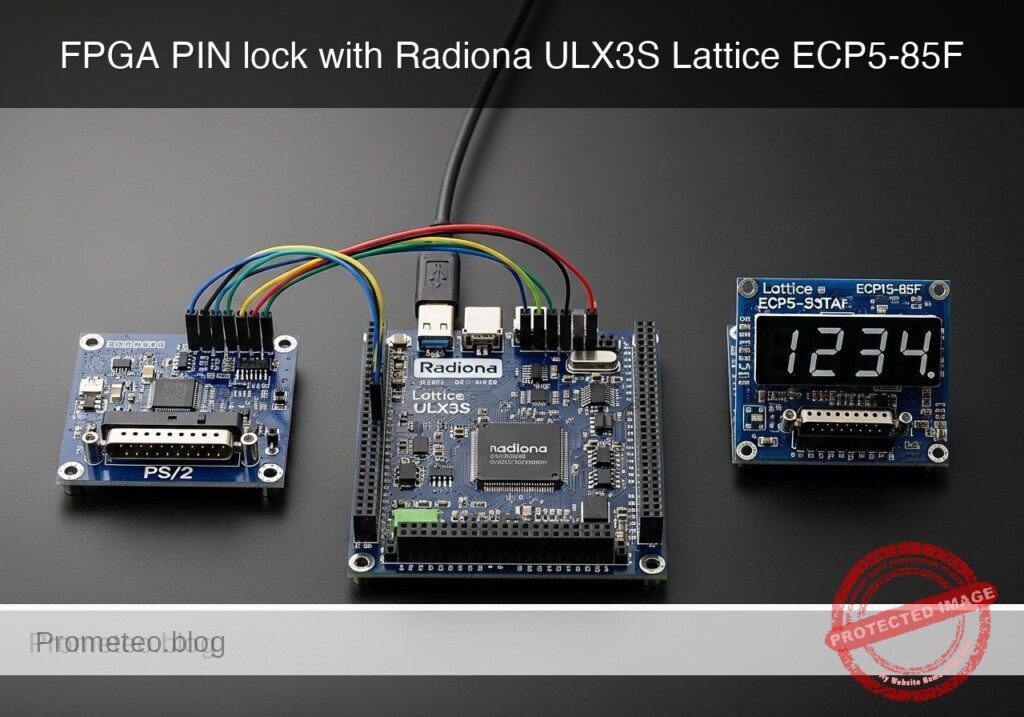
Follow me: