Micro Tutorial: ROM Memory

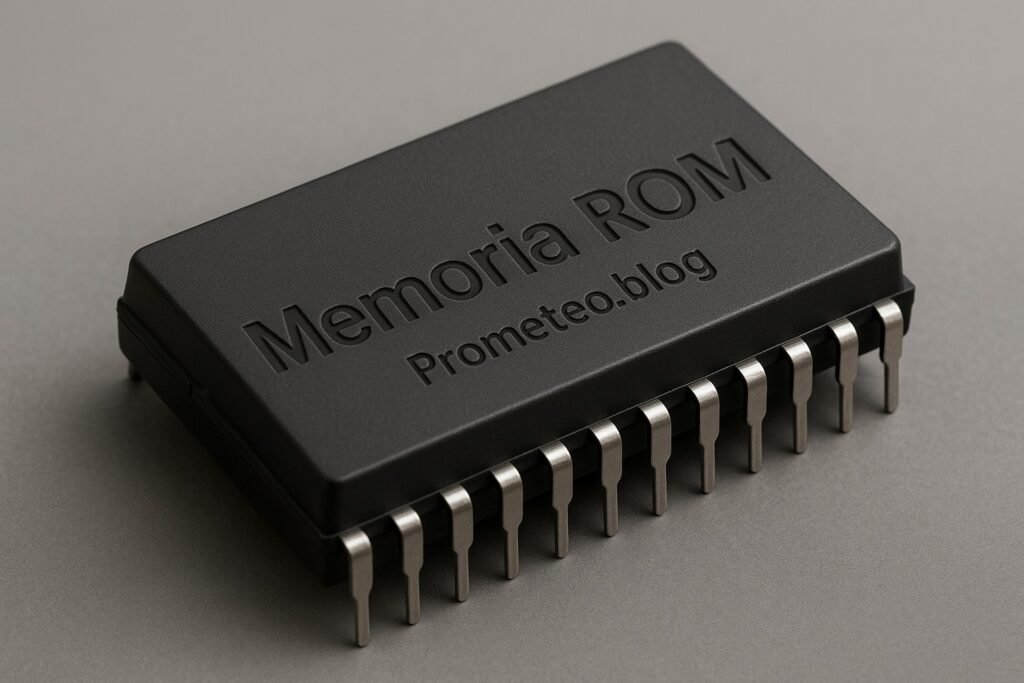
Micro Tutorial: Memoria ROM — imagen destacada

Introduction

Back in my early days as an electronics student, I often wondered how devices retained information even when powered off. That’s when I learned about ROM, or Read-Only Memory. It’s fascinating how this technology forms the backbone of many electronic devices we use daily. In this tutorial, we will explore the fundamentals of ROM, how it works, its applications, advantages and disadvantages, a concrete use case, and some common mistakes to avoid. By the end, you will have a comprehensive understanding of ROM and its significance in the world of electronics.

What it’s used for and how it works

ROM, which stands for Read-Only Memory, is a type of non-volatile storage that is crucial in the world of electronics. Non-volatile means that it retains its data even when the power is turned off, which makes it invaluable for storing firmware, system software, and other crucial data that must not be lost. You will find ROM in various applications, including computers, game consoles, embedded systems, and much more.

How ROM Works

Understanding how ROM works requires a brief look at its structure and operation. Unlike RAM (Random Access Memory), which allows for both read and write operations, ROM is primarily designed for reading data. The data in ROM is written during the manufacturing process, and once written, it cannot be modified (or can be modified only with difficulty).

Types of ROM

There are several types of ROM, each with its own characteristics and uses:

  1. Mask ROM: This is the oldest form of ROM. It is programmed during the manufacturing process, meaning that once it is created, the data is fixed. Mask ROM is often used in applications where the data does not need to be updated.

  2. PROM (Programmable ROM): This type can be programmed once after manufacturing. You can think of it as a blank slate that you can write data onto, but once it is written, it cannot be altered.

  3. EPROM (Erasable Programmable ROM): EPROM allows you to erase the data with UV light and then reprogram it. This feature makes it more flexible than PROM.

  4. EEPROM (Electrically Erasable Programmable ROM): This is similar to EPROM, but it can be erased and rewritten using electrical signals. EEPROM is commonly used in applications that require frequent updates, such as BIOS chips in computers.

  5. Flash Memory: A modern form of EEPROM that allows for faster read and write operations and can be erased and rewritten in blocks rather than one byte at a time. Flash memory is widely used in USB drives and SSDs.

Applications of ROM

ROM is used in various devices and applications:

  • Firmware Storage: Most embedded systems rely on ROM to store their firmware, which is the software that provides low-level control for the device’s hardware.

  • Boot Processes: Computers and other devices often use ROM to store the initial code that runs when the device is powered on. This code initiates the boot process, loading the operating system.

  • Game Consoles: Older game consoles often utilized ROM cartridges to store game data. Each cartridge contained ROM chips that held the game code.

  • Consumer Electronics: Many household appliances, such as microwaves and washing machines, use ROM to store control programs and settings.

  • Automotive Systems: Modern vehicles use ROM in engine control units (ECUs) to store critical operating parameters.

Advantages of ROM

You might wonder why ROM is still so widely used. There are several advantages:

  • Data Integrity: Since the data is non-volatile, it remains intact even without power.

  • Security: The data in ROM is difficult to alter, which makes it a secure choice for storing critical firmware.

  • Cost-Effective: For applications where data does not need to change frequently, ROM can be a cost-effective solution compared to other types of memory.

  • Reliability: ROM is generally more reliable than RAM, as it does not wear out over time with read/write cycles.

Disadvantages of ROM

However, ROM is not without its drawbacks:

  • Inflexibility: Once data is written, it cannot be changed easily, which limits its use in applications requiring frequent updates.

  • Limited Capacity: Compared to other storage options like hard drives or flash memory, ROM typically has lower storage capacities.

Conclusion on How ROM Works

In summary, ROM is an essential component in many electronic systems, providing a stable and reliable means of storing critical data. Its non-volatile nature ensures that important information remains accessible even when power is lost, making it a foundational technology in electronics.

Key Parameters

When working with ROM, it’s important to understand its key parameters, which can influence its performance and suitability for specific applications:

  • Storage Capacity: This indicates how much data can be stored in the ROM. Depending on the application, you may choose ROM with varying capacities.

  • Read Speed: This is the time it takes to read data from ROM, which can affect the overall performance of the system.

  • Write Speed: While traditional ROMs do not allow for writing, EEPROM and Flash memory do, and their write speeds are important for applications needing updates.

  • Erase Cycle: This is relevant for erasable ROM types, indicating how many times the data can be erased and rewritten.

  • Endurance: This measures the lifespan of the memory type, particularly for EEPROM and Flash, indicating how many write/erase cycles the memory can endure before failure.

Concrete Use Case

To illustrate the practical application of ROM, let’s consider a common use case: the BIOS of a computer system. BIOS, or Basic Input/Output System, is firmware stored on a ROM chip on the motherboard. Here’s how it works:

What is BIOS?

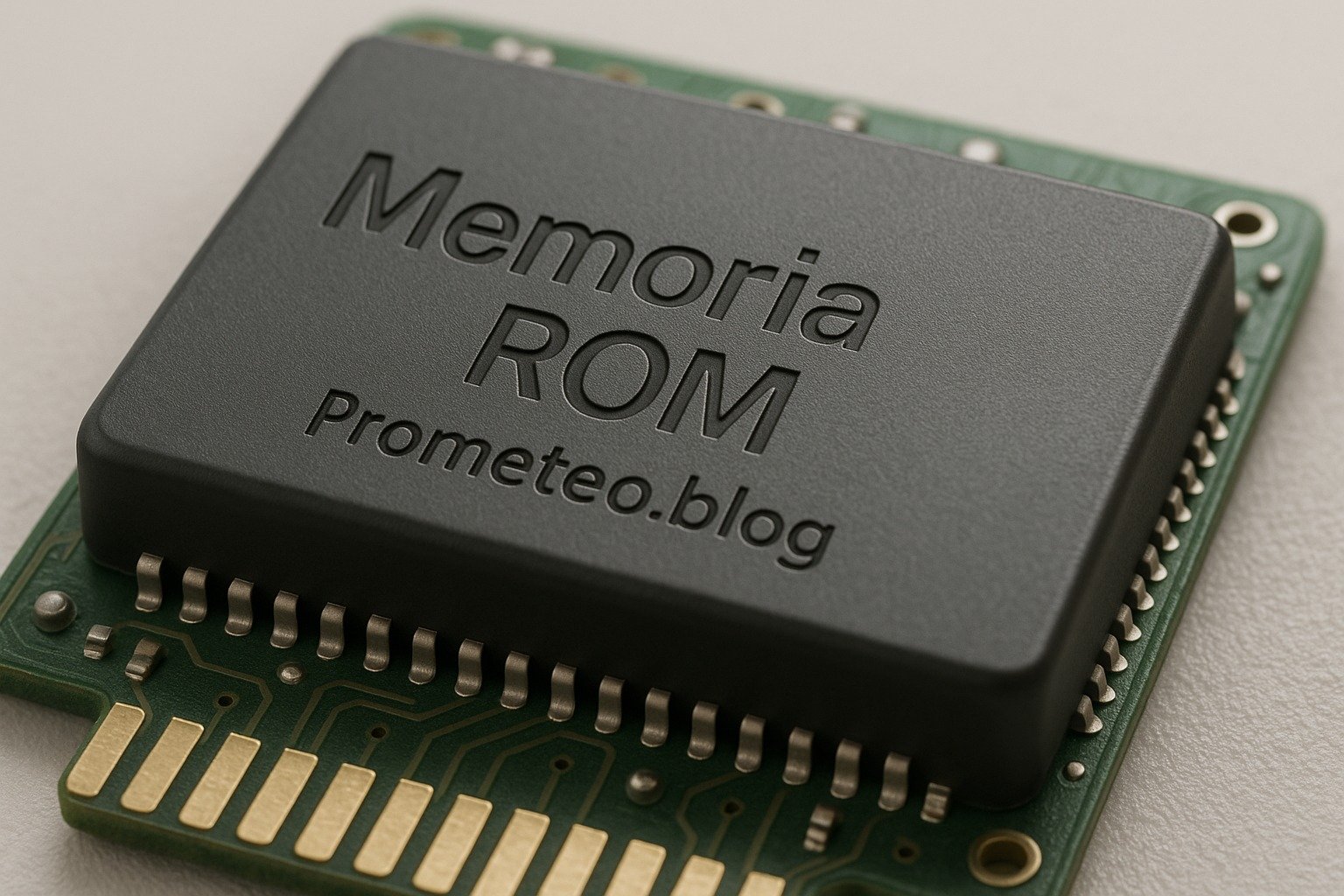
The BIOS is the first software that runs when you power on your computer. Its primary role is to initialize and test hardware components, such as the CPU, RAM, and storage devices, before handing control over to the operating system. Since this process needs to occur every time the computer starts, the BIOS must be stored in a non-volatile memory like ROM.

The Role of ROM in BIOS

  1. Initialization: When you turn on your computer, the BIOS performs a Power-On Self-Test (POST) to check if all hardware components are functioning correctly. This process is stored in ROM, ensuring it runs every time you power on the device.

  2. Boot Sequence: After POST, the BIOS identifies the bootable devices (like hard drives, SSDs, or USB drives) and loads the operating system from the selected device. This boot sequence is hard-coded in ROM, ensuring consistency across all boot cycles.

  3. Configuration Settings: The BIOS also allows users to configure hardware settings, such as boot order, system time, and hardware configurations. These settings are stored in EEPROM, a type of ROM that can be updated without replacing the chip.

  4. Firmware Updates: While the core BIOS code is read-only and cannot be altered, manufacturers occasionally release updates to fix bugs or improve performance. Users can apply these updates, which are often stored in a secondary area of the ROM.

Impact on Performance

Because the BIOS is stored in ROM, it can be accessed very quickly during the boot process. This speed is crucial for ensuring that the computer starts up efficiently. Furthermore, the reliability of ROM ensures that the BIOS can always be accessed even if the computer loses power.

Challenges and Solutions

While ROM is beneficial, there are challenges as well. For example, if a BIOS chip becomes corrupted, the system may fail to boot. However, many modern motherboards have a backup BIOS stored in a separate ROM chip to mitigate this risk. Additionally, some systems allow for BIOS recovery methods, ensuring that even if a problem arises, users can restore the system.

Conclusion of the Use Case

Overall, the use of ROM in BIOS exemplifies how this technology is integral to the functioning of computers. It ensures that the essential instructions for starting up the system are always available and reliable.

Common Mistakes and How to Avoid Them

Here are some common mistakes people make when working with ROM and how to avoid them:

  • Assuming all ROM is the same: Different types of ROM have varying characteristics. Make sure to choose the right type for your application.

  • Neglecting to update firmware: While ROM is read-only, firmware updates are important for performance and security. Always check for updates from manufacturers.

  • Overlooking erase cycles: For EEPROM and Flash memory, forgetting about their limited erase cycles can lead to premature failure. Monitor usage and plan for replacements.

  • Not understanding read speeds: If you need fast access times, ensure you choose a ROM type that meets your speed requirements.

  • Ignoring backup options: In critical applications, always have a backup plan if the ROM data becomes corrupted or inaccessible.

Conclusion

In conclusion, ROM is a fundamental component in modern electronics, providing secure, reliable, and consistent storage for critical data. Understanding its operation, applications, and limitations is essential for anyone working in electronics. If you want to delve deeper into the fascinating world of electronics and computer engineering, consider exploring more resources and tutorials.

More information at electronicsengineering.blog

Third-party readings

Find this product and/or books on this topic on Amazon

Go to Amazon

As an Amazon Associate, I earn from qualifying purchases. If you buy through this link, you help keep this project running.

Quick Quiz
Question 1: What does ROM stand for?


Question 2: Which of the following is a characteristic of ROM?


Question 3: What is Mask ROM primarily used for?


Question 4: How is data written to ROM?


Question 5: Which type of ROM can be programmed after manufacturing?


Micro Tutorial: Memoria ROM

Carlos Núñez Zorrilla
Electronics & Computer Engineer

Telecommunications Electronics Engineer and Computer Engineer (official degrees in Spain).

Follow me: YouTube · Instagram · TikTok · X


Micro Tutorial: RAM Memory

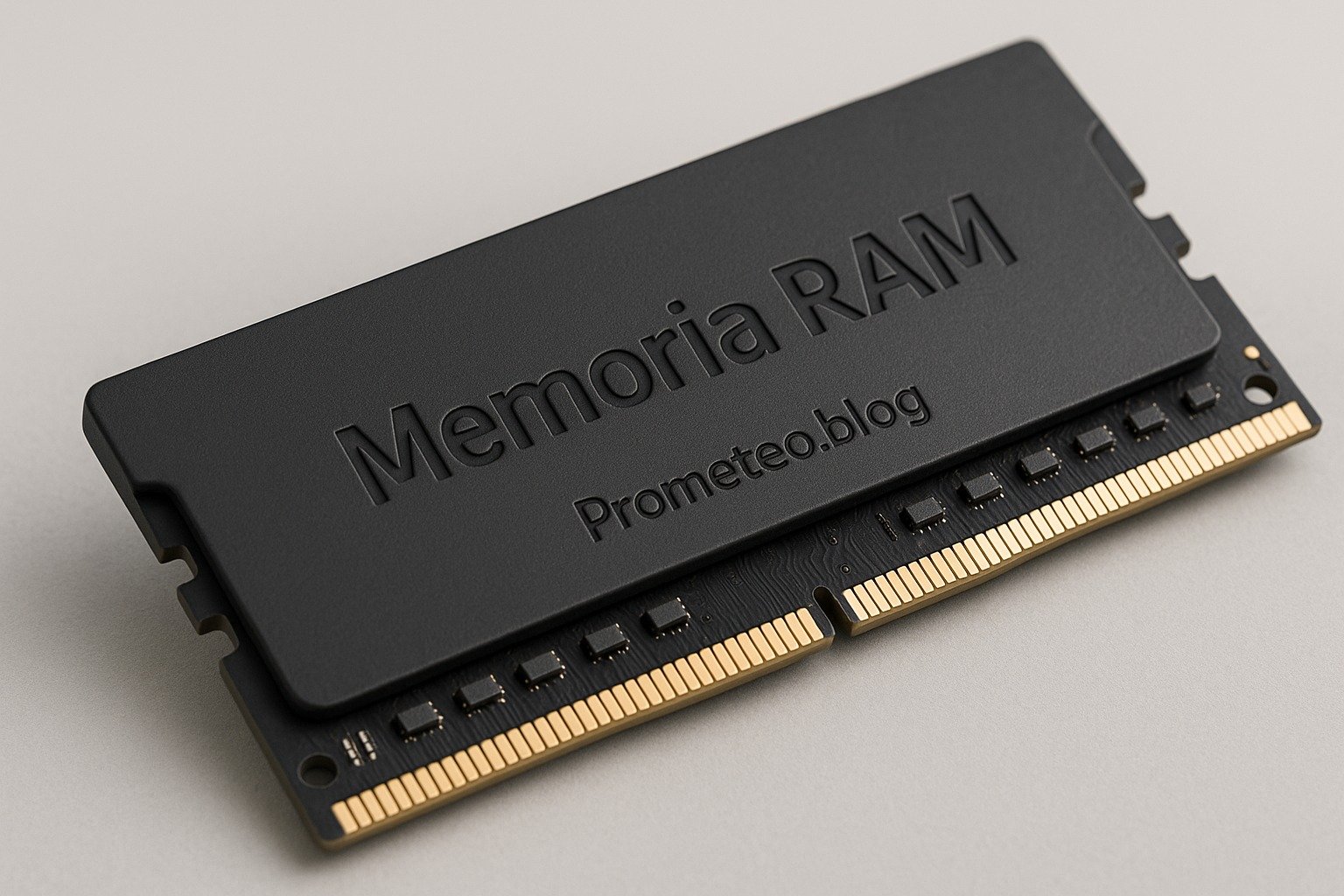
Micro Tutorial: Memoria RAM — imagen destacada

Introduction

Have you ever wondered why your computer becomes sluggish when you have too many applications open? I remember the first time I experienced that frustration. I was working on an important project and suddenly, everything slowed down. That’s when I learned about Memoria RAM and its crucial role in computing. Understanding RAM is essential for anyone who uses a computer, whether for casual browsing, gaming, or professional work. In this tutorial, we will delve deeper into the fundamentals of RAM, how it functions, its applications, best practices, and a practical use case to illustrate its importance.

Fundamentals

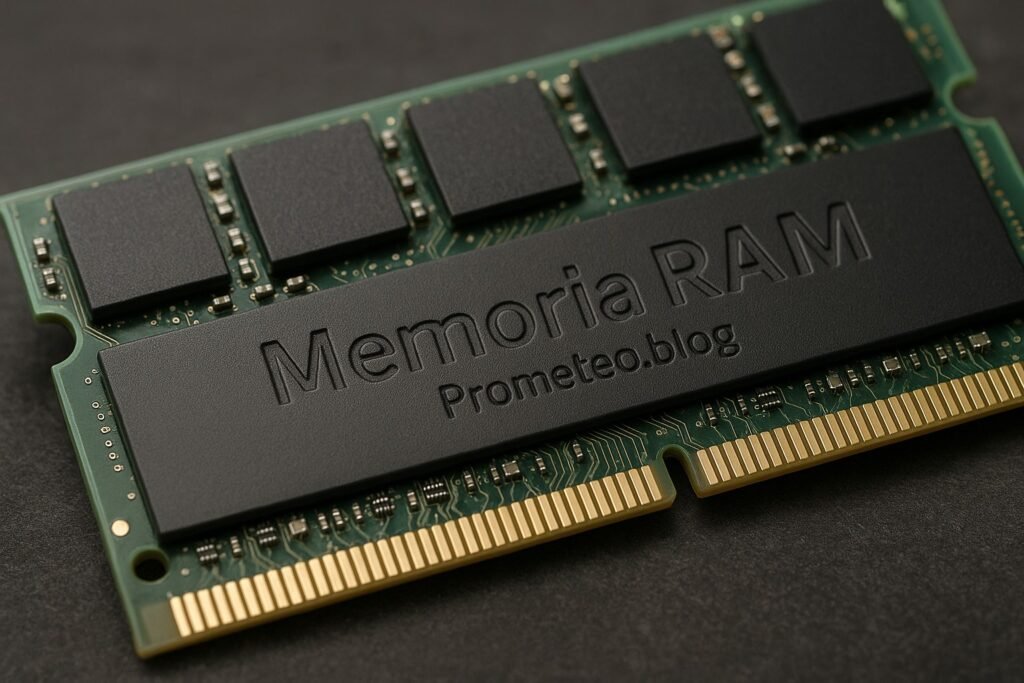
Memoria RAM, or Random Access Memory, is a fundamental component in any computer system. It serves as the short-term memory of your computer, allowing it to store data temporarily for quick access. RAM is essential for effective multitasking and overall system performance. When you run applications, they temporarily store data in RAM to enable quick access, which is crucial for the smooth operation of your system.

When you power on your computer, the operating system and essential applications are loaded into RAM. This allows the processor to access data rapidly, enhancing the speed and efficiency of operations. Unlike storage drives, such as SSDs or HDDs, RAM is volatile. This means that all data stored in RAM is lost when you power off your device. Therefore, while RAM is critical for active processes, it does not serve as permanent data storage.

To illustrate how RAM works, imagine you are preparing a meal. The ingredients you need represent your data, the kitchen symbolizes your RAM, and the cooking process is your CPU. If your kitchen (RAM) is small, you can only prepare a limited number of dishes (data) at once. However, if your kitchen is spacious, you can manage multiple recipes simultaneously, making the cooking process much smoother.

Types of RAM

There are various types of RAM, but the most common ones include:

  • DRAM (Dynamic RAM): This type of RAM needs to be refreshed thousands of times per second, as it stores data in capacitors that leak charge over time. DRAM is the most widely used type of RAM in personal computers due to its cost-effectiveness and adequate performance for most applications.

  • SRAM (Static RAM): Unlike DRAM, SRAM does not need to be refreshed as often. It uses flip-flops to store data, resulting in faster access speeds but at a higher cost. SRAM is typically used in cache memory for CPUs because of its speed and reliability.

  • SDRAM (Synchronous Dynamic RAM): This type of RAM synchronizes with the system clock, allowing for faster data access and improved performance compared to traditional DRAM. Variants of SDRAM, such as DDR (Double Data Rate) SDRAM, have become the standard in modern systems.

Each type of RAM plays a role in how systems operate. While DRAM is widely used in personal computers due to its cost-effectiveness, SRAM is often found in cache memory for CPUs because of its speed. The choice of RAM type can significantly influence the performance of a computer system.

How RAM interacts with the CPU

Whenever you open a program, the CPU sends a request to RAM. The data for that program is pulled into RAM from your storage drive. Once it’s in RAM, the CPU can access it quickly, which is why having more RAM can lead to better performance. Furthermore, when you switch between applications, the operating system typically keeps recently used programs in RAM, allowing for a seamless user experience.

In modern computing, multitasking is commonplace. Therefore, the ability of RAM to hold multiple applications at once is vital. When you have enough RAM, your computer can handle running various programs simultaneously without lag. If you don’t have enough RAM, your system will have to swap data back and forth between the storage drive and RAM, which significantly slows down performance.

The speed of RAM

RAM speed is often measured in megahertz (MHz) or gigahertz (GHz), indicating how many cycles per second the memory can perform. Higher speeds mean faster data access, which can improve overall system performance. However, speed alone isn’t the only factor to consider. Bandwidth, which is the amount of data that can be transferred in a given time, also plays a crucial role in RAM performance.

The speed of RAM can be influenced by various factors, including the type of RAM, the motherboard’s capabilities, and the CPU. For example, DDR4 RAM typically operates at speeds ranging from 2133 MHz to 3200 MHz, while the newer DDR5 can offer even higher speeds. When upgrading RAM, it’s essential to ensure that the new modules are compatible with your motherboard and CPU to take full advantage of their speed capabilities.

RAM capacity

The capacity of RAM is equally important. More RAM allows for more applications to run simultaneously and improves the performance of memory-intensive tasks, such as video editing or gaming. As applications become more demanding, having sufficient RAM becomes essential for a smooth experience. Most modern systems come with varying RAM capacities, often ranging from 4GB to 64GB or more.

For general computing tasks, 8GB of RAM is often sufficient, while gamers and professionals working with resource-intensive applications may benefit from 16GB or more. As software continues to evolve and demand more resources, it’s wise to consider future-proofing your system by opting for higher RAM capacity when possible.

Why RAM matters for gaming and productivity

In gaming and productivity tasks, RAM can be the difference between a smooth experience and frustrating lag. Games and applications that require a lot of memory will benefit from having more RAM. For instance, video editing software, graphic design tools, and high-end games all demand significant amounts of memory to function effectively. Therefore, if you’re into gaming or any kind of intensive work, investing in adequate RAM is a wise choice.

Many modern games recommend a minimum of 16GB of RAM for optimal performance. This requirement ensures that the game can load textures, assets, and other critical data quickly, reducing loading times and preventing stuttering during gameplay. Similarly, professional applications such as Adobe Premiere Pro or Autodesk Maya benefit greatly from additional RAM, allowing for smoother editing and rendering processes.

Conclusion of how RAM works

Ultimately, RAM plays a vital role in the overall function of your computer. It facilitates quick data access, supports multitasking, and enhances the user experience. Understanding how RAM functions will empower you to make informed decisions when optimizing your computer system.

Good Practices and Limitations

While understanding RAM is crucial, it’s equally important to adopt good practices and be aware of limitations:

Good Practices

  1. Assess Your Needs: Determine how much RAM you require based on your typical usage. If you primarily use your computer for browsing and word processing, 8GB may suffice. However, if you engage in gaming or video editing, consider 16GB or more.

  2. Opt for Quality Brands: When purchasing RAM, choose reputable brands known for reliability and performance. Quality components can make a significant difference in system stability.

  3. Consider Dual-Channel Configurations: If your motherboard supports it, utilize dual-channel RAM configurations. This setup can enhance bandwidth and improve overall performance.

  4. Monitor Performance: Use system monitoring tools to keep an eye on RAM usage. This practice can help you identify if you need an upgrade or if certain applications are consuming excessive memory.

Limitations

  1. Volatility: Remember that RAM is volatile, meaning all stored data is lost when power is turned off. Ensure you save your work frequently to avoid data loss.

  2. Compatibility: Always check your motherboard specifications before upgrading RAM. Not all RAM types and speeds are compatible with every system.

  3. Diminishing Returns: Adding more RAM beyond a certain point may yield diminishing returns in performance. For most users, 16GB is adequate, while professionals may require 32GB or more.

  4. Cost: Higher capacity and faster RAM can be expensive. Balance your performance needs with your budget to make the best decision.

Concrete Use Case

Let’s consider a practical scenario to illustrate the importance of Memoria RAM. Imagine you are a graphic designer working on a high-resolution project using software like Adobe Photoshop. You have multiple images open, each with layers, filters, and effects. This process undoubtedly consumes a significant amount of RAM.

In this situation, having sufficient RAM allows you to work without interruptions. For instance, if your computer has only 4GB of RAM, you might notice lag as you switch between applications or try to render effects on your images. In contrast, if your system has 16GB of RAM, you can easily manage multiple heavy applications simultaneously.

Moreover, let’s say you decide to run a video editing program alongside Photoshop. With 4GB of RAM, your computer might freeze or crash due to insufficient memory. However, with 16GB or more, you can seamlessly switch between tasks, enhancing your workflow and productivity.

Different Configurations

In this use case, the RAM configuration is crucial. For example, if you’re using dual-channel RAM (two sticks instead of one), you can take advantage of increased bandwidth, leading to even better performance. This configuration enhances the communication between the RAM and CPU, which is particularly beneficial for memory-intensive tasks.

Upgrading RAM

If you find that your computer struggles to keep up with your workload, consider upgrading your RAM. It’s often one of the most straightforward upgrades you can make. You can usually find compatible RAM modules for your system at electronic retailers or online. Before purchasing, ensure you know your motherboard specifications and the type of RAM it supports.

Upgrading RAM can breathe new life into an older system, allowing it to handle modern applications more effectively. It’s a cost-effective solution that can yield significant performance improvements.

Balancing Performance and Budget

While it’s essential to have enough RAM, you should also balance your budget. For many users, 16GB of RAM is sufficient for everyday tasks, gaming, and even light professional work. However, if you’re a professional in fields like video editing or 3D rendering, you may want to consider 32GB or more.

When shopping for RAM, keep an eye out for sales or bundles that can help you save money while still upgrading your system effectively.

Conclusion of the Use Case

In conclusion, RAM is pivotal in determining how efficiently you can work on demanding tasks. By understanding how it affects your applications, you can make informed decisions about upgrades and configurations, ultimately leading to a smoother and more productive experience.

Common Mistakes and How to Avoid Them

  1. Underestimating RAM Needs: Always assess your workload to determine the right amount of RAM. Don’t settle for the minimum; consider future needs.

  2. Ignoring RAM Type and Speed: Ensure compatibility with your system to maximize performance. Buying mismatched RAM can lead to suboptimal performance.

  3. Overlooking Dual-Channel Configurations: Utilize dual-channel RAM for enhanced bandwidth and performance. This simple configuration can lead to noticeable improvements.

  4. Neglecting to Check Motherboard Specifications: Verify your motherboard can support the RAM you plan to purchase. Not all motherboards support all RAM types or speeds.

  5. Not Considering Future Needs: Plan for future upgrades based on potential increases in workload. Investing in more RAM now can save you from needing to upgrade again soon.

Conclusion + Call to Action

In summary, understanding Memoria RAM is crucial for optimizing your computer’s performance. By knowing how it works, recognizing its key parameters, and considering practical use cases, you can make informed decisions about your system. Don’t overlook the importance of RAM in your computing experience. Take the time to evaluate your current setup and consider upgrades if necessary.

For further information on how to enhance your electronics and computer engineering knowledge, visit electronicsengineering.blog. Understanding the intricacies of RAM can empower you to make the most out of your computing experience, ensuring that you have the performance you need for both everyday tasks and demanding applications.

Third-party readings

Find this product and/or books on this topic on Amazon

Go to Amazon

As an Amazon Associate, I earn from qualifying purchases. If you buy through this link, you help keep this project running.

Quick Quiz

Question 1: What does RAM stand for?


Question 2: What is a key characteristic of RAM?


Question 3: What happens to the data stored in RAM when you power off your computer?


Question 4: What role does RAM play when running applications?


Question 5: In the cooking analogy used to explain RAM, what does the kitchen represent?


Micro Tutorial: Memoria RAM

Carlos Núñez Zorrilla
Electronics & Computer Engineer

Telecommunications Electronics Engineer and Computer Engineer (official degrees in Spain).
Follow me: YouTube · Instagram · TikTok · X