Micro Tutorial: FPGA

Micro Tutorial: FPGA — imagen destacada

Introduction

When I first encountered FPGAs (Field-Programmable Gate Arrays), I struggled to understand why they were so special. It was during a lab session in college where we had to create a simple digital circuit. As I started programming the FPGA, I realized the power of reconfigurable hardware. This tutorial will help you unlock that potential. FPGAs are not just a tool; they are a gateway to creativity in digital design, enabling engineers and hobbyists alike to build and modify hardware with unprecedented flexibility. In this tutorial, we will explore the workings of FPGAs, their applications, and a hands-on project that will solidify your understanding.

FPGAs have gained significant traction in both professional and educational settings due to their versatility and adaptability. Unlike traditional integrated circuits (ICs), which are designed for specific functions, FPGAs allow users to customize the hardware according to their needs even after the manufacturing process. This unique characteristic makes FPGAs ideal for a wide array of applications, from simple logic circuits to complex systems requiring high-speed data processing.

In this tutorial, we will dive deep into the architecture of FPGAs, explore their key parameters, and guide you through a practical project that will help you gain hands-on experience. By the end of this tutorial, you will have a solid understanding of FPGAs and be equipped to start your own projects.

What it’s used for and how it works

Field-Programmable Gate Arrays, or FPGAs, are integrated circuits designed to be configured after manufacturing. Unlike traditional chips, which perform fixed functions, FPGAs can be programmed to execute various tasks, from simple logic operations to complex algorithms. Their versatility makes them suitable for a wide range of applications, including digital signal processing, telecommunications, aerospace, and medical devices.

How FPGAs Work

An FPGA consists of an array of programmable logic blocks (CLBs) and programmable interconnects, allowing you to customize the hardware according to your needs. The core elements of an FPGA include:

  1. Configurable Logic Blocks (CLBs): These are the building blocks of FPGAs. Each CLB contains a number of logic gates, multiplexers, and flip-flops that can be configured to implement various logical functions. They can perform arithmetic, sequential, and combinatorial operations. This means that depending on how you configure them, a CLB could act as a simple AND gate, a complex multiplier, or even a memory element. The reconfiguration capability of CLBs is what makes FPGAs so powerful; you can change the functionality of your design without needing to change the physical hardware.

  2. Interconnects: These are programmable connections that route signals between CLBs and other components within the FPGA. The flexibility of interconnects allows you to change the connections without redesigning the entire circuit. This means that if you find that your original design isn’t optimal, you can reconfigure it on the fly without needing to fabricate new hardware. The interconnects can be thought of as the highways that connect various components of the FPGA, allowing them to communicate efficiently.

  3. I/O Blocks: FPGAs have several input/output blocks that allow you to communicate with external devices. These blocks can be configured to support various protocols and voltage levels, making FPGAs adaptable to different systems. For instance, you could configure an I/O block to communicate using UART, SPI, or I2C, depending on the requirements of your project. This flexibility in I/O configuration is crucial for integrating FPGAs into diverse applications.

  4. Embedded Memory: Many FPGAs come with embedded memory blocks, which can be used for data storage and buffering. This feature enhances the performance of applications that require fast data access. Embedded memory can be used for temporary storage of data, reducing the need to access slower off-chip memory. This is particularly useful in applications like video processing, where high-speed data access is essential.

  5. Digital Signal Processing (DSP) Slices: Some FPGAs include dedicated DSP slices optimized for complex mathematical computations. This is particularly useful in applications such as image processing and audio signal manipulation. These DSP slices can perform operations like multiplication and accumulation efficiently, making them ideal for real-time processing tasks. For example, in audio processing applications, DSP slices can handle filtering and mixing tasks at high speeds, improving overall system performance.

Applications of FPGAs

FPGAs are widely used across various industries. In telecommunications, they are employed for signal processing and implementing protocols. For example, FPGAs can be used to decode signals in mobile networks or to process high-speed data in fiber optic communications. In aerospace, FPGAs are used for navigation systems and control algorithms, where reliability and adaptability are crucial. In medical devices, they help in processing sensor data and controlling actuators, enabling real-time monitoring and diagnostics. Moreover, FPGAs can be found in consumer electronics, automotive systems, and even financial trading, demonstrating their adaptability.

The versatility of FPGAs extends to applications in robotics, where they can be used for controlling motors and processing sensor data in real-time. In the field of machine learning, FPGAs are increasingly being employed to accelerate inference tasks, providing a balance between performance and power consumption.

Advantages of Using FPGAs

  • Flexibility: You can modify the logic and interconnections as needed. This means that if a design requirement changes, you can adapt your FPGA without needing to redesign an entire circuit board. This flexibility is particularly advantageous in research and development environments, where requirements often evolve.

  • Parallel Processing: FPGAs can process multiple signals simultaneously, making them ideal for high-speed applications. This capability is especially beneficial in applications like video processing, where you may need to handle multiple data streams at once. The ability to perform parallel operations can significantly reduce processing time and improve throughput.

  • Rapid Prototyping: Engineers can quickly implement and test their designs without waiting for custom silicon fabrication. This speeds up the development cycle and allows for more iterations of design testing. Rapid prototyping is a key advantage for startups and companies looking to bring products to market quickly.

  • Cost-Effective for Low Volumes: For small production runs, FPGAs can be cheaper than creating custom ASICs. This makes them an ideal choice for startups or projects where the volume of production is uncertain. The upfront costs associated with ASIC design can be prohibitive for small-scale projects, making FPGAs a more accessible option.

Limitations of FPGAs

While FPGAs offer many advantages, they also have some limitations. For instance, they typically consume more power than ASICs for the same function. This is due to the overhead of having programmable logic and interconnects. Additionally, FPGAs may have lower performance compared to custom chips in high-volume applications due to their generic architecture. This can be a consideration when designing systems that require the utmost efficiency and speed.

Furthermore, the programming of FPGAs can be more complex than traditional microcontrollers, often requiring knowledge of hardware description languages (HDLs) like VHDL or Verilog. This learning curve can be a barrier for beginners who are more accustomed to software programming.

Understanding the workings and applications of FPGAs is crucial for harnessing their full potential. Now that you have a grasp of what FPGAs are and how they function, let’s dive into some key parameters.

Key parameters

Parameter Typical Range Unit Note
Logic Elements 10,000 1,000 – 1,000,000 Basic building blocks for logic.
Configurable I/O Pins 80 10 – 1,000 Number of I/O connections.
Maximum Clock Frequency 200 50 – 600 MHz Speed of logic operation.
Power Consumption 2 0.5 – 50 W Active power usage.
Embedded Memory 1 0.1 – 10 MB Size of integrated memory.
DSP Slices 10 1 – 100 Number of DSP blocks available.
Package Size 10×10 5×5 – 25×25 mm Dimensions of the FPGA chip.
Operating Voltage 1.2 1.0 – 3.3 V Power supply range.

These parameters are essential to consider when selecting an FPGA for your project. For example, if you’re working on a project that requires high-speed processing, you would want to choose an FPGA with a high maximum clock frequency and sufficient logic elements to handle your logic requirements. Conversely, if power consumption is a critical factor, you might prioritize FPGAs that operate at lower voltages and consume less power. Additionally, the number of I/O pins is crucial for determining how many external devices you can connect to your FPGA.

It is also important to consider the package size when designing your circuit, as this can affect the overall footprint of your project. Smaller packages are beneficial for compact designs, while larger packages might offer more features or capabilities.

Hands-on practical project: LED control with FPGA GPIO

Goal: Control a single LED to turn on and off using FPGA GPIO, verifying correct LED state change with a multimeter.

Estimated time: 60 minutes.

Materials

  • 1 × FPGA Development Board — the main component for programming.
  • 1 × LED — visual output for the project.
  • 1 × 220 Ω resistor — current limiting for the LED.
  • 2 × Jumper wires (red and black) — for connections.
  • 1 × Breadboard — organized wiring setup.
  • 1 × Multimeter — to check LED state.
  • 1 × Power supply (5 V) — to power the circuit.

Step-by-step build

  1. Set up the FPGA and power supply
    Connect your FPGA development board to the power supply. Ensure the board is powered correctly by checking the indicator LED on the board.
  2. Check: Power indicator LED is ON. This confirms that your FPGA board is receiving power and is ready for configuration.

  3. Insert the LED into the breadboard
    Place the LED on the breadboard, ensuring the longer leg (anode) is on the positive side and the shorter leg (cathode) on the negative side.

  4. Check: LED orientation is correct. The anode must connect to the GPIO pin, while the cathode connects to the ground through the resistor.

  5. Connect the resistor
    Attach one end of the 220 Ω resistor to the cathode of the LED and the other end to the ground (GND) of the FPGA. This limits the current flowing through the LED to prevent it from burning out.

  6. Check: Resistor is securely connected to GND. This is crucial for protecting the LED and ensuring proper operation.

  7. Wire the LED to FPGA GPIO
    Use a jumper wire to connect the anode of the LED to a designated GPIO pin on the FPGA board. This pin will control the LED.

  8. Check: Jumper wire is properly connected to GPIO. Make sure the connection is firm to avoid intermittent issues.

  9. Upload code to the FPGA
    Write a simple program to toggle the GPIO pin connected to the LED on and off. A basic example in VHDL or Verilog might look something like this:
    verilog
    module led(control)(
    input clk,
    output reg led
    );
    always @(posedge clk) begin
    led <= ~led; // Toggle LED state
    end

    Upload this code to the FPGA using the development environment.

  10. Check: Code upload is successful. Look for any error messages in the development environment.

  11. Test the LED operation
    Observe the LED to see if it turns on and off as per the program. Use a multimeter to confirm the voltage at the GPIO pin during the on state.

  12. Check: Multimeter reads ~5 V when LED is ON. This confirms that the GPIO pin is functioning correctly and driving the LED.

Testing and validation

  1. Verify LED functionality
    Once the program is running, check the LED behavior. If it blinks as intended, the project is successful.
  2. Check: LED blinks at programmed intervals. This indicates that your code and hardware setup are working correctly.

Extend the project

  • Add more LEDs: Create a simple light show by connecting multiple LEDs to different GPIO pins and modifying the code to control them in patterns. This extension will allow you to explore more complex logic and timing scenarios.

  • Implement a button: Introduce a push button to control the LED manually. This would involve adding additional GPIO inputs and modifying the code to respond to button presses. This addition will teach you about handling input signals and debouncing techniques.

  • Use PWM to adjust LED brightness: Implement Pulse Width Modulation (PWM) to control the brightness of the LED based on a varying duty cycle. This will provide insight into analog control techniques using digital components.

  • Integrate a sensor: Use a light or temperature sensor to control the LED based on environmental conditions, such as turning on the LED when it gets dark. This will introduce you to sensor interfacing and real-world applications of FPGAs.

Safety

  • Always ensure the power supply is off when making connections to avoid short circuits.
  • Avoid shorting the power supply to prevent damage to your components.
  • Use resistors to limit current to the LED, as this is essential for preventing damage.
  • Double-check connections before powering on to ensure everything is wired correctly.

Common mistakes and how to avoid them

  • Incorrect LED orientation: Always double-check the anode and cathode connections before powering the circuit. An incorrect orientation can lead to LED failure. Familiarize yourself with the LED’s specifications to understand the correct connections better.

  • Neglecting resistor usage: Always include a resistor to prevent LED burnout. A common mistake is to forget this crucial component, especially in a hurry. Make it a habit to include current-limiting resistors in all LED circuits.

  • Improper power supply voltage: Verify that your power supply matches the FPGA requirements. Using a higher voltage than specified can damage the FPGA. Always consult the FPGA datasheet for voltage requirements.

  • Coding errors: Test your code in simulation before uploading to the FPGA. Many development environments provide simulation tools that can help catch errors early. Utilize these tools to debug your code effectively.

  • Loose connections: Ensure all jumper wires are firmly connected to avoid intermittent functionality. Regularly check connections during testing. Consider using a multimeter to verify continuity in your circuit connections.

Conclusion

FPGAs offer a unique way to implement digital logic and can be programmed to perform various tasks. Through this tutorial, you learned not only about FPGAs and their applications but also how to create a practical project controlling an LED. FPGAs are powerful tools that can open up a world of possibilities in electronics and digital design. As you continue to explore this technology, don’t hesitate to experiment with more complex designs and applications. Start experimenting and see what you can create next!
More information at prometeo.blog

Third-party readings

Find this product and/or books on this topic on Amazon

Go to Amazon

As an Amazon Associate, I earn from qualifying purchases. If you buy through this link, you help keep this project running.

Quick Quiz
Question 1: What does FPGA stand for?


Question 2: Why are FPGAs considered more flexible than traditional integrated circuits?


Question 3: What type of tasks can FPGAs be programmed to execute?


Question 4: In what settings have FPGAs gained significant traction?


Question 5: What is one key benefit of using FPGAs mentioned in the article?


Micro Tutorial: FPGA

Carlos Núñez Zorrilla
Electronics & Computer Engineer

Telecommunications Electronics Engineer and Computer Engineer (official degrees in Spain).

Follow me:


Micro Tutorial: Photoresistance

Micro Tutorial: Fotoresistencia — imagen destacada

Introduction

Many of us have encountered light-sensitive devices without realizing their sophistication. I remember a time when I made a simple light-activated switch for my desk lamp using a photoresistor, or as it is known in English, a light-dependent resistor (LDR). This experience opened my eyes to the fascinating world of electronics. The ability to harness light as a control mechanism is not only intriguing but also serves as the foundation for various automated systems that enhance our daily lives. In this tutorial, we will explore the intricacies of photoresistors, their applications, and how you can use them in practical projects.

What it’s used for and how it works

A photoresistor, or LDR, is a type of resistor whose resistance decreases with increasing incident light intensity. This characteristic makes them incredibly useful in a variety of applications, ranging from simple hobbies to complex engineering projects. In essence, photoresistors are made from semiconductor materials that exhibit photoconductivity, meaning they change their electrical conductivity based on the amount of light they receive. This property allows them to be utilized in various circuits and systems that require light detection.

How it works

When light falls on a photoresistor, the photons are absorbed by the semiconductor material, which causes electrons to be excited from the valence band to the conduction band. This process effectively reduces the resistance of the material, allowing more current to flow through it. Conversely, in darkness, the resistance of the LDR increases significantly, limiting the current. Typically, photoresistors are used in circuits where light detection is necessary, such as in light meters, automatic streetlights, and even in alarm systems.

The working principle can be further understood by considering the energy band theory of semiconductors. In the absence of light, the electrons in the semiconductor material are bound in the valence band, and the material exhibits high resistance. When light photons strike the material, they impart energy to the electrons, allowing them to jump into the conduction band. As more electrons become free to move, the conductivity of the material increases, resulting in a decrease in resistance.

Practical uses

  1. Automatic lighting systems: Photoresistors can detect ambient light levels and automatically turn lights on or off. For instance, streetlights can use LDRs to turn on at dusk and off at dawn. This automation not only saves energy but also enhances safety on the roads.

  2. Light-sensitive alarms: An LDR can be employed in security systems to detect unauthorized movement based on changes in light intensity. For example, if a door is opened and light enters a previously dark room, the LDR can trigger an alarm.

  3. Photography equipment: Light meters use photoresistors to measure light exposure, assisting photographers in achieving the correct exposure settings. By providing real-time feedback on light conditions, photographers can make informed adjustments to their camera settings.

  4. Solar trackers: In solar panel systems, photoresistors can help adjust the angle of the panels to maximize sunlight exposure throughout the day. This ensures that solar panels capture the maximum amount of energy, improving overall efficiency.

  5. Display screens: LDRs are utilized in screens to adjust brightness automatically based on ambient light conditions, enhancing user experience and saving energy. For instance, smartphones often use LDRs to dim the display in low-light environments, reducing eye strain.

Advantages and disadvantages

One of the main advantages of photoresistors is their simplicity and ease of use. They don’t require any power to operate, making them cost-effective. This characteristic is particularly beneficial for battery-operated devices, where minimizing power consumption is crucial. Additionally, LDRs are widely available and come in various sizes and specifications, making them accessible for hobbyists and professionals alike.

However, they also have some downsides. For example, their response time is relatively slow compared to other light sensors like photodiodes. This means that in rapidly changing light conditions, photoresistors may not provide timely readings. Additionally, they can be affected by temperature changes, which might lead to inaccuracies in light detection. For instance, extreme temperatures can alter the resistance characteristics of the LDR, affecting its performance.

Practical considerations

When using photoresistors in your projects, it’s important to consider factors such as ambient temperature and humidity, as these can affect their performance. Moreover, the output from a photoresistor is an analog signal, meaning you’ll often need additional components like operational amplifiers or microcontrollers to interpret the readings accurately. Therefore, understanding how to integrate LDRs into your circuits is crucial for obtaining reliable results.

Additionally, the placement of the photoresistor in your project can significantly impact its effectiveness. For example, if you are using it in an outdoor application, ensure that it is shielded from direct rain or extreme weather conditions to maintain its longevity. Furthermore, consider using a housing or enclosure that allows light to enter while protecting the sensor from environmental factors.

Key parameters

Parameter Typical Range Unit Note
Resistance (light) 10 kΩ 1 kΩ – 50 kΩ Ω Resistance under bright light
Resistance (dark) 1 MΩ 100 kΩ – 10 MΩ Ω Resistance in darkness
Spectral response 400 nm 350 nm – 700 nm nm Sensitivity to light wavelength
Maximum power 100 mW 0.1 mW – 200 mW mW Power dissipation limit
Operating temperature 25 °C -40 °C – 85 °C °C Standard operating range

Understanding these parameters is essential for selecting the right photoresistor for your specific application. For example, if you are designing a light-sensitive alarm system, you may want to choose an LDR with a lower resistance in bright light to ensure a quick response. On the other hand, for applications requiring high sensitivity in low light, a photoresistor with a higher dark resistance may be more suitable.

Hands-on practical project: Automatic garden light control

Goal: Use a photoresistor to control an LED garden light based on ambient light conditions, verifying that the LED turns on when light levels drop below a defined threshold.

Estimated time: 45 minutes

Materials

  • 1 × photoresistor — Light-sensitive component for detection.
  • 1 × NPN transistor (e.g., 2N3904) — To control the LED based on LDR output.
  • 1 × LED — The light source to be controlled.
  • 1 × 220 Ω resistor — Current limiting resistor for the LED.
  • 1 × 10 kΩ resistor — Used with the photoresistor for voltage divider.
  • 1 × 9 V battery — Power source for the circuit.
  • 2 × jumper wires (red and black) — For connections in the circuit.
  • 1 × breadboard — Base for assembling the circuit components.

Step-by-step build

  1. Connect the photoresistor: Place the photoresistor on the breadboard. Connect one terminal to the positive rail (+) of the breadboard and the other terminal to one end of the 10 kΩ resistor. Attach the other end of the 10 kΩ resistor to the ground rail (-). This creates a voltage divider circuit.
  2. Check: Ensure that the photoresistor is connected correctly for proper voltage division. The voltage at the junction between the photoresistor and the resistor will vary based on light levels.

  3. Wire the transistor: Insert the NPN transistor on the breadboard. Connect the base of the transistor to the junction between the photoresistor and the 10 kΩ resistor. This will allow the voltage at this point to control the transistor’s state.

  4. Check: Verify that the base is correctly connected to the voltage divider output. This connection is crucial for the transistor to switch on and off based on light levels.

  5. Connect the LED: Attach the LED to the collector of the NPN transistor. Connect the anode (long leg) of the LED to the collector and the cathode (short leg) to the negative rail of the breadboard. Add the 220 Ω resistor in series with the LED to limit current through it.

  6. Check: Ensure the LED is oriented correctly to avoid damage. An incorrectly oriented LED will not light up and could be damaged if powered.

  7. Power the circuit: Connect the emitter of the transistor to the ground rail. Then, connect the positive terminal of the 9 V battery to the positive rail of the breadboard and the negative terminal to the ground rail. This will power the entire circuit.

  8. Check: Make sure the battery connections are secure and polarity is correct. A reverse connection may damage the components.

  9. Testing the setup: With the circuit powered, cover the photoresistor with your hand or a dark object. Observe if the LED turns on. Adjust the environmental light to see if the LED turns off when there’s sufficient light.

  10. Check: Confirm the LED operates correctly in response to light changes. The LED should respond promptly to the light conditions.

Testing and validation

  1. Validate functionality: Test the circuit by exposing the photoresistor to different light levels. The LED should turn on in low light and turn off in bright light. Ensure it responds quickly and accurately to changes.
  2. Check: Verify that the LED performs as expected under varying light conditions. If the LED does not behave as intended, check all connections and component orientations.

Extend the project

  • Add a potentiometer to adjust sensitivity: This will allow you to fine-tune the threshold at which the LED turns on and off, making your project more versatile.
  • Use multiple LEDs for different light levels: By incorporating additional LEDs, you can create a more complex lighting system that indicates various light conditions.
  • Integrate a microcontroller for more complex behavior: With a microcontroller, you can program specific light patterns or behaviors based on light levels, enhancing the functionality of your project.
  • Implement a timer to control LED duration: This feature can allow the LED to stay on for a specific period after dark, providing additional functionality.

Safety

  • Always double-check connections before powering the circuit. This precaution helps prevent short circuits and component damage.
  • Avoid direct contact with live electrical components. Handle the circuit with care to prevent electric shock or injury.
  • Ensure the power supply matches the component ratings. Over-voltage can damage sensitive components like the LED and the transistor.
  • Use resistors to prevent excessive current through the LED. This step is crucial to prolonging the lifespan of the LED and maintaining circuit stability.

Common mistakes and how to avoid them

  • Incorrect LED orientation: Ensure the anode and cathode are properly connected. If the LED does not light up, check its orientation first.
  • Poor connections: Use solid connections on the breadboard to prevent intermittent failures. Loose connections can lead to erratic circuit behavior.
  • Voltage divider misconfiguration: Double-check resistor values and connections in the voltage divider. An incorrect resistor value can lead to unexpected voltage levels.
  • Overlooking power ratings: Ensure components are rated for the power they will handle. Using components beyond their rated capacity can lead to failure.
  • Inadequate light testing: Test in various lighting conditions to ensure consistent behavior. If the LED does not respond as expected, consider environmental factors that may affect the LDR.

Conclusion

In this tutorial, you learned about photoresistors and how they can be utilized to create an automatic garden light control system. By understanding the components and their functionality, you can implement similar projects effectively. Experiment with different configurations and applications to deepen your knowledge. The world of electronics is vast, and photoresistors are just one of the many components you can explore. Enjoy your journey in electronics! More information at prometeo.blog

Third-party readings

Find this product and/or books on this topic on Amazon

Go to Amazon

As an Amazon Associate, I earn from qualifying purchases. If you buy through this link, you help keep this project running.

Quick Quiz

Question 1: What is a photoresistor also known as?


Question 2: What happens to the resistance of a photoresistor when light intensity increases?


Question 3: What materials are photoresistors typically made from?


Question 4: In which of the following applications might you find a photoresistor?


Question 5: What occurs to electrons in a photoresistor when it is exposed to light?


Micro Tutorial: Fotoresistencia

Carlos Núñez Zorrilla
Electronics & Computer Engineer

Telecommunications Electronics Engineer and Computer Engineer (official degrees in Spain).
Follow me:


Micro Tutorial: Potentiometer

Micro Tutorial: Potenciómetro — imagen destacada

Introduction

Have you ever adjusted the volume on a radio, only to wonder how such a simple action could create such a dramatic change in sound? That’s the magic of the potentiometer, also known as a variable resistor. This small, often overlooked component plays a crucial role in many electronic devices, from your home audio system to sophisticated scientific instruments. Understanding potentiometers is essential for anyone interested in electronics, as they provide a straightforward method for controlling electrical signals in a variety of applications.

Potentiometers allow users to change resistance and, consequently, voltage levels in a circuit, making them invaluable in designing user interfaces and controlling various parameters in electronic devices. Whether you’re an aspiring engineer, a hobbyist, or a seasoned professional, knowing how to leverage potentiometers can enhance your projects and designs. In this tutorial, we will delve into the workings of potentiometers, explore their applications, and guide you through a hands-on practical project that will solidify your understanding.

What it’s used for and how it works

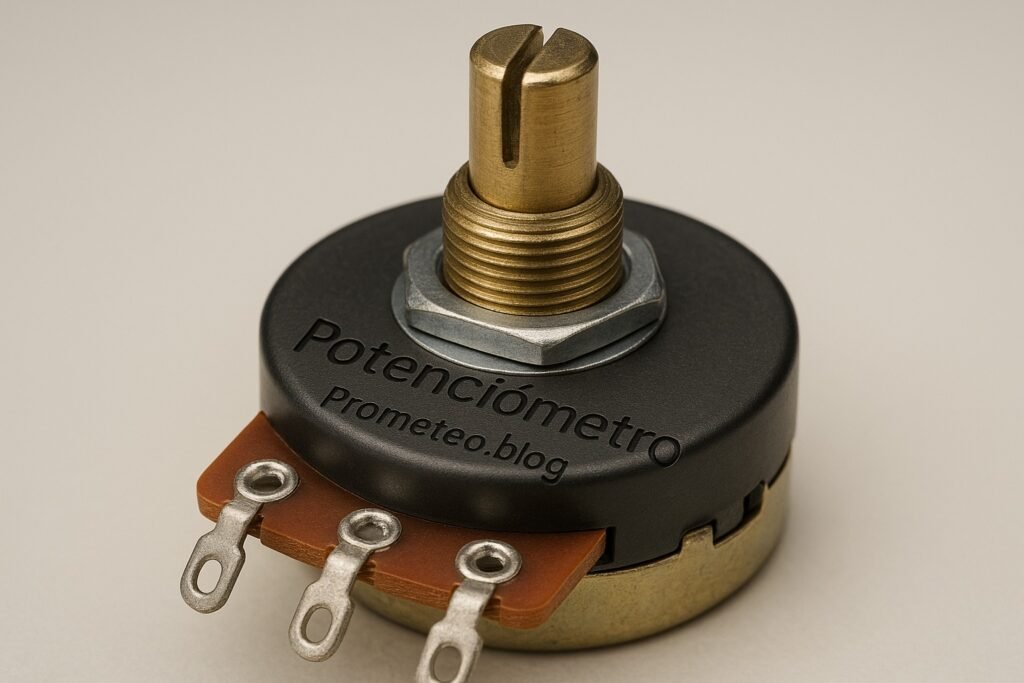
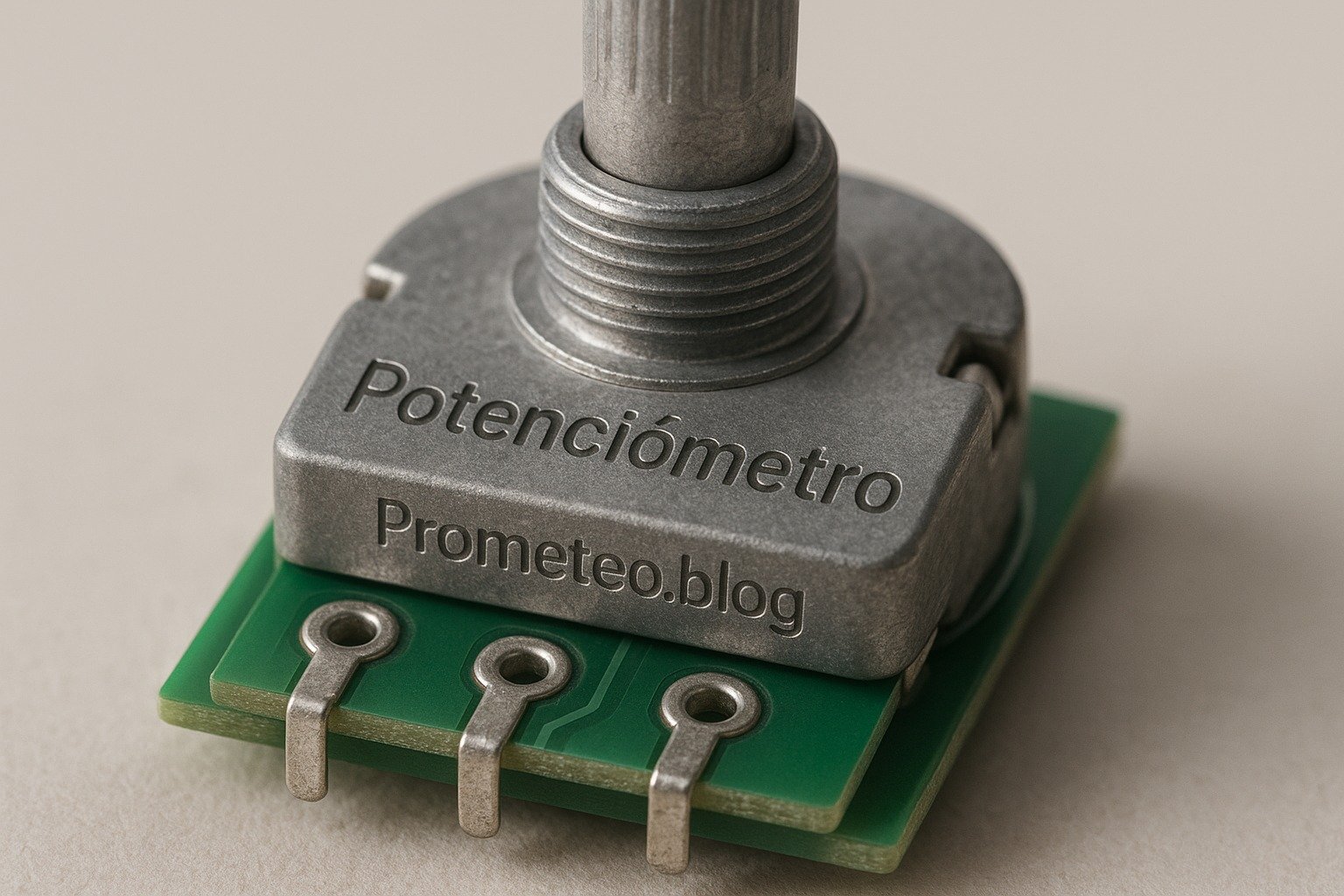
A potentiometer, commonly referred to as a pot, is an electrical component used to measure and control voltage levels in a circuit. It consists of three terminals: two connected to a resistive element, and the third connected to a wiper that moves across the resistive material. By adjusting the position of the wiper, you can vary the resistance between the terminals, thereby controlling the output voltage.

Applications of Potentiometers

The typical applications of potentiometers are vast and varied. They are found in audio equipment, where they function as volume controls, in televisions for brightness adjustment, and in various types of sensors. In essence, whenever you need to adjust a voltage signal, a potentiometer might be the ideal solution. Here are some specific applications:

  • Audio Equipment: Potentiometers are commonly used as volume controls in radios, amplifiers, and mixers. By adjusting the potentiometer, users can control the loudness of the audio output.

  • Lighting Control: In dimmer switches, potentiometers allow users to adjust the brightness of lights. This application is particularly useful in creating mood lighting or saving energy.

  • Sensor Calibration: In various sensors, such as temperature or pressure sensors, potentiometers can be used to calibrate the sensor output, ensuring accurate readings.

  • Control Systems: In industrial applications, potentiometers are often used in control systems to adjust parameters such as speed, position, and pressure.

How It Works

To understand how a potentiometer works, let’s break it down into simpler terms. When you turn the knob of a potentiometer, you are essentially changing the position of the wiper along the resistive material. This movement changes the resistance that the wiper experiences, effectively altering how much voltage is allowed to pass through.

For example, if you have a potentiometer connected to a 9 V battery, turning the knob to one side might allow only 3 V to pass through, while turning it to the other side allows the full 9 V. This ability to adjust voltage levels makes potentiometers incredibly versatile in electronic circuits.

Moreover, potentiometers can be linear or logarithmic. Linear pots change resistance uniformly with knob rotation, while logarithmic pots change resistance in a way that is more natural for human perception, often used in audio applications. This distinction is important when choosing the right potentiometer for your project.

Types of Potentiometers

There are several types of potentiometers based on their physical construction and intended use. Some of the most common types include:

  • Rotary Potentiometers: These have a knob that you turn to adjust resistance. They are often used in volume controls and are the most recognizable type of potentiometer.

  • Linear Potentiometers: These have a slider that you move to adjust resistance. They are commonly found in devices like mixing consoles and are useful for applications where a linear adjustment is preferred.

  • Digital Potentiometers: These are controlled through digital signals, allowing them to be used in more complex applications, such as in microcontroller circuits. They can be interfaced with microcontrollers to create programmable resistance values.

Additionally, potentiometers can also be categorized by their resistance value, which typically ranges from a few ohms to several million ohms, depending on the application. This broad range allows for flexibility in design and function.

Key Parameters

When selecting a potentiometer for your project, it is essential to consider several key parameters that can affect performance. These parameters include resistance value, power rating, tolerance, and more. The following table summarizes some typical values and their ranges:

Parameter Typical Range Unit Note
Resistance Value 10 kΩ 1 Ω – 10 MΩ Ω Standard for audio control
Power Rating 0.25 W 0.1 W – 2 W W Determines heat dissipation
Tolerance 20% 5% – 20% % Variability in resistance
Temperature Coefficient 100 ppm/°C 50 – 200 ppm/°C ppm/°C Stability with temperature
Shaft Length 25 mm 10 mm – 50 mm mm Affects mounting options
Number of Turns 1 1 – 3 Number of full rotations
Mounting Type Panel Panel, PCB Installation method
Operating Life 50,000 cycles 20,000 – 100,000 cycles Durability under use

Understanding Each Parameter

  • Resistance Value: This is the primary specification that determines how much resistance the potentiometer can provide. Selecting the appropriate resistance value is crucial for your application, especially in audio circuits where too high or too low a value can affect sound quality.

  • Power Rating: The power rating indicates how much power the potentiometer can handle before it risks damage. It is essential to choose a potentiometer with a power rating that exceeds the expected power in your circuit to ensure reliability and longevity.

  • Tolerance: Tolerance indicates how much the actual resistance can vary from the stated value. A lower tolerance means more precision, which is vital in applications requiring accurate voltage levels.

  • Temperature Coefficient: This parameter indicates how much the resistance changes with temperature. A lower temperature coefficient means the potentiometer will maintain its resistance value more consistently across temperature variations.

  • Shaft Length and Mounting Type: These parameters affect how the potentiometer can be physically integrated into your project. Depending on your design, you may need a specific shaft length or mounting type.

  • Operating Life: This parameter indicates how many cycles of use the potentiometer can withstand before it starts to fail. For applications that require frequent adjustments, a potentiometer with a higher operating life is advisable.

Hands-on practical project: Adjustable LED Dimmer

Goal: Control the brightness of an LED using a potentiometer to adjust voltage in a simple circuit, verifying the LED brightness changes proportionally with the potentiometer position.

Estimated time: 45 minutes

Materials

  • 1 × 10 kΩ potentiometer — To vary resistance and control brightness.
  • 1 × LED (any color) — The light source to be dimmed.
  • 1 × 220 Ω resistor — To limit current through the LED.
  • 1 × 9 V battery — Power source for the circuit.
  • 1 × breadboard — For easy assembly of components.
  • 2 × jumper wires (red and black) — For connections in the circuit.
  • 1 × multimeter — To check voltage levels if needed.

Step-by-step build

  1. Connect LED and Resistor: Begin by inserting the LED into the breadboard. The longer leg (anode) should go into a separate row. Connect a 220 Ω resistor from the shorter leg (cathode) of the LED to another row on the breadboard. This resistor is crucial as it prevents excessive current from damaging the LED.
  2. Check: Ensure the LED is positioned correctly with the right polarity. The anode should connect to the positive side, while the cathode connects to the resistor.

  3. Insert the Potentiometer: Place the potentiometer on the breadboard. The potentiometer has three terminals; connect the left terminal to the positive terminal of the battery and the right terminal to the cathode of the LED where the resistor connects. The middle terminal will be used to vary the voltage.

  4. Check: Verify that the terminals are correctly positioned and securely connected. A loose connection could lead to inconsistent performance.

  5. Power Connections: Connect the positive terminal of the 9 V battery to the left terminal of the potentiometer, and connect the negative terminal of the battery to the row where the cathode of the LED is connected through the resistor. This setup ensures that the potentiometer can control the voltage applied to the LED.

  6. Check: Ensure that the battery is connected properly and securely to the circuit. A faulty connection may prevent the circuit from functioning.

  7. Final Wiring: Now connect the middle terminal of the potentiometer to the anode of the LED. This connection allows the potentiometer to control the voltage reaching the LED, thus adjusting its brightness.

  8. Check: Confirm that all connections are secure and correctly placed. A thorough check can prevent troubleshooting later.

Testing and validation

  1. Test the Circuit: Once everything is connected, turn the potentiometer knob slowly. Observe the LED brightness changing as you adjust the potentiometer. If the LED lights up and dims smoothly, the circuit is functioning as intended.
  2. Check: Verify that the LED brightness varies with potentiometer adjustment. If the brightness does not change, revisit your connections.

Extend the project

  • Add More LEDs: You can enhance your project by adding more LEDs in parallel and observing their combined brightness adjustments. This will help you understand how multiple components interact in a circuit.

  • Use Higher-Power Resistors: Experiment with using a higher-power resistor to control larger LEDs. This can be an excellent exercise in understanding how different components work together.

  • Integrate a Microcontroller: For more advanced users, consider integrating a microcontroller to make the brightness control programmable. This can open the door to more complex applications, such as automated lighting systems.

Safety

  • Always ensure the circuit is powered down before making adjustments. This precaution will help prevent accidental shorts or shocks.

  • Use a resistor to prevent LED burnout. LEDs are sensitive to current, and using a resistor is crucial to protect them.

  • Double-check polarity before powering the circuit. Incorrect polarity can damage the LED and other components in the circuit.

Common mistakes and how to avoid them

  • Wrong Polarity: Always double-check the LED and battery connections. LEDs have a specific polarity, and connecting them backward can cause them to fail.

  • Exceeding Current Ratings: Use appropriate resistors to prevent LED damage. If the current exceeds the LED’s rating, it can burn out quickly.

  • Loose Connections: Ensure all components are firmly connected to avoid intermittent issues. Loose connections can lead to erratic behavior in the circuit.

  • Ignoring Tolerance: Be aware of potentiometer tolerance values for accurate performance. Using a potentiometer with a high tolerance can lead to unexpected results.

  • Miscalculating Resistance: Use a multimeter to verify resistance settings. This step is crucial for ensuring that the circuit operates within the desired parameters.

Conclusion

Potentiometers are essential components that play a crucial role in adjusting voltage levels in various applications. Understanding how to work with them, as demonstrated in the hands-on project, enhances your skills in electronics. You can create more complex circuits and applications by experimenting with potentiometers. The ability to control voltage and resistance opens up a world of possibilities in your electronic projects. Don’t hesitate to explore further and get hands-on experience! More information at prometeo.blog

Third-party readings

Find this product and/or books on this topic on Amazon

Go to Amazon

As an Amazon Associate, I earn from qualifying purchases. If you buy through this link, you help keep this project running.

Quick Quiz

Question 1: What is a potentiometer commonly referred to as?


Question 2: How many terminals does a potentiometer have?


Question 3: What does adjusting the wiper of a potentiometer change?


Question 4: In which of the following applications are potentiometers commonly used?


Question 5: Why is understanding potentiometers important for those interested in electronics?


Micro Tutorial: Potenciómetro

Carlos Núñez Zorrilla
Electronics & Computer Engineer

Telecommunications Electronics Engineer and Computer Engineer (official degrees in Spain).
Follow me:


Micro Tutorial: Relay

Micro Tutorial: Relé — imagen destacada

Introduction

One day, while working on a home automation project, I realized how essential relays are in controlling high-voltage devices. I remember the first time I successfully used a relay to turn on a light bulb remotely. It was a small victory, but it sparked my interest in exploring the world of relays further. Relays are fascinating components that bridge the gap between low-voltage control circuits and high-voltage loads, making them invaluable in various applications.

In this tutorial, we will delve deeper into the world of relays, exploring their functions, applications, and the science behind how they operate. We’ll also engage in a hands-on project to reinforce your understanding of relays and their practical uses. By the end of this tutorial, you will have a comprehensive understanding of relays, their key parameters, and how to use them safely and effectively in your electronic projects.

What it’s used for and how it works

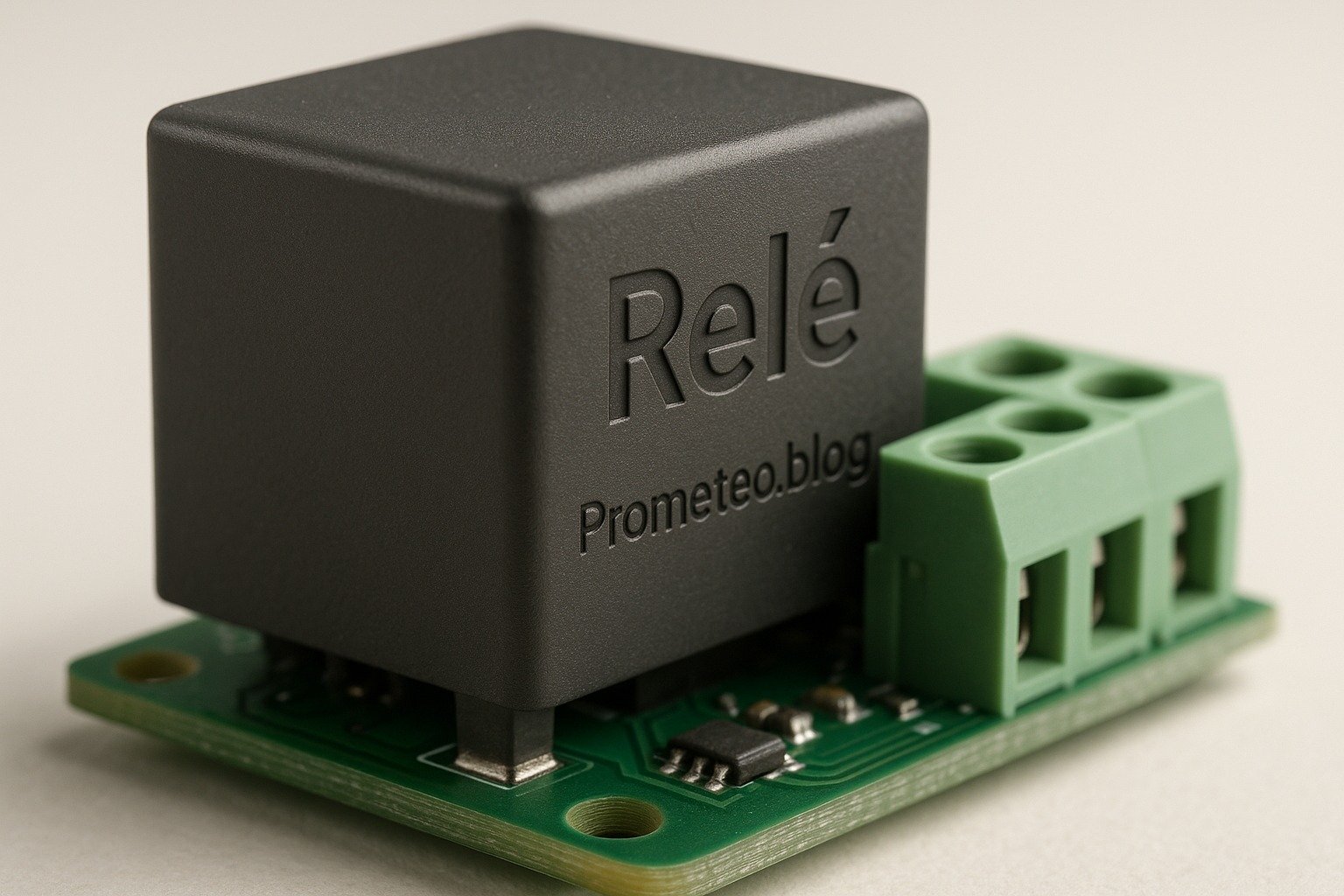
Relays play a crucial role in modern electronics, allowing low-voltage circuits to control high-voltage devices safely. Essentially, a relay is an electromagnetic switch that uses a small amount of current to control a larger current. This feature is vital in various applications, from home appliances to industrial machinery.

How Relays Work

At the core of a relay is an electromagnet. When electrical current flows through the coil of wire wrapped around the electromagnet, it creates a magnetic field. This magnetic field attracts a lever arm, which then opens or closes a set of contacts. These contacts can either interrupt the flow of electricity in a circuit or complete it, depending on the relay’s design.

Let’s break this down further:
Electromagnetic Coil: This coil is responsible for generating the magnetic field. When you apply voltage across it, it creates a magnetic force. The amount of current needed to energize this coil is typically low, which is ideal for controlling high-power devices.
Armature: This is a movable part of the relay that is influenced by the magnetic field generated by the coil. The armature moves to either connect or disconnect the contacts, thus controlling the flow of electricity.
Contacts: These are the conductive paths that close or open based on the position of the armature. Relays can be designed with normally open (NO) contacts, which close when the relay is activated, or normally closed (NC) contacts, which open when the relay is activated.

Applications of Relays

Relays are utilized in various applications, including:
Home Automation: Control lights and appliances remotely or via smart devices. For example, you can set up a relay to turn on your garden lights at sunset, enhancing both convenience and security.
Automotive: Manage high-current devices like starters and motors. In modern vehicles, relays are used extensively to control functions such as headlights, windshield wipers, and power windows.
Industrial Control Systems: Automate machinery functions in manufacturing. Relays can be used to start and stop motors, control conveyor belts, or activate safety systems.
Telecommunications: Switch signals in communication equipment. Relays can be found in telephone exchanges, helping to route calls and manage data traffic.

Moreover, relays can be used for safety purposes. For instance, they can isolate high voltage from low voltage circuits, protecting sensitive components. This isolation is crucial in protecting devices and ensuring user safety.

Types of Relays

There are several types of relays, each designed for specific applications:
Electromechanical Relays (EMR): The most common type, which uses electromagnetic coils to operate. They are widely used in various applications due to their reliability and simplicity.
Solid-state Relays (SSR): Use semiconductor devices to switch without moving parts, providing faster response times and longer lifespans. SSRs are ideal for applications requiring high-speed switching and minimal wear.
Reed Relays: Utilize reed switches encased in a glass tube, which are activated by the magnetic field of the coil. These relays are known for their compact size and low power consumption.

Advantages of Using Relays

  1. Isolation: They provide electrical isolation between the control and load circuits, enhancing safety. This isolation helps prevent high voltages from damaging sensitive control circuits.
  2. Control High Loads: Relays can switch large currents and voltages, making them suitable for heavy-duty applications. For instance, they can control industrial machinery or heating systems.
  3. Multiple Circuits: A single relay can control multiple circuits, reducing the complexity of wiring. This feature is particularly useful in automating home appliances where multiple devices need to be controlled by a single command.
  4. Versatility: They can be used in both AC and DC applications. This versatility allows relays to be employed in a wide range of electronic systems.

Limitations of Relays

However, relays also have limitations:
1. Speed: They are slower than solid-state devices due to mechanical movement. This can be a disadvantage in applications that require rapid switching.
2. Wear and Tear: Electromechanical relays may wear out over time due to contact bouncing. This wear can lead to reduced reliability and necessitate replacement.
3. Size: They can occupy more space compared to solid-state solutions. In compact designs, the physical size of relays may pose challenges.

In summary, relays are indispensable components in various electronic systems. They provide a safe and efficient means of controlling high-power devices while isolating sensitive circuits. Understanding how they work and their various applications will enable you to leverage their capabilities effectively in your projects.

Key parameters

Parameter Typical Range Unit Note
Coil Voltage 12 5 – 24 V Common control voltage range
Contact Rating 10 1 – 30 A Maximum current for contacts
Switching Voltage 250 5 – 300 V Maximum voltage across contacts
Coil Resistance 400 100 – 1000 Ω Resistance of coil winding
Mechanical Life 10,000 1,000 – 20,000 cycles Expected lifespan of relay
Electrical Life 1,000 100 – 10,000 cycles Expected lifespan under load
Insulation Resistance 100 10 – 1000 Resistance between contacts and coil
Operating Speed 10 5 – 20 ms Time taken to switch contacts

Understanding these parameters is crucial when selecting a relay for your project. For example, if you are controlling a device that requires a high switching voltage, you need to ensure that the relay you choose can handle that voltage without failure. Similarly, the contact rating is essential for ensuring that the relay can handle the current required by the load without overheating or failing.

Hands-on practical project: Control a 230 V light bulb with a relay

Goal: Control a 230 V light bulb using a relay to switch it on/off with a 5 V GPIO, verifying the bulb turns on/off as intended.

Estimated time: 60 minutes

Materials

  • 1 × Relay — SPDT relay for switching
  • 1 × Light Bulb — 230 V rated bulb for testing
  • 1 × Socket — Standard socket for the light bulb
  • 1 × Power Supply — 230 V AC supply for the bulb
  • 1 × GPIO Board — 5 V control from a microcontroller
  • 1 × Diode — 1N4007 for flyback protection
  • 1 × Resistor — 1 kΩ for GPIO pull-down
  • 2 × Jumper wires — 1 red and 1 black for connections

Step-by-step build

  1. Connect the Relay Coil: Connect one terminal of the relay coil to a GPIO pin on the microcontroller and the other terminal to the ground. This setup allows the GPIO to energize the relay when it goes high.
  2. Check: Ensure proper connections and GPIO pin configuration.

  3. Add Flyback Diode: Connect the diode in parallel with the relay coil, ensuring the cathode (striped end) is connected to the positive terminal. This will protect the GPIO from voltage spikes when the relay is de-energized.

  4. Check: Verify the orientation of the diode.

  5. Wire the Light Bulb: Connect one terminal of the light bulb socket to the common terminal of the relay. Connect the normally open (NO) terminal to the live wire of the power supply. Connect the other terminal of the light bulb to the neutral wire.

  6. Check: Ensure the bulb is rated for 230 V.

  7. Add Pull-down Resistor: Connect a 1 kΩ resistor between the GPIO pin and ground. This pull-down resistor ensures the GPIO pin reads low when not driven high, preventing accidental relay activation.

  8. Check: Measure the voltage at the GPIO pin to confirm it is low.

  9. Power the Circuit: Connect the power supply to the light bulb socket. Ensure all connections are secure and insulated to prevent short circuits.

  10. Check: Inspect all connections for safety and reliability.

  11. Test the Relay: Program your microcontroller to send a high signal to the GPIO pin for a few seconds and then low. Observe the light bulb; it should turn on when the signal is high and turn off when it’s low.

  12. Check: Confirm the light bulb’s operation matches the GPIO signal.

Testing and validation

  1. Run the Microcontroller Program: Upload the code to your microcontroller and run it. Ensure it toggles the GPIO pin between high and low states.
  2. Check: Observe the light bulb’s response.

  3. Verify the Connections: If the light bulb does not operate as expected, double-check all connections and the wiring of the relay.

  4. Check: Ensure the relay clicks when activated.

Extend the project

  • Integrate a remote control to switch the light bulb on/off. You could use RF modules or Wi-Fi-enabled microcontrollers to achieve this.
  • Use a smartphone app to control the relay wirelessly. Platforms like Blynk or custom-built apps can be utilized.
  • Add a light sensor to automate the bulb based on ambient light levels. This will allow the light to turn on automatically at dusk and off at dawn.

Safety

  • Always work with the power supply disconnected when wiring.
  • Use insulated tools to prevent electric shocks.
  • Ensure the relay is rated for the voltage and current of the bulb.
  • Avoid touching live wires or terminals when powered.
  • Be cautious of heat generated by the relay during operation.

Common mistakes and how to avoid them

  • Incorrect Relay Wiring: Verify the relay’s pinout before wiring. A mistake here could lead to malfunction or damage.
  • No Flyback Diode: Always use a diode across the coil to prevent damage to the microcontroller from voltage spikes.
  • Overloading the Relay: Ensure the load does not exceed the relay’s rating. If in doubt, choose a relay with a higher rating to provide a safety margin.
  • Neglecting Safety Precautions: Always prioritize safety when working with AC voltage. Double-check your setup before powering it on.
  • Poor Connections: Secure all connections to avoid intermittent issues. Loose connections can lead to unreliable operation.

Conclusion

In this tutorial, you learned about relays, their working principles, applications, and how to implement a practical project to control a 230 V light bulb. Understanding relays can significantly enhance your electronics projects by allowing control over high-power devices safely. So, gather your materials and start experimenting with relays today! More information at prometeo.blog

Third-party readings

Find this product and/or books on this topic on Amazon

Go to Amazon

As an Amazon Associate, I earn from qualifying purchases. If you buy through this link, you help keep this project running.

Quick Quiz

Question 1: What is the primary function of a relay?


Question 2: What component is at the core of a relay?


Question 3: How does a relay operate?


Question 4: What happens when current flows through the coil of a relay?


Question 5: In which applications are relays commonly used?


Micro Tutorial: Relé

Carlos Núñez Zorrilla
Electronics & Computer Engineer

Telecommunications Electronics Engineer and Computer Engineer (official degrees in Spain).
Follow me:


Micro Tutorial: Photodiode

Micro Tutorial: Fotodiodo — imagen destacada

Introduction

In my early days as an engineer, I was fascinated by how light could be converted into electrical signals. One day, while playing around with a simple Fotodiodo, I managed to create a light-sensitive alarm system. This sparked my passion for exploring the world of photodetectors and their incredible applications. Photodetectors, particularly Fotodiodos, have become integral in modern technology, enabling devices to respond to light in innovative ways. Through this tutorial, I aim to share both the theoretical foundations and practical applications of Fotodiodos, ensuring that you gain a comprehensive understanding of their functionality and uses.

As we delve deeper into the workings of Fotodiodos, you will learn about their operational principles, key parameters that define their performance, and how to implement a hands-on project that utilizes these fascinating devices. Whether you are a beginner in electronics or an experienced engineer looking to refresh your knowledge, this tutorial will provide valuable insights into the world of Fotodiodos.

What it’s used for and how it works

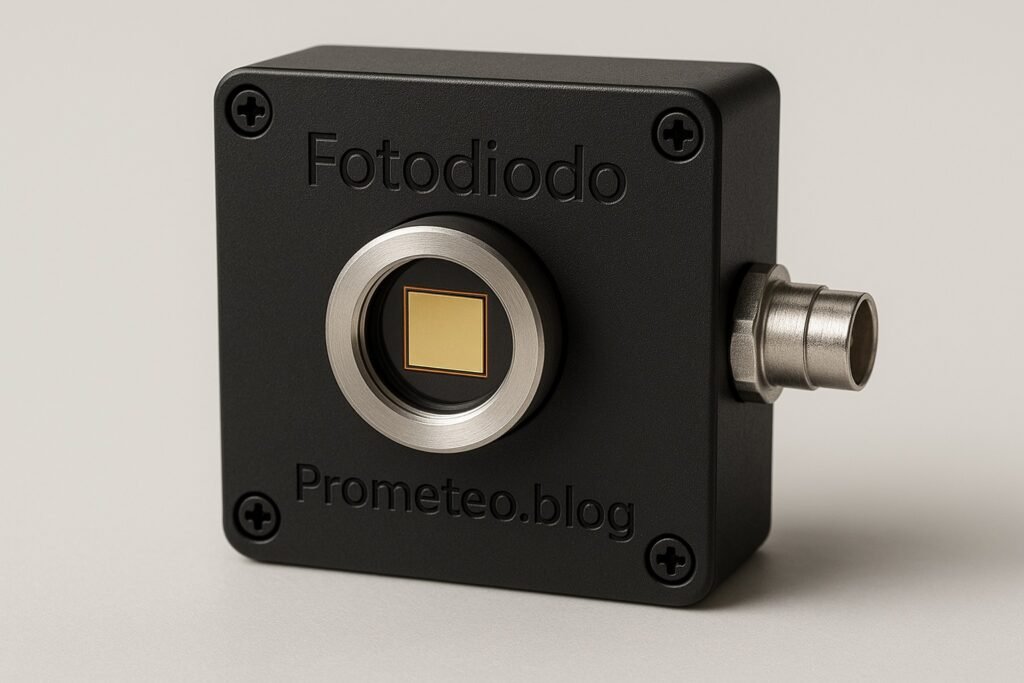
A Fotodiodo, or photodiode, is a semiconductor device that converts light into an electrical current. This process occurs due to the photoelectric effect, where photons incident on the diode generate electron-hole pairs, leading to a flow of current. Fotodiodos are widely used in various applications such as light detection, optical communication, and even in safety systems.

In essence, when light strikes the photodiode, it creates an electric current that is proportional to the intensity of the light. The fundamental principle behind this operation is based on a p-n junction, which is formed by combining p-type and n-type semiconductors. When light is absorbed in the depletion region of this junction, generated carriers can move under an applied voltage, producing a measurable current.

Working Principle

The working principle of a Fotodiodo can be summarized in the following steps:
1. Absorption of Light: When light photons hit the photodiode, they are absorbed by the semiconductor material. This absorption is highly dependent on the wavelength of the incoming light, as different materials have different absorption coefficients.
2. Generation of Charge Carriers: This absorption leads to the creation of electron-hole pairs in the depletion region of the diode. The efficiency of this process is characterized by the photodiode’s responsivity, which indicates how effectively the device converts light into electrical current.
3. Movement of Charge Carriers: The built-in electric field in the depletion region drives these charge carriers towards the respective electrodes, resulting in a flow of current. The direction of this flow is determined by the polarity of the applied voltage across the photodiode.
4. Current Output: The output current is directly proportional to the intensity of the incident light, which can be measured using an external circuit. This linear relationship allows for straightforward applications in light sensing and communication systems.

Types of Fotodiodos

There are mainly two types of Fotodiodos: Photoconductive and Photoelectric. The photoconductive type is operated in reverse bias, providing high-speed response, making it suitable for fiber-optic applications. This configuration allows the photodiode to respond quickly to changes in light intensity, making it ideal for high-frequency applications such as data transmission. Conversely, the photoelectric type is often used in solar cells, where the output current is derived from the generated electron-hole pairs under illumination. This type is typically used in applications where a continuous current output is required, such as in power generation.

Applications

  1. Optical Communication: Fotodiodos are crucial in converting light signals into electrical signals in fiber-optic communication systems. They play a vital role in high-speed internet and telecommunications, where data is transmitted as light pulses through optical fibers.
  2. Light Sensing: They are widely used in light sensors for automatic lighting systems, allowing devices to turn on or off based on ambient light levels. For example, streetlights equipped with Fotodiodos can automatically turn on at dusk and off at dawn, conserving energy.
  3. Medical Equipment: In medical devices, Fotodiodos are used in pulse oximeters to measure blood oxygen levels by detecting light absorption in blood. This non-invasive method has revolutionized patient monitoring in healthcare settings.
  4. Safety Systems: They can be integrated into safety systems, such as smoke detectors, where they monitor changes in light caused by smoke particles. The presence of smoke alters the light path, triggering an alarm to alert occupants of potential danger.
  5. Consumer Electronics: Many consumer devices like remote controls utilize Fotodiodos for receiving infrared signals. They enable seamless communication between devices, enhancing user experience in home entertainment systems.

Overall, Fotodiodos play a pivotal role in modern electronics, enabling various technologies that depend on light detection and conversion. Understanding how they function and their applications can lead you to innovate and design effective systems in your projects. The versatility of Fotodiodos makes them a valuable component in both consumer and industrial applications, highlighting their significance in contemporary technology.

Key parameters

Parameter Typical Range Unit Note
Responsivity 0.5 0.1 – 1.0 A/W Sensitivity to light
Dark Current 10 1 – 100 nA Current in absence of light
Capacitance 10 1 – 100 pF Junction capacitance
Speed 10 1 – 100 MHz Frequency response
Operating Voltage 5 0 – 30 V Reverse bias voltage
Wavelength Range 400 – 1100 300 – 1600 nm Sensitivity range
Temperature Range -40 to 85 -55 to 125 °C Operating temperature

The above table summarizes the key parameters that define the performance of a Fotodiodo. These parameters are crucial when selecting a photodiode for a specific application, as they directly influence the device’s efficiency and effectiveness. For instance, a higher responsivity indicates that the photodiode will generate more current for a given light intensity, making it suitable for low-light applications. Similarly, understanding the dark current is essential for applications that require precision, as a high dark current can introduce noise and reduce the accuracy of the measurements.

Hands-on practical project: Light-controlled LED with Photodiode

Goal: Control an LED using a Fotodiodo to indicate light intensity in a room, verifying that the LED turns on at a specific light level of 100 lux.

Estimated time: 45 minutes

Materials

  • 1 × Fotodiodo — Light-sensitive device for detection.
  • 1 × LED — Indicator light for output.
  • 1 × 220 Ω resistor — Current limiting for the LED.
  • 1 × 10 kΩ resistor — Pull-up resistor for the circuit.
  • 1 × NPN transistor — To control LED based on Fotodiodo output.
  • 2 × jumper wires (red and black) — For connections.
  • 1 × breadboard — For assembling the circuit.
  • 1 × power supply (9 V) — Provides power to the circuit.

Step-by-step build

  1. Connect the Fotodiodo: Place the Fotodiodo on the breadboard. Connect the anode (positive) to the power supply terminal and the cathode (negative) to one end of the 10 kΩ resistor. The other end of this resistor will connect to the base of the NPN transistor. This configuration allows the Fotodiodo to generate a voltage that can control the transistor.
  2. Check: Ensure the Fotodiodo is correctly oriented with the anode connected to the power supply. A common mistake is reversing the anode and cathode, which will prevent the circuit from functioning.

  3. Wire the NPN transistor: Insert the NPN transistor on the breadboard. Connect the emitter to the ground. Connect the collector to the LED’s cathode. The anode of the LED will connect to the positive terminal through the 220 Ω resistor. This arrangement allows the transistor to control the LED based on the Fotodiodo’s output.

  4. Check: Verify the correct pin configuration of the transistor (emitter, base, collector). Each transistor has a specific pin arrangement, and mixing them up can lead to circuit failure.

  5. Connect the LED: Place the LED on the breadboard. Connect the anode (longer lead) to the 9 V power supply through the 220 Ω resistor. The cathode (shorter lead) should be connected to the collector of the NPN transistor. This setup ensures that when the transistor is activated, the LED will light up.

  6. Check: Ensure the LED is connected correctly, observing the polarity. LEDs are polarized components, and incorrect connections will prevent them from lighting up.

  7. Power the circuit: Finally, connect the power supply to the circuit. When light falls on the Fotodiodo, it generates a current that turns on the NPN transistor, allowing current to flow through the LED. Adjust the ambient light level to observe the LED’s response.

  8. Check: Confirm that the LED turns on and off as the light intensity changes. If it does not respond as expected, review all connections and component orientations.

Testing and validation

  1. Measure Light Levels: Use a light meter to measure the illumination level in the room. Adjust the light intensity to see if the LED responds accurately at the target of 100 lux. If the LED does not turn on, check the connections and the resistance values.
  2. Confirm Operation: Ensure that the LED indeed turns on when the light intensity exceeds 100 lux and turns off when it drops below that threshold. This confirms that your circuit is functioning as intended.
  3. Check: Verify that the LED operates correctly based on light levels. If it does not, consider adjusting the sensitivity by changing the resistor values or the positioning of the Fotodiodo.

Extend the project

  • Add a potentiometer to adjust the sensitivity of the Fotodiodo. This will allow you to fine-tune the light level at which the LED turns on or off.
  • Integrate a microcontroller for more complex light processing. This could enable features like programmable thresholds or data logging.
  • Use multiple LEDs to indicate different light intensity ranges. For example, you could have green for low light, yellow for moderate light, and red for high light levels.
  • Implement a buzzer to sound an alarm when a certain light threshold is reached. This could be useful for alerting in safety applications or for creating an interactive lighting system.

Safety

  • Always connect the circuit with the power supply turned off. This practice minimizes the risk of short circuits or component damage.
  • Use resistors to prevent damage from excessive current. Resistors are essential for controlling current flow and protecting sensitive components like LEDs and transistors.
  • Ensure proper orientation of the Fotodiodo and LED to avoid reverse polarity. Incorrect connections can lead to component failure or malfunction.
  • Avoid looking directly at bright light sources while testing. Protect your eyes from potential damage when working with intense light sources.
  • Be cautious of short circuits when handling wires and components. Double-check your connections to ensure that there are no unintended paths for current to flow.

Common mistakes and how to avoid them

  • Incorrect polarity: Double-check the orientation of the Fotodiodo and LED. A common error is connecting these components backward, which can prevent them from working.
  • Wrong resistor values: Ensure you are using the correct resistor values for current limiting. Using a resistor that is too high may prevent the LED from lighting up, while one that is too low can damage the LED.
  • Loose connections: Make sure all connections are secure on the breadboard. Loose connections can lead to intermittent functionality, making troubleshooting difficult.
  • Ignoring light levels: Use a light meter to validate ambient light levels for proper functionality. This will help you ensure that the circuit operates as intended under varying light conditions.
  • Powering on without checks: Always ensure the circuit is set up correctly before applying power. This precaution can save components from damage and prevent frustration during testing.

Conclusion

In summary, you have learned about Fotodiodos and their important role in various applications, as well as how to build a simple yet effective light-controlled LED circuit. By experimenting with this project, you can deepen your understanding of light sensing and its potential applications. I encourage you to explore further and even extend this project to create more complex systems. The knowledge gained from this exploration can be applied to numerous fields, including telecommunications, safety systems, and consumer electronics. Embrace the world of electronics, and let your creativity guide you in developing innovative solutions. More information at prometeo.blog

Third-party readings

Find this product and/or books on this topic on Amazon

Go to Amazon

As an Amazon Associate, I earn from qualifying purchases. If you buy through this link, you help keep this project running.

Quick Quiz

Question 1: What is the primary function of a Fotodiodo?


Question 2: What phenomenon allows Fotodiodos to generate electric current?


Question 3: What are the two types of semiconductors used in a Fotodiodo?


Question 4: In what applications are Fotodiodos commonly used?


Question 5: What happens when light strikes a Fotodiodo?


Micro Tutorial: Fotodiodo

Carlos Núñez Zorrilla
Electronics & Computer Engineer

Telecommunications Electronics Engineer and Computer Engineer (official degrees in Spain).
Follow me:


Micro Tutorial: Diode

Micro Tutorial: Diodo — imagen destacada

Introduction

Have you ever wondered how your smartphone efficiently charges without overheating? The answer lies in a small but crucial component: the diode. This unassuming device plays a pivotal role in the world of electronics, ensuring that currents flow in the right direction and that devices operate safely and efficiently. In this tutorial, we will explore the various uses and functionalities of diodes, shedding light on their importance in modern electronic circuits. By the end, you’ll have a comprehensive understanding of diodes, their working principles, and how you can utilize them in practical applications.

What it’s used for and how it works

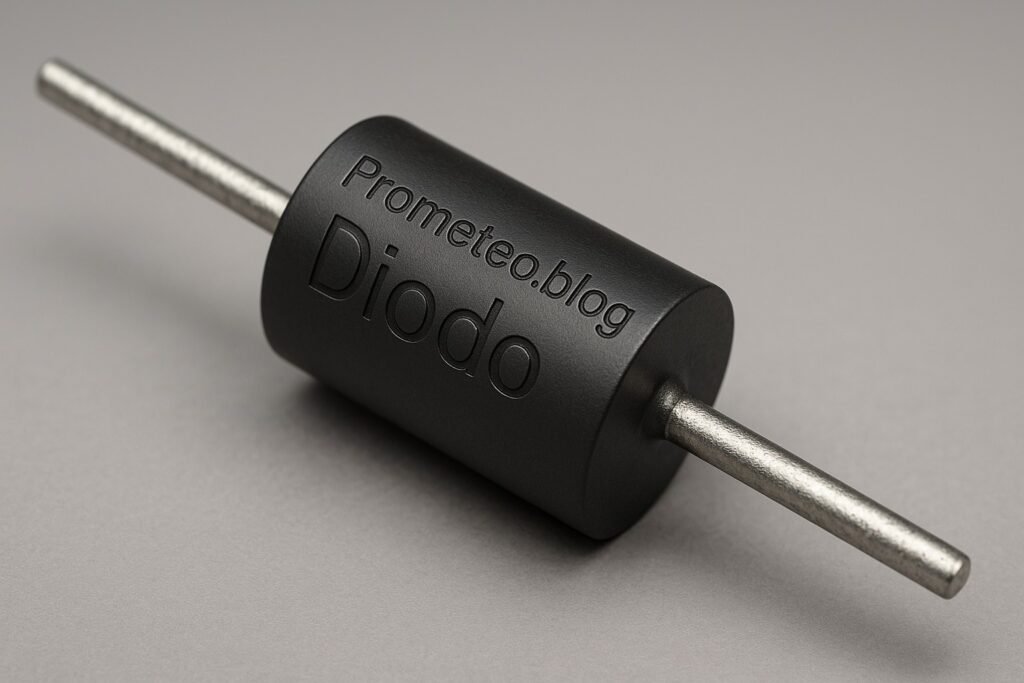
Diodes are essential components in electronics, serving various critical functions. At their core, diodes are semiconductor devices that allow current to flow in one direction while blocking it in the opposite direction. This property makes them ideal for rectification, which converts alternating current (AC) to direct current (DC). To understand how a diode works, let’s delve into its construction and operation.

Construction of a Diode

A typical diode consists of two layers of semiconductor material: p-type and n-type. The p-type semiconductor contains an abundance of holes (positive charge carriers), while the n-type semiconductor has an excess of electrons (negative charge carriers). When these two materials are joined together, a p-n junction is formed. This junction creates an electric field at the interface, which is pivotal to the diode’s behavior.

The p-n junction is the heart of the diode. When a forward voltage is applied, it allows current to flow, while a reverse voltage creates a barrier that prevents current from flowing. This unique characteristic is what makes diodes so useful in electronic circuits.

How Diodes Work

When a forward voltage is applied across the diode (positive to the p-type and negative to the n-type), the electrons and holes move towards the junction, allowing current to flow. This is known as forward biasing. In this state, the diode conducts electricity, and the voltage drop across it is typically around 0.7 volts for silicon diodes. Conversely, if the voltage is reversed, the junction becomes depleted of charge carriers, and the current is effectively blocked, which is referred to as reverse biasing. In this state, the diode acts as an insulator, preventing current from flowing.

Applications of Diodes

Diodes are employed in various circuits and applications, showcasing their versatility and importance in electronics. Here are some common applications:

  1. Rectifiers: As mentioned, diodes convert AC to DC. This function is vital in power supplies for electronic devices. For example, in a typical power supply circuit, diodes are used in a bridge rectifier configuration to convert the AC voltage from the mains to a usable DC voltage.

  2. Clippers and Clampers: Diodes can be used to clip or limit voltage levels in a circuit, preventing damage to sensitive components. For instance, in audio circuits, diodes can be employed to limit the amplitude of audio signals, protecting amplifiers from distortion caused by excessively high voltages.

  3. Voltage Regulation: Zener diodes serve as voltage regulators, maintaining a stable output voltage regardless of variations in input voltage. This is crucial in circuits where a constant voltage is necessary, such as in power supply circuits for microcontrollers.

  4. Signal Demodulation: In communication systems, diodes can extract information from modulated signals. For example, in AM radio receivers, diodes are used to demodulate the audio signal from the carrier wave, allowing us to hear the transmitted audio.

  5. LEDs: Light Emitting Diodes emit light when current flows through them, making them widely used in displays and indicators. LEDs are known for their energy efficiency and long lifespan, making them the preferred choice for lighting applications.

  6. Protection Circuits: Diodes can protect circuits from voltage spikes, such as in flyback diodes used in inductive loads. For instance, in relay circuits, a flyback diode prevents back electromotive force (EMF) from damaging the circuit when the relay is turned off.

  7. Solar Cells: Diodes are also used in solar power systems to prevent reverse current flow from the battery back to the solar panels. This ensures that the energy harvested from sunlight is stored efficiently.

Diodes are classified into various types based on their characteristics and applications:
Standard Diodes: General-purpose diodes used in rectification.
Zener Diodes: Specialized diodes that allow current to flow in the reverse direction when a specific voltage is reached, providing voltage regulation.
Schottky Diodes: Known for their fast switching speeds and low forward voltage drop, making them ideal for high-frequency applications such as in switching power supplies.
Light Emitting Diodes (LEDs): As previously mentioned, these produce light and are used in displays and indicators.

Understanding how diodes function and their applications in different circuits is crucial for anyone delving into electronics. Their ability to control current direction and voltage levels makes them indispensable components in modern electronic devices.

Key parameters

Parameter Typical Range Unit Note
Forward Current (If) 1 0.1 – 3 A Maximum current in forward bias
Reverse Voltage (Vr) 50 5 – 1000 V Maximum voltage in reverse bias
Forward Voltage (Vf) 0.7 0.2 – 1.5 V Voltage drop when forward biased
Reverse Current (Ir) 0.1 0.01 – 100 mA Leakage current in reverse bias
Junction Temperature (Tj) 150 -55 – 175 °C Maximum junction temperature
Capacitance (C) 10 1 – 1000 pF Junction capacitance at zero bias
Recovery Time (trr) 50 10 – 1000 ns Time to switch from conducting to non-conducting

These parameters offer insight into the operational limits and characteristics of diodes, guiding engineers and hobbyists in selecting the right diode for their applications. For instance, the forward current rating indicates how much current the diode can handle without overheating, while the reverse voltage rating shows the maximum voltage the diode can withstand in the reverse direction before breakdown occurs.

Hands-on practical project: Build a Simple Diode Rectifier

Goal: Construct a diode rectifier to convert AC voltage to DC voltage, verifying a stable DC output with a multimeter.
Estimated time: 45 minutes

Materials

  • 1 × diode (1N4007) — standard rectifier diode
  • 1 × transformer (9 V) — reduces AC voltage
  • 1 × capacitor (1000 µF) — smooths out the DC output
  • 1 × resistor (220 Ω) — limits current for safety
  • 1 × multimeter — measures voltage output
  • 2 × jumper wires (red and black) — connect circuit components
  • 1 × breadboard — prototype the circuit

Step-by-step build

  1. Connect the Transformer
    Start by connecting the primary winding of the transformer to an AC power source. Ensure you use proper insulation and safety measures. The secondary winding will output a lower AC voltage.
  2. Check: Transformer is securely connected and powered.

  3. Wire the Diode
    Connect the secondary side of the transformer to the anode of the diode. Ensure the cathode (marked with a stripe) is oriented towards the output side. This orientation allows current to flow only in one direction.

  4. Check: Diode is correctly oriented.

  5. Add the Capacitor
    Connect the cathode of the diode to one terminal of the capacitor. Connect the other terminal of the capacitor to the ground (negative terminal). The capacitor will charge during the positive half-cycle of the AC signal.

  6. Check: Capacitor is connected to the diode output correctly.

  7. Place the Resistor
    Connect the resistor in series with the capacitor to limit the current flowing into the load. This will help protect both the diode and the capacitor from excessive current.

  8. Check: Resistor is properly connected.

  9. Connect the Output
    Now, connect a multimeter to the output (across the capacitor) to measure the DC voltage. Make sure to set the multimeter to the appropriate DC voltage range.

  10. Check: Multimeter is set to measure DC voltage.

  11. Power On and Test
    Finally, power on the transformer and observe the multimeter reading. You should see a stable DC voltage output. Observe the ripple on the waveform to ensure the capacitor is effectively smoothing out the AC waveform.

  12. Check: Stable DC voltage reading on the multimeter.

Testing and validation

  1. Measure the Output Voltage
    Use the multimeter to measure the voltage across the capacitor. You should observe a DC voltage that is typically around 6-7 V for a 9 V transformer due to the diode voltage drop.
  2. Check: Voltage reading corresponds to expected values.

  3. Observe Ripple
    If you have an oscilloscope, connect it to the output to visualize the ripple voltage. Ensure that the ripple voltage is minimal, confirming the capacitor’s effectiveness.

  4. Check: Ripple voltage is within acceptable limits (ideally less than 1 V).

Extend the project

  • Experiment with different transformer voltages to see how it affects the output. For example, using a 12 V transformer may yield a higher DC output, but it’s crucial to monitor the diode’s ratings to avoid damage.
  • Add more capacitors in parallel to increase filtering capacity. This can help reduce ripple further and provide a more stable voltage output.
  • Implement a Zener diode for voltage regulation on the output. This can help maintain a constant voltage level, even if the input voltage fluctuates.
  • Use a load (like an LED) to see how the circuit responds under load conditions. This will help you understand how diodes behave when the circuit is not just an open loop.

Safety

  • Always ensure the circuit is disconnected from power when assembling. This prevents accidental shocks or short circuits while working on the circuit.
  • Use insulated tools to avoid electric shock. Tools with rubber grips can provide additional safety.
  • Verify the voltage ratings of components are appropriate for your circuit. Overrating components can lead to failure.
  • Keep the workspace dry and free from conductive materials. This minimizes the risk of short circuits or accidental connections.
  • Do not exceed the diode’s rated current or voltage. Always refer to the datasheet for specifications.

Common mistakes and how to avoid them

  • Incorrect Diode Orientation: Always check the anode and cathode connections before powering on. A reversed diode can lead to circuit failure and potential damage.
  • Overloading Components: Ensure that the current and voltage ratings of all components are respected to prevent damage. Using components that are rated too low can lead to overheating and failure.
  • Neglecting Safety Precautions: Always work with insulated tools and ensure circuits are powered off during assembly. This is crucial for personal safety.
  • Inadequate Filtering: If ripple is too high, consider increasing capacitor value or adding more capacitors. Insufficient filtering can lead to unstable output and potential circuit malfunction.

Conclusion

Diodes are fundamental components in electronics, enabling various applications from rectification to protection. Understanding their operation and parameters is essential for successful circuit design. By building a simple diode rectifier, you gain hands-on experience that solidifies your theoretical knowledge. Don’t hesitate to experiment further with diodes in your projects! More information at prometeo.blog

Third-party readings

Find this product and/or books on this topic on Amazon

Go to Amazon

As an Amazon Associate, I earn from qualifying purchases. If you buy through this link, you help keep this project running.

Quick Quiz

Question 1: What is the main function of a diode in electronics?


Question 2: What are the two types of semiconductor materials that form a diode?


Question 3: What happens when a reverse voltage is applied to a diode?


Question 4: In which process are diodes primarily used?


Question 5: What forms at the junction of p-type and n-type materials in a diode?


Micro Tutorial: Diodo

Carlos Núñez Zorrilla
Electronics & Computer Engineer

Telecommunications Electronics Engineer and Computer Engineer (official degrees in Spain).
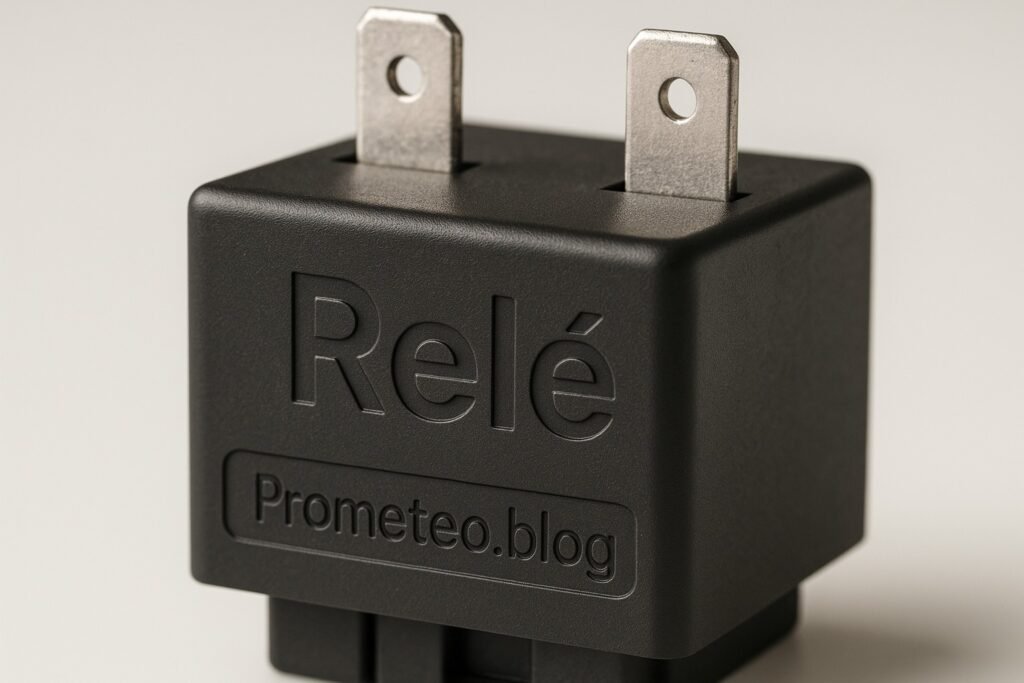
Follow me: